
Direct answer
What is Plus AI?
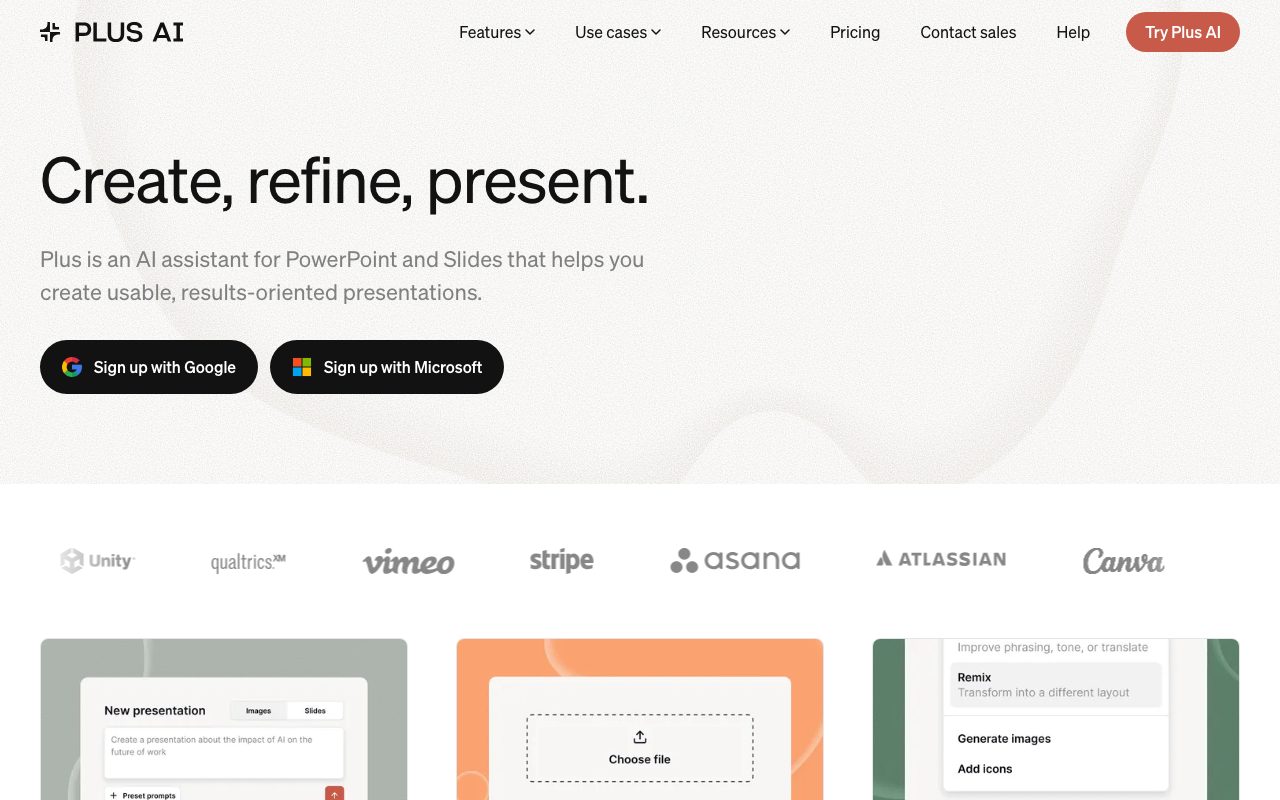
Plus AI is an add-on for Google Slides and Microsoft PowerPoint that generates, rewrites, and reformats presentation decks from prompts, documents, or pasted text.
Plus AI operates as an extension inside Google Slides and Microsoft PowerPoint rather than forcing teams into a standalone presentation app. Developed by Plus Docs, Inc, it allows users to draft complete slide decks from short text prompts, upload source files such as PDFs and Word documents, or paste up to 100,000+ characters of unformatted text. Output presentations are generated as native Google Slides decks or PPTX files built via a proprietary Open XML renderer, ensuring compatibility with standard office software. Beyond deck creation, the tool provides slide-by-slide editing features. Users can insert single layouts, rewrite text to modify length and tone, or use the Remix function to transform unstructured notes into structured slide designs. For organizations, Plus AI supports team branding controls including custom templates, fonts, colors, and reusable instruction presets, backed by SOC 2 Type II certification.
Unlike standalone web presentation makers that export static slides, Plus AI functions directly inside Google Slides and Microsoft PowerPoint, generating native editable files using custom Open XML rendering that fits existing templates and corporate workflows.
Product capabilities
Key features
Document to Presentation
Transforms PDFs, Word documents (.docx), text files, or raw text blocks up to 100,000+ characters into structured presentations.
Native Slide Add-on
Operates directly within Google Slides and Microsoft PowerPoint, producing standard editable PPTX and Slides presentations.
Slide Remix
Converts plain text, meeting transcripts, or unformatted slides into pre-designed multi-column slide layouts in one click.
AI Writing and Editing
Condenses, elaborates, rewrites phrasing, checks grammar, or alters presentation tone across single slides or whole decks.
Custom Branding and Templates
Applies custom organizational templates, logos, fonts, colors, and shared prompt presets across team accounts.
Visual Assets and Charts
Adds editable charts, data tables, curated icons, and AI-generated imagery directly onto presentation slides.
Multilingual Generation
Reads, writes, and translates slide decks into almost any language for international presentations.
Workflow
How Plus AI works
- Install the Plus AI add-on for Microsoft PowerPoint or Google Slides.
- Start a deck by typing a prompt, uploading a PDF or DOCX file, or pasting unstructured notes.
- Select a design template and let Plus AI generate an outline and full slide sequence.
- Refine the presentation using the sidebar to insert single slides, rewrite text, or Remix layouts.
Practical fit
Who should use Plus AI?
Consulting and Client Pitches
Drafting structured pitch decks and strategy briefings from outlines and custom agency templates.
Document and Report Conversion
Turning research papers, investor updates, or internal wikis into presentation slides automatically.
Meeting Transcript Summarization
Pasting raw meeting notes or call transcripts to distill key points into clear, formatted takeaway slides.
Slide Reformatting and Modernization
Using the Remix feature to convert legacy slides and plain bulleted lists into visual layouts.
Editorial assessment
Pros and limitations
Where it is strong
- Embeds directly inside Google Slides and Microsoft PowerPoint without requiring a new standalone presentation editor
- Generates native PPTX and Google Slides files that remain fully editable by anyone
- Accepts substantial source text inputs up to 100,000+ characters as well as uploaded documents
- Remix feature quickly reorganizes cluttered text into polished layouts
Where to be careful
- No permanent free tier after the initial 7-day trial period
- Tied to traditional slide formats rather than interactive, nonlinear storytelling formats
- Specific plan pricing and usage limits are not transparently disclosed on the examined feature pages
Commercial context
Plus AI pricing
At the review date, Plus AI offers a 7-day free trial followed by paid individual, team, and enterprise plans. Specific plan prices and usage thresholds are not detailed on the reviewed pages and should be verified on the official pricing page.
| Plan | Price | What it includes |
|---|---|---|
| Free Trial | Free / 7 days | |
| Paid Plans | Paid | Multiple tiers available for individuals, teams, and enterprise with custom branding; exact prices not stated on reviewed pages. |
Pricing, limits, taxes, model access, and regional availability can change. Verify the purchase-critical details on the official pricing page linked under Sources.
Transparent ranking
Why Plus AI scores 72.9
Each factor is scored on a 100-point scale, then combined using the public ToolsRank weights. Engagement and momentum stay at a neutral baseline until measured signals exist, so no tool can gain or lose position from numbers nobody recorded.
Compatibility
Languages, platforms, and integrations
Languages
- Multilingual (supports reading, writing, and translation in nearly any language)
Platforms
- Web
- Microsoft PowerPoint Add-in
- Google Workspace Marketplace Add-on
Integrations & surfaces
- Google Slides
- Microsoft PowerPoint
- Google Drive
- Google Docs
Community
Reviews and questions
No approved member reviews yet. Editorial factors above are the only rating on this page.
Reviews and questions come from Google-signed members and are checked by an editor before they appear.
Frequently asked
Plus AI FAQ
What platforms does Plus AI integrate with?+
Plus AI works as an integrated add-on inside Microsoft PowerPoint and Google Slides, and it supports connecting to Google Drive and Google Docs.
Is Plus AI free to use?+
Plus AI provides a 7-day free trial. Following the trial, access requires a paid subscription, with multiple plans available for individuals and teams.
Can Plus AI convert documents and PDFs into slides?+
Yes. Users can upload PDFs, Word documents (.docx), text files, or paste raw text up to 100,000+ characters to automatically generate slide decks.
What is the Remix feature in Plus AI?+
Remix allows users to select an existing slide or unstructured text block and transform it into a selected visual layout without manual box repositioning.
Are presentations created with Plus AI locked into a proprietary format?+
No. Plus AI generates native Google Slides files and Open XML PPTX files, meaning all generated presentations remain editable and owned by the user.
What security compliance does Plus AI have?+
Plus AI follows enterprise security practices and has achieved SOC 2 Type II compliance according to vendor documentation.