Direct answer
What is Presentations.AI?
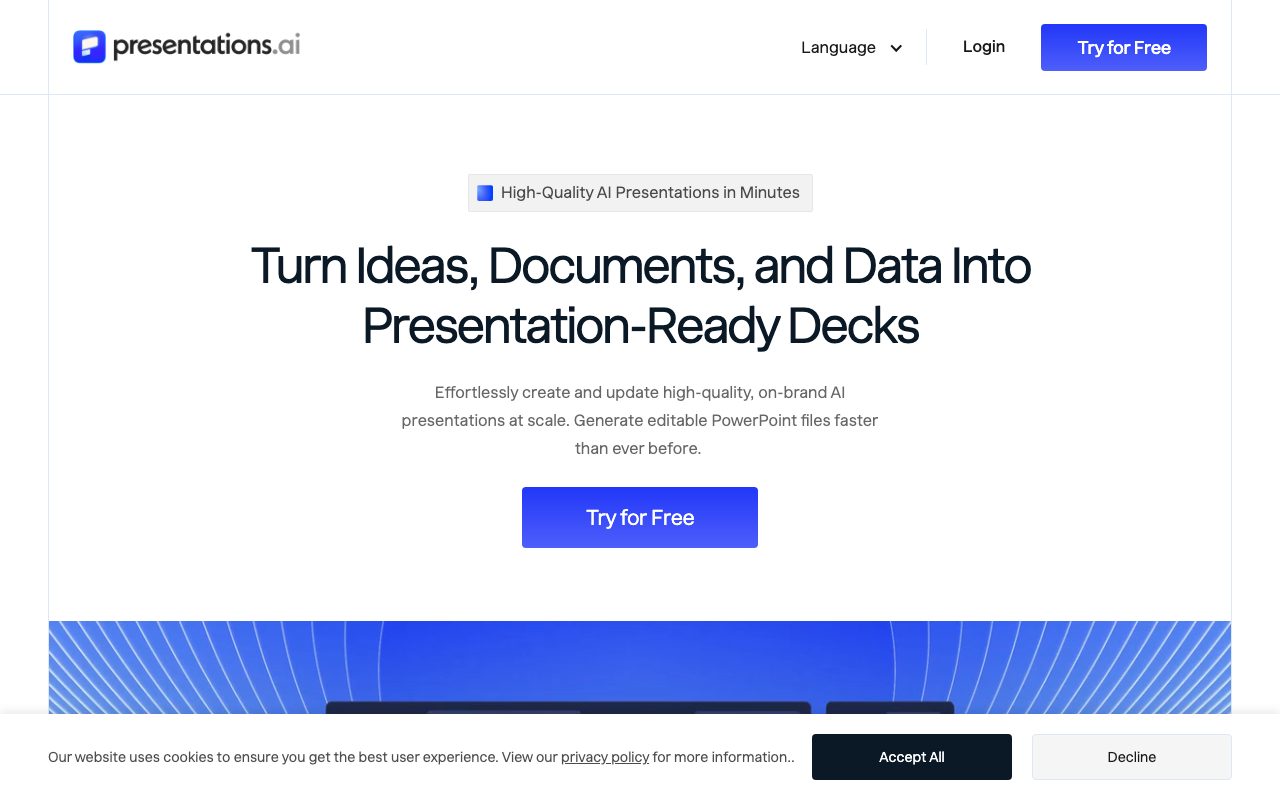
Presentations.AI turns prompts, documents, spreadsheets, and web links into editable presentation decks, offering live data integrations, automated recurring deck updates, and native PowerPoint exports.
Presentations.AI is an AI-powered presentation platform designed to transform raw ideas, documents, spreadsheets, and web URLs into structured slide decks. Rather than focusing solely on generative styling, the platform emphasizes practical business utility by generating complete narrative structures and formatting slides automatically without broken text boxes or spacing anomalies. A core capability is Brand Sync, which extracts brand colors, logos, and typography directly from a corporate website URL to maintain consistent styling across decks. Beyond one-off slide generation, Presentations.AI includes automation features such as the Presentation Refresh Agent. This tool connects master slide templates to live data sources—including Salesforce, HubSpot, Google Sheets, Snowflake, and Tableau—to refresh numbers, tables, and charts on daily, weekly, or monthly schedules. Finished presentations can be downloaded directly as native, editable .pptx files compatible with Microsoft PowerPoint and Google Slides, or exported as PDFs and embeddable web presentations. Collaboration features include multi-user editing, slide-level commenting, version histories, and role-based permissions, supported by SOC 2 Type II certification and GDPR compliance.
Unlike slide generators designed strictly for static web output, Presentations.AI produces clean, fully editable native .pptx files and connects directly to databases, spreadsheets, and CRMs to automate recurring deck updates on a schedule.
Product capabilities
Key features
Document and Link Conversion
Transforms PDFs, Word documents, spreadsheets, notes, or website URLs directly into structured presentations with generated titles, copy, and speaker notes.
Native PowerPoint Export
Exports generated presentations directly to editable .pptx files compatible with Microsoft PowerPoint and Google Slides without layout degradation.
Automated Brand Sync
Scans a company website URL to extract primary colors, fonts, and logos, automatically applying them across presentation templates.
Live Data Connections & Refresh Agent
Links charts and tables to external sources like Google Sheets, Salesforce, HubSpot, Snowflake, and Tableau to update presentation metrics automatically on set schedules.
Adaptive Layout Engine
Uses intelligent layout zones to automatically fit and reflow text, charts, and media when content changes, preventing broken spacing.
Slide Engagement Analytics
Tracks view counts, viewing duration, drop-off points, and slide-by-slide engagement to evaluate how audiences interact with shared decks.
Real-Time Team Collaboration
Enables multi-user concurrent editing, threaded slide comments, approval routing workflows, and workspace role management.
Workflow
How Presentations.AI works
- Provide raw content via text prompts, documents (PDF/Word), spreadsheets, or website URLs.
- The AI engine structures a narrative sequence tailored to your goal (e.g., pitch deck, sales proposal, or executive update).
- Brand Sync automatically imports and applies your corporate fonts, colors, and logos.
- Edit content directly using intelligent layout zones or slide-level AI prompts.
- Connect data sources for automated refresh or export the final deck as a native .pptx or PDF file.
Practical fit
Who should use Presentations.AI?
Investor Pitch Decks
Turn business plans or rough notes into investor-ready pitch decks pre-structured around problem, solution, market, traction, and financial asks.
Automated Recurring Business Reports
Schedule monthly sales reviews or weekly operations presentations that automatically pull updated figures from CRMs or data warehouses.
Customized Sales Proposals
Generate tailored client proposals by feeding prospect details, company context, and pricing tiers into a master presentation template.
Document Summarization to Decks
Convert multi-page research PDFs, whitepapers, or strategy memos into concise visual slide summaries for executive briefings.
Editorial assessment
Pros and limitations
Where it is strong
- Native .pptx export retains editable text, embedded shapes, and native formatting in PowerPoint and Google Slides
- Scheduled data sync connects presentations to CRMs, spreadsheets, and BI tools for recurring updates
- Brand Sync automatically imports logos, fonts, and colors from a company website URL
- Features built-in slide analytics tracking view counts, duration, and individual slide drop-offs
- Enterprise credentials include SOC 2 Type II certification and GDPR compliance
Where to be careful
- Exporting presentations to PowerPoint (.pptx) or PDF requires an upgraded paid plan
- Free plan is limited to 100 annual credits and decks up to 20 slides
- Feature matrix mentions Enterprise and Business tiers, whereas pricing lists Pro and Gold, creating plan naming inconsistencies
Commercial context
Presentations.AI pricing
At the review date in September 2026, Presentations.AI offers a free Starter tier with 100 credits (up to 20 slides), a Pro tier at $20 per month (5,000 credits, billed annually at $240), and a Gold tier at $100 per month (50,000 credits, billed annually at $1,200). Note that native PowerPoint/PDF export requires a paid plan. Prices may vary by country based on purchasing power parity; verify current terms on the official pricing page.
| Plan | Price | What it includes |
|---|---|---|
| Starter | $0 / per month (100 credits total, up to 20 slides per deck) | |
| Pro | $20 / per month (billed annually at $240, 5,000 credits) | |
| Gold | $100 / per month (billed annually at $1,200, 50,000 credits) |
Pricing, limits, taxes, model access, and regional availability can change. Verify the purchase-critical details on the official pricing page linked under Sources.
Transparent ranking
Why Presentations.AI scores 71.8
Each factor is scored on a 100-point scale, then combined using the public ToolsRank weights. Engagement and momentum stay at a neutral baseline until measured signals exist, so no tool can gain or lose position from numbers nobody recorded.
Compatibility
Languages, platforms, and integrations
Languages
- English
- Español
- Português
- Français
- Deutsch
- Indonesian
Platforms
- Web
- Google Chrome Extension
Integrations & surfaces
- Salesforce
- HubSpot
- Google Sheets
- Microsoft Excel
- Tableau
- Looker
- Power BI
- Snowflake
- PostgreSQL
- Slack
- Microsoft Teams
- Zapier
Community
Reviews and questions
No approved member reviews yet. Editorial factors above are the only rating on this page.
Reviews and questions come from Google-signed members and are checked by an editor before they appear.
Frequently asked
Presentations.AI FAQ
Can I export presentations to Microsoft PowerPoint?+
Yes. Presentations.AI generates native .pptx files that can be opened and edited in Microsoft PowerPoint or Google Slides, keeping text, layouts, and fonts fully editable. Note that PowerPoint export is restricted to paid plans (Pro and Gold).
Does Presentations.AI offer a free plan?+
Yes. The Starter tier is free of charge and provides 100 AI credits for creating presentations up to 20 slides using standard AI models. However, it lacks PowerPoint export and advanced branding controls.
How does Presentations.AI update slides with live data?+
Through its Presentation Refresh Agent, you can link master slide templates to external data sources such as Salesforce, HubSpot, Google Sheets, Tableau, or Snowflake. The system can be scheduled daily, weekly, or monthly to refresh numbers, tables, and charts automatically without altering the design.
Who owns the intellectual property of generated presentations?+
According to the vendor's documentation, you retain full ownership of any presentation content generated on Presentations.AI, with rights to use, edit, distribute, and commercialize the output.
What security and compliance standards does the platform meet?+
Presentations.AI is SOC 2 Type II certified and GDPR compliant. Data in transit is secured with TLS 1.2+ encryption, and data at rest is encrypted using AES-256.