
Direct answer
What is Read AI?
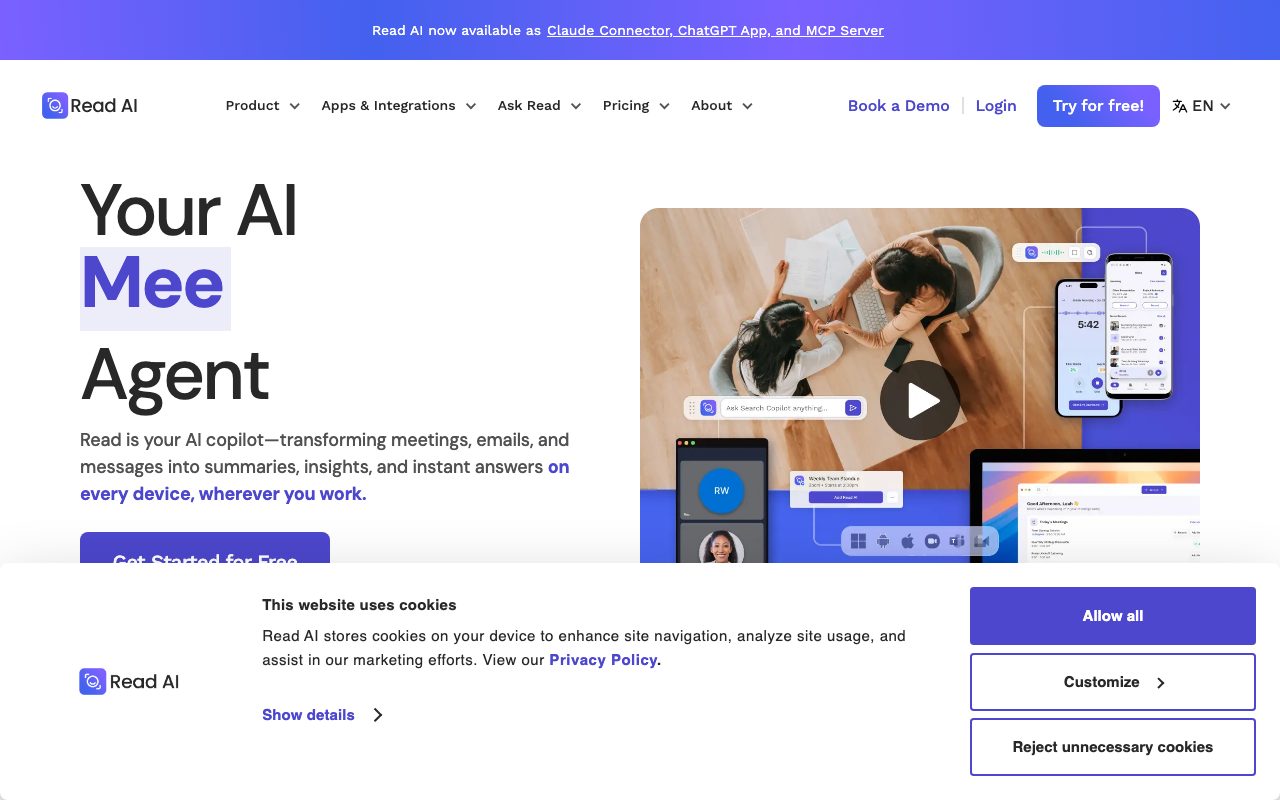
Read AI automatically joins video calls on Zoom, Google Meet, and Microsoft Teams to record, transcribe, and generate summaries, while indexing discussions alongside email and chat.
Read AI acts as an automated workspace assistant that connects to users' calendars to attend meetings across Zoom, Microsoft Teams, and Google Meet. It produces automated recaps, speaker-separated transcripts, action items, and topic lists without requiring manual note-taking. Beyond real-time meeting transcription, the platform offers Search Copilot and Ask Read functionality, allowing users to query conversations, documents, connected Gmail, Outlook, and messaging channels. The service also includes meeting intelligence features such as a personalized meeting coach that tracks talking speed, filler words, charisma, and sentiment metrics. Higher tiers unlock full audio and video playback, video highlights, and expanded monthly file upload credits for recorded media. Team administration capabilities range from shared workspaces and centralized billing to enterprise single sign-on (SAML), SCIM provisioning, custom retention policies, and HIPAA compliance.
Read AI unifies meeting transcription with email and chat search, while calculating participant sentiment, engagement metrics, and individual speaker coaching scores across major conferencing platforms.
Product capabilities
Key features
Cross-Platform Meeting Recaps
Automatically generates summaries, key topics, action items, and questions for meetings on Zoom, Microsoft Teams, and Google Meet.
Speaker Transcription & Sentiment
Transcribes dialogue broken out by speaker while tracking listener sentiment, affect, and engagement.
Ask Read & Cross-Tool Search
AI-driven search that retrieves contextual insights and citations across meetings, connected emails, and messaging tools.
Meeting Coach
Delivers private coaching reports measuring speaking speed, filler word usage, charisma, and inclusion metrics.
Audio and Video Playback
Provides recorded video playback and highlight reels on paid Enterprise plans to review visual reactions and presentations.
Workspace Governance & Security
Includes report sharing rules, domain capture, data retention controls, SAML SSO, and optional HIPAA compliance.
Workflow
How Read AI works
- Connect your Google or Microsoft calendar and configure which meeting types Read AI should attend.
- Read AI automatically enters scheduled video calls on Zoom, Google Meet, or Microsoft Teams to capture transcripts and audio/video.
- Following the meeting, the system generates summaries, action items, speaker coaching scores, and key topic tags.
- Search across meeting transcripts, linked Gmail/Outlook mailboxes, and Slack channels using Ask Read and Search Copilot.
Practical fit
Who should use Read AI?
Automating Meeting Documentation
Generate action items and bulleted summaries immediately following internal status updates and client calls.
Cross-Communication Discovery
Use Ask Read to query historical conversations across meeting transcripts, Gmail, Outlook, and Slack messages.
Presentation and Communication Coaching
Analyze individual speech pace, filler phrases, and speaking duration to improve sales pitches and leadership presentations.
Offline and In-Person Recording
Capture discussions and live presentations using desktop or mobile apps for iOS and Android.
Editorial assessment
Pros and limitations
Where it is strong
- Native support across Zoom, Microsoft Teams, and Google Meet without installing separate recording bots per app
- Combines meeting summaries with email and chat intelligence in a unified search interface
- Provides automated speaker coaching with pace and filler-word diagnostics
- Allows participants to opt out and remove the bot simply by typing 'opt out' in meeting chat
Where to be careful
- The Free plan is strictly limited to 5 meeting transcripts per month and a 1-hour recording limit per call
- Audio and video playback features are gated behind higher-tier Enterprise plans
- Workspace members cannot mix different license tiers within the same organization
- Calculations of affect and video-based sentiment may raise privacy concerns among call participants
Commercial context
Read AI pricing
Pricing snapshot as of September 2026. The vendor offers a free tier (5 meetings per month) and paid tiers including Pro ($15/user/month billed annually or $19.75 monthly), Enterprise ($22.50/user/month billed annually or $29.75 monthly), and Enterprise+ ($29.75/user/month billed annually or $39.75 monthly with a 5-license minimum). Check the official pricing page for updates.
| Plan | Price | What it includes |
|---|---|---|
| Free | $0 / monthly, always free, no credit card required | |
| Pro | $15 billed annually ($19.75 billed monthly) / per user / month | |
| Enterprise | $22.50 billed annually ($29.75 billed monthly) / per user / month | |
| Enterprise+ | $29.75 billed annually ($39.75 billed monthly, 5+ licenses) / per user / month |
Pricing, limits, taxes, model access, and regional availability can change. Verify the purchase-critical details on the official pricing page linked under Sources.
Transparent ranking
Why Read AI scores 74.1
Each factor is scored on a 100-point scale, then combined using the public ToolsRank weights. Engagement and momentum stay at a neutral baseline until measured signals exist, so no tool can gain or lose position from numbers nobody recorded.
Compatibility
Languages, platforms, and integrations
Languages
- English
- Spanish
- Italian
- Portuguese
- French
- German
Platforms
- Web
- Windows
- MacOS
- iOS
- Android
- Chrome Extension
Integrations & surfaces
- Zoom
- Microsoft Teams
- Google Meet
- Slack
- Salesforce
- HubSpot
- Jira
- Confluence
- Notion
- Asana
- Zapier
- Claude
Community
Reviews and questions
No approved member reviews yet. Editorial factors above are the only rating on this page.
Reviews and questions come from Google-signed members and are checked by an editor before they appear.
Frequently asked
Read AI FAQ
How does Read AI join my meetings?+
Read AI integrates directly with your connected Google or Microsoft calendar. It automatically identifies upcoming meetings containing video conference links and joins the call as a participant based on your workspace settings.
How can meeting participants opt out of recording?+
Read AI announces its presence at the start of supported calls. Any participant can remove the assistant and delete measured call data by typing 'opt out' into the in-meeting chat, or the host can remove the bot directly.
Does Read AI use customer meeting data to train AI models?+
Read AI states that contributing data for model training is opt-out by default. Customer data can only be utilized for system improvement if the account holder explicitly opts into the Customer Experience Program.
What is the difference between the Free and Pro plans?+
The Free plan provides 5 meeting transcripts per month with a 1-hour maximum recording duration. The Pro plan includes unlimited meeting transcripts, 4-hour meeting recording limits, priority processing, 100 file upload minutes per month, and premium integrations.
Can different users in the same company have different subscription tiers?+
No. Read AI requires all licenses within a single Workspace to be on the same tier, meaning an organization cannot mix Pro and Enterprise seats.
Is Read AI compliant with healthcare privacy standards like HIPAA?+
Read AI supports HIPAA compliance and Business Associate Agreements (BAAs) on its Enterprise+ plan for organizations handling protected health information.