Direct answer
What is Rows?
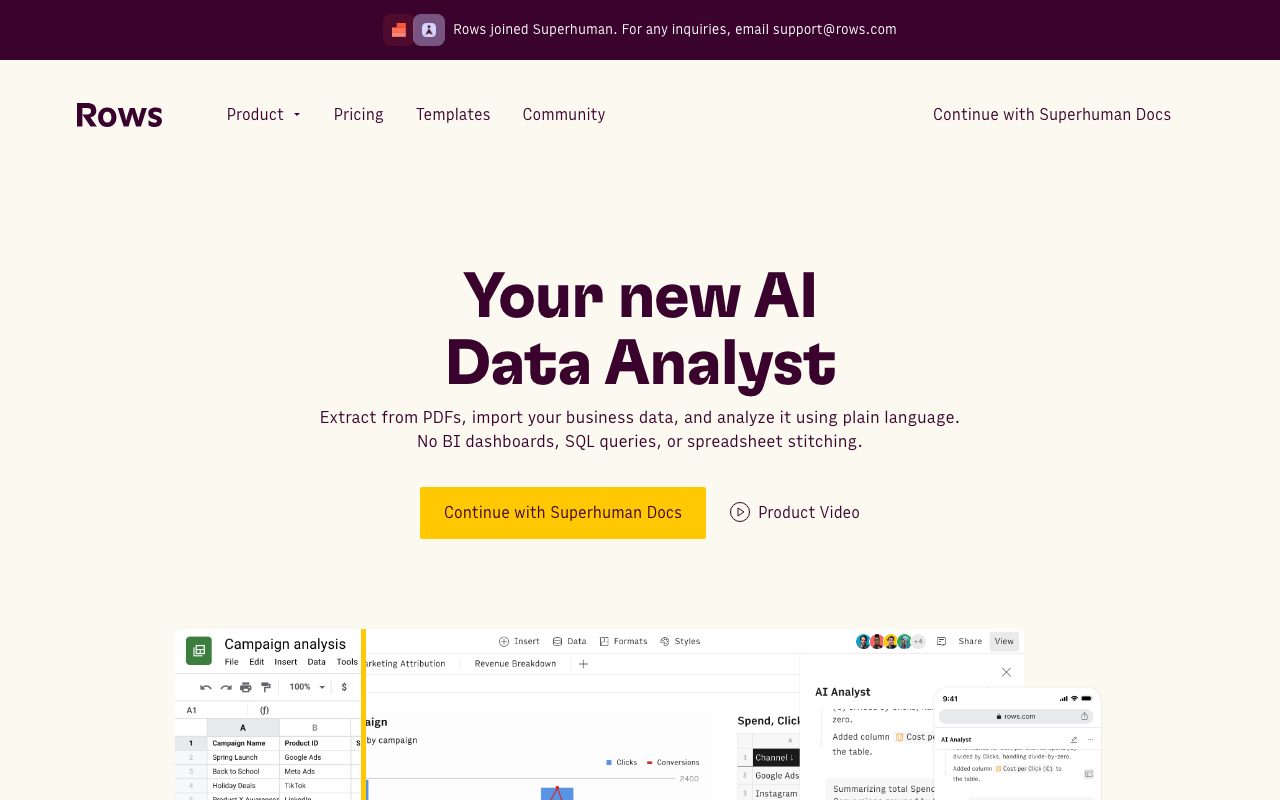
Rows is a modern cloud spreadsheet equipped with an AI data analyst, direct integrations to over 50 tools, automated data refreshes, and embeddable visual reports.
Rows combines familiar spreadsheet functionality with automated cloud connectors and generative AI capabilities. Users can import live metrics from services like Google Analytics, Facebook Ads, HubSpot, BigQuery, Snowflake, and PostgreSQL without writing boilerplate extraction scripts. With the built-in AI Analyst and AI Cell functions, users can query numbers using natural language, summarize text, clean dirty columns, handle fuzzy matching, and generate dynamic calculation models. Built-in automation allows tables to refresh on schedules ranging from daily down to every minute. Dashboards and individual tables can be customized with interactive form controls such as buttons and date pickers, then shared directly or embedded across external workspaces like Notion, Confluence, and client websites.
Unlike legacy spreadsheet software that relies on separate ETL add-ons, Rows embeds native live connectors to 50+ data sources, scheduled automated refreshes, HTTP request functions, and an integrated AI Analyst directly into the worksheet grid.
Product capabilities
Key features
AI Analyst and AI Cells
Enables plain-language questioning of dataset trends, text classification, data cleanup, sentiment analysis, and dynamic spreadsheet model generation.
Native Cloud Integrations
Connects directly to over 50 data sources including Google Ads, Facebook Ads, LinkedIn Ads, BigQuery, Snowflake, PostgreSQL, and HubSpot without third-party connectors.
Rows Vision Document Extraction
Extracts structured tables and itemized data directly from uploaded PDFs, screenshots, invoices, receipts, and images into editable sheet cells.
Scheduled Data Refreshes
Automates table imports on recurring schedules from daily down to every minute, keeping external metrics synchronized without manual exports.
Native API Functions and Webhooks
Retrieves and sends JSON payload data programmatically through built-in GET, POST, and PUT spreadsheet formulas.
Embeddable Interactive Dashboards
Transforms ranges into clean web dashboards with interactive buttons, forms, and date pickers that can be embedded into Notion, Confluence, or websites.
Practical fit
Who should use Rows?
Marketing and Ad Campaign Reporting
Pulls automated metrics from Google, Facebook, and LinkedIn Ads alongside Google Analytics to calculate ROAS and performance metrics in one shared sheet.
Invoice and Receipt Extraction
Uses Rows Vision to parse vendor invoices and receipts from PDF documents directly into itemized rows for automated payment reconciliation.
Startup Financial Modeling
Builds 13-week cash flow forecasts, cap tables, and funding dilution models that update against live bank transaction data via Plaid.
Competitor and Web Table Scraping
Extracts structured tables from external websites in a single click using the RowsX extension and imports them into active sheets.
Editorial assessment
Pros and limitations
Where it is strong
- Native connections to marketing platforms and SQL warehouses without third-party ETL tooling
- Built-in HTTP GET, POST, and PUT formula functions to interact with any external REST API
- Vision capability to extract structured tabular data from PDF files and invoices
- Embeddable clean charts and interactive forms designed for public dashboards and tools like Notion
- Generous cell enrichment allowances on paid tiers up to 1 million tasks per month
Where to be careful
- Free plan is restricted to 5 AI tasks per month and manual data refreshes
- Import file sizes on Free and Plus tiers are limited to 1 MB and 5 MB respectively
- Advanced sub-minute automations require the higher-tier Pro plan
Commercial context
Rows pricing
At the review date, Rows provides a Free tier with 5 AI tasks per month, a Plus plan at $8/month per user ($6/month billed annually), and a Pro plan at $79/month base plus $8/user/month ($59/mo + $6/user/mo annually). Verify current pricing and limits on the official pricing page.
| Plan | Price | What it includes |
|---|---|---|
| Free | $0 / forever free, no credit card required | |
| Plus | $8/month per user / billed monthly ($6/user/month billed annually) | |
| Pro | $79/month + $8/user/month / billed monthly ($59/mo + $6/user/mo billed annually) | |
| Enterprise | Custom / contact vendor |
Pricing, limits, taxes, model access, and regional availability can change. Verify the purchase-critical details on the official pricing page linked under Sources.
Transparent ranking
Why Rows scores 74
Each factor is scored on a 100-point scale, then combined using the public ToolsRank weights. Engagement and momentum stay at a neutral baseline until measured signals exist, so no tool can gain or lose position from numbers nobody recorded.
Compatibility
Languages, platforms, and integrations
Languages
- English
Platforms
- Web
- PWA (Progressive Web App)
- Chrome Extension (RowsX)
Integrations & surfaces
- Google Analytics
- Google Ads
- Facebook Ads
- LinkedIn Ads
- HubSpot
- BigQuery
- Snowflake
- PostgreSQL
- MySQL
- Amazon Redshift
- Zapier
- Make
Community
Reviews and questions
No approved member reviews yet. Editorial factors above are the only rating on this page.
Reviews and questions come from Google-signed members and are checked by an editor before they appear.
Frequently asked
Rows FAQ
What counts as an AI Task in Rows?+
Each message sent to the AI Analyst counts as 1 AI Task. Automated AI tasks triggered via tables, charts, and other sheet elements also consume tasks. In addition, importing and parsing a document or PDF through Rows Vision consumes 1 AI Task per file, though very large files may consume more if split.
Can Rows connect to custom REST APIs?+
Yes. Rows includes native spreadsheet functions such as GET, POST, and PUT, allowing users to authenticate against and call any external API endpoint and parse returned JSON data directly into spreadsheet cells.
What is the difference between Members and Guests?+
Members are permanent workspace users who can create spreadsheets and access shared folders. Guests cannot create spreadsheets and can only be invited to view or edit up to 3 individual spreadsheets, with total guest allocations determined by the workspace plan.
What security compliance standards does Rows meet?+
According to the official documentation, Rows is GDPR compliant and SOC 2 Type II certified, with workspaces providing role-based permissions and encrypted data storage.