
Direct answer
What is SaneBox?
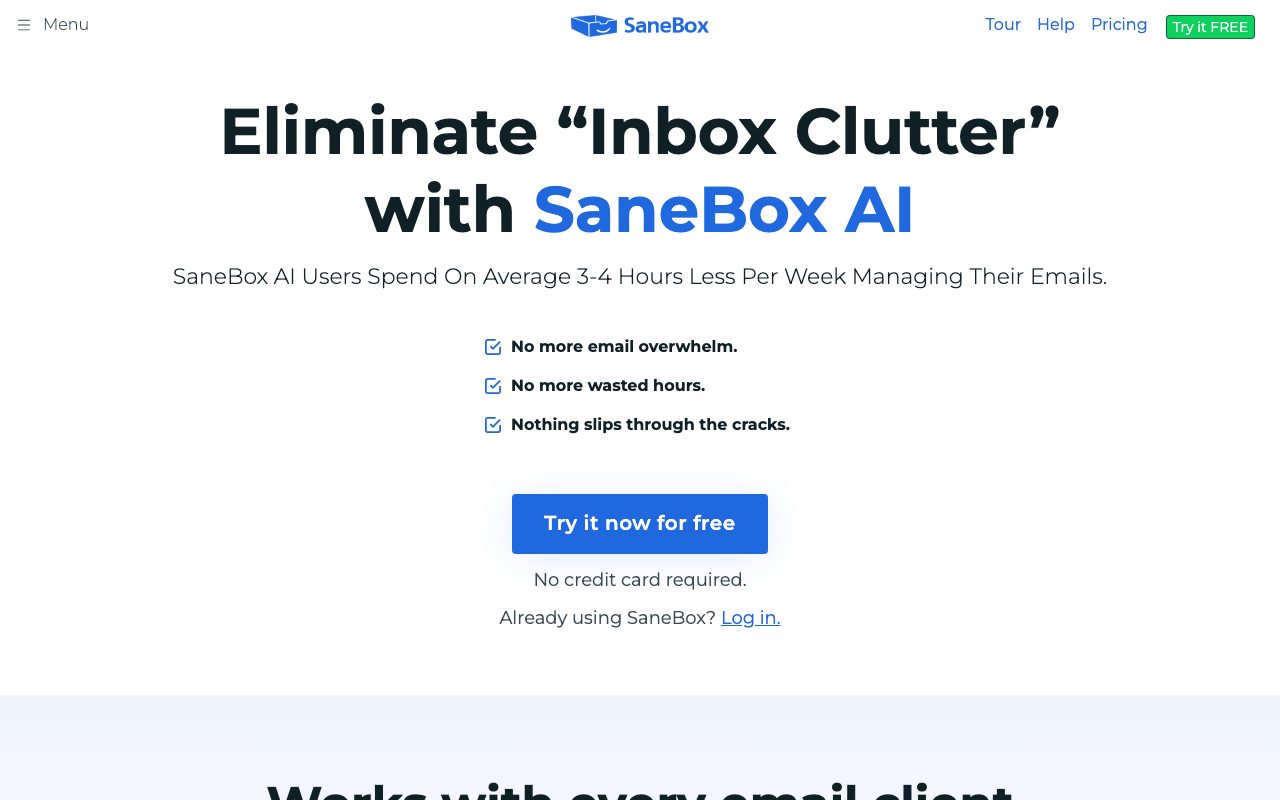
SaneBox is a cloud-based email management tool that uses machine learning algorithms to prioritize important messages and move non-urgent mail out of the primary inbox, working across any standard email client.
SaneBox is an automated inbox triage and email organization platform that works in the background with existing email accounts. Rather than requiring users to install a standalone desktop application or switch email clients, it connects directly to mail services via IMAP, Microsoft Exchange, ActiveSync, or OAuth integrations with providers such as Gmail, Microsoft 365, Apple iCloud, Yahoo! Mail, and Fastmail. The system analyzes email headers—including sender history, subject lines, dates, and response patterns—to separate priority correspondence from secondary messages. Unimportant emails are automatically moved into secondary folders, with summaries delivered via a Daily Digest. Additional features include SaneBlackHole for one-click banishment of persistent senders, custom follow-up reminders to alert users when a recipient does not reply, and Snooze capabilities to defer messages until a chosen time. From a data security and privacy perspective, SaneBox operates under a restricted data model. It processes email envelope and header metadata rather than storing complete message bodies or attachments. The platform undergoes annual Google Restricted Scopes verification, Leviathan Security Group audits, and ongoing vulnerability testing via HackerOne.
Unlike standalone email clients that force you into a new interface, SaneBox runs at the mail server level, applying triage folders, snoozing, and reminders seamlessly across any device and standard email client.
Product capabilities
Key features
Automated Inbox Triage
Analyzes email headers and user behavior patterns to sort incoming mail, filtering non-urgent messages out of the primary inbox into dedicated folders.
Daily Digest
Sends a compiled summary of unopened, lower-priority emails so users can review bulk correspondence in a single session without inbox distraction.
SaneBlackHole
Enables one-click removal of unwanted senders, automatically routing future correspondence from those addresses directly away from the inbox.
Follow-Up Reminders
Notifies users if an outgoing email does not receive a response within a specified timeframe, or schedules alerts for personal task tracking.
Email Snoozing
Temporarily defers messages until a selected future date or time, keeping non-urgent matters out of sight until the user is ready to handle them.
Zero-Installation Compatibility
Operates purely in the cloud across iOS, Android, web, and desktop clients using standard protocols such as IMAP, Exchange, and OAuth.
Practical fit
Who should use SaneBox?
Reducing Daily Distractions
Filtering non-urgent marketing updates, newsletters, and receipts away from critical client and team communications.
Managing Response Deadlines
Setting automated reminders to flag unanswered emails when external partners or clients do not reply in time.
Banning Repetitive Senders
Sending stubborn cold pitches and unwanted newsletters to the SaneBlackHole to permanently block them from hitting the main inbox.
Consolidating Low-Priority Mail
Reviewing non-urgent correspondence once per day using the Daily Digest rather than checking incoming emails intermittently.
Editorial assessment
Pros and limitations
Where it is strong
- Operates invisibly on existing mail servers without installing new client software
- Works across Gmail, Microsoft 365, iCloud, Yahoo, Fastmail, and any standard IMAP server
- Analyzes only email headers and metadata without storing email bodies or attachments
- Undergoes regular third-party security audits including Leviathan and Google Restricted Scopes verification
- Includes a 7-day free trial with no credit card requirement
Where to be careful
- Does not include generative drafting or generative AI email composition features
- Requires server folder creation and metadata permissions that some corporate IT policies restrict
- Explicit pricing tier amounts are not published directly on the main landing pages
Commercial context
SaneBox pricing
At the review date (September 2026), SaneBox offers three core subscription plans with varying features and account limits, alongside a 7-day free trial that requires no credit card. Discounts of 25% are noted for education, non-profit, and government users. Because specific plan prices are not detailed on the provided pricing page snapshot, verify exact rates on the official site.
Pricing, limits, taxes, model access, and regional availability can change. Verify the purchase-critical details on the official pricing page linked under Sources.
Transparent ranking
Why SaneBox scores 74.8
Each factor is scored on a 100-point scale, then combined using the public ToolsRank weights. Engagement and momentum stay at a neutral baseline until measured signals exist, so no tool can gain or lose position from numbers nobody recorded.
Compatibility
Languages, platforms, and integrations
Languages
- English
Platforms
- Web
- iOS
- Android
- Mac
- Windows
Integrations & surfaces
- Gmail
- Microsoft 365
- Microsoft Exchange
- Apple iCloud
- Yahoo! Mail
- Fastmail
- IMAP
- ActiveSync
Community
Reviews and questions
No approved member reviews yet. Editorial factors above are the only rating on this page.
Reviews and questions come from Google-signed members and are checked by an editor before they appear.
Frequently asked
SaneBox FAQ
What is SaneBox and how does it organize email?+
SaneBox is an email management service that uses machine learning algorithms to sort incoming messages based on importance. It assesses your past email behavior and header details to route lower-priority mail into secondary folders, leaving your primary inbox clear for essential messages.
Does SaneBox read or store the contents of emails?+
No. SaneBox's security model inspects only email header data (such as sender, subject line, and date) and user interactions (such as how quickly you open or reply to certain senders). It does not take possession of, download, or store full email bodies or attachments on its servers.
Which email providers and applications work with SaneBox?+
SaneBox works across virtually all email providers, including Gmail, Microsoft 365, Apple iCloud, Yahoo! Mail, and Fastmail, as well as custom IMAP, ActiveSync, and Microsoft Exchange servers. Because it processes email server-side, it functions simultaneously across desktop, iOS, and Android clients.
Is there a free trial, and what discounts are available?+
SaneBox provides a 7-day free trial for all its plans without requiring a credit card. Additionally, qualifying educational institutions, non-profit organizations, and government agencies can receive a 25% discount on any plan.
What happens to your email if you cancel SaneBox?+
When you cancel, you can choose whether to keep or remove your Sane folders. SaneBox deletes account metadata, logs, and authorization credentials from its servers, returning your email folders to normal operational status.