
Direct answer
What is Saner.AI?
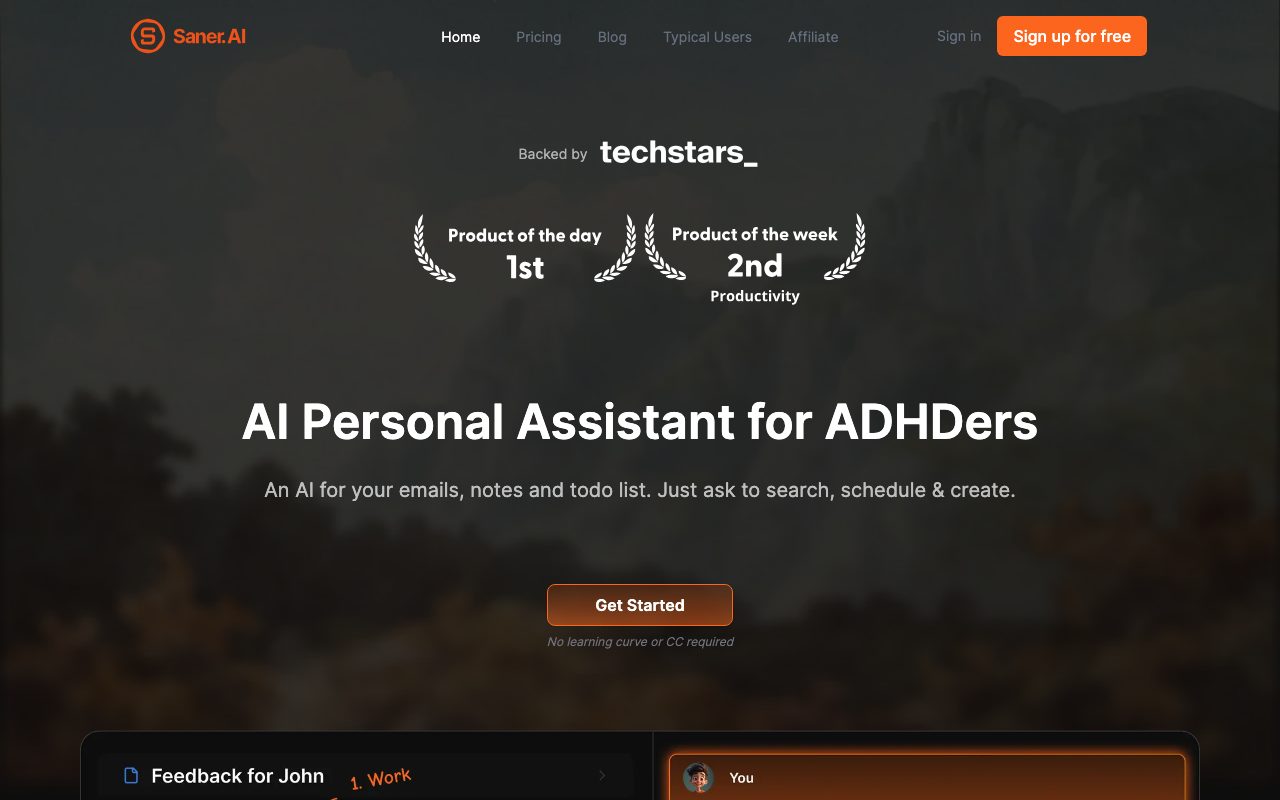
Saner.AI is an AI-powered note, task, and knowledge management assistant that aggregates notes, calendar events, emails, and Slack messages to reduce cognitive overload and manual organization.
Saner.AI is a personal knowledge and task management application built specifically to address the cognitive friction associated with ADHD, context switching, and scattered information. Co-founded by an ADHDer, the software unites note-taking, internet search, and task scheduling into a single distraction-free workspace. The platform features Skai, a built-in AI assistant capable of searching across connected data sources, synthesizing answers, generating tasks from notes or messages, and proactively helping users organize schedules. In addition to text notes, users can capture information via a Chrome extension, voice-to-text recording, or file imports including PDFs and images using built-in OCR. Information routes to a smart inbox where AI suggests relevant tags, folders, and links to historically related notes without forcing users into rigid manual filing structures. Saner.AI integrates directly with Google Drive, Gmail, Google Calendar, Slack, and Outlook, synchronizing conversations and docs into searchable note objects. For reasoning and chat, Saner.AI utilizes custom internal models alongside optional connectivity to external models like GPT, Claude, and Gemini on a bring-your-own-key or token basis.
Saner.AI combines ADHD-focused cognitive design—simple capture, auto-tagging, and proactive scheduling—with cross-tool synchronization across Slack, Gmail, Drive, and calendars into a single workspace, avoiding manual sorting friction.
Product capabilities
Key features
Skai Personal Assistant
An AI assistant that searches connected notes, answers open questions across documents, extracts tasks from unstructured text, and schedules items in a calendar timeline.
Multi-Source Integrations
Connects with Gmail, Google Drive, Google Calendar, Outlook, and Slack to continuously pull messages, files, and events into unified, searchable note objects.
Smart Inbox and Auto-Organization
Routes incoming items into a triage inbox where AI automatically suggests relevant tags and folders based on content and past organizational patterns.
Fast Multi-Modal Capture
Captures ideas via a Chrome extension, voice-to-text audio dictation, document uploads, and OCR extraction from images.
Side-by-Side Research and Writing
Allows users to write in working documents while querying internal notes, uploaded files, and live internet data in the same view without opening new browser tabs.
External AI Model Connectivity
Provides the option to connect external models such as GPT, Claude, and Gemini via user-supplied API keys or pay-as-you-go tokens.
Workflow
How Saner.AI works
- Capture notes, voice memos, files, or web snippets using the web editor, mobile interface, or Chrome extension.
- Sync external work streams including Gmail, Google Calendar, Google Drive, Outlook, and Slack conversations.
- Review incoming items in the Smart Inbox where AI suggests tags, creates linkages, and highlights tasks.
- Interact with Skai to retrieve past information, plan your schedule, or draft content side by side.
Practical fit
Who should use Saner.AI?
ADHD Brain Dump and Prioritization
Input unorganized thoughts or voice notes into the app and let the AI extract concrete action items and place them on a timeline.
Triage and Slack Conversation Consolidation
Sync key Slack channels and email threads to summarize decisions and automatically generate tasks without switching between communication apps.
Long-Term Research Synthesis
Import PDFs and thousands of historic notes, then query the assistant to surface forgotten connections and draft synthesis documents.
Editorial assessment
Pros and limitations
Where it is strong
- Distraction-free interface designed intentionally for low cognitive friction and ADHD workflows
- Direct integrations with Google Workspace, Slack, and Outlook to aggregate tasks and documents
- Flexible AI engine supporting built-in models alongside external LLMs via API keys
- Generous data export options with daily backups and encrypted storage
Where to be careful
- External AI models require separate token payments or personal API keys
- Tiered plans restrict storage (100MB on free, 5GB on Starter) and file upload sizes
- Strict rate limits on monthly AI queries on the free tier
Commercial context
Saner.AI pricing
Pricing snapshot as of 8 September 2026. Saner.AI offers a Free plan, Starter at $8 per month, and Standard at $16 per month, with annual billing discounted by 20%. External AI models (such as GPT, Claude, or Gemini) require your own API key or pay-as-you-go token credits. Verify current pricing and terms on the official Saner.AI pricing page.
| Plan | Price | What it includes |
|---|---|---|
| Free | $0 / month | |
| Starter | $8 / month | |
| Standard | $16 / month |
Pricing, limits, taxes, model access, and regional availability can change. Verify the purchase-critical details on the official pricing page linked under Sources.
Transparent ranking
Why Saner.AI scores 69.7
Each factor is scored on a 100-point scale, then combined using the public ToolsRank weights. Engagement and momentum stay at a neutral baseline until measured signals exist, so no tool can gain or lose position from numbers nobody recorded.
Compatibility
Languages, platforms, and integrations
Languages
- English
Platforms
- Web
- Chrome Extension
- Mobile app
Integrations & surfaces
- Slack
- Google Drive
- Gmail
- Google Calendar
- Outlook
Community
Reviews and questions
No approved member reviews yet. Editorial factors above are the only rating on this page.
Reviews and questions come from Google-signed members and are checked by an editor before they appear.
Frequently asked
Saner.AI FAQ
Can I use Saner.AI if I do not have ADHD?+
Yes. Saner.AI was built to reduce cognitive overload and disorganization for ADHDers, but anyone dealing with information overload, multi-app switching, or fragmented notes can use it.
How are external AI models billed in Saner.AI?+
External models like GPT, Claude, or Gemini are not included in standard package message quotas. Users can either supply their own API keys in settings or purchase pay-as-you-go token credits.
Can I import and export my notes?+
Yes. Users can import thousands of notes into Saner.AI, and notes can be exported directly from the application at any time using the built-in export feature.
Does Saner.AI use my private data to train AI models?+
According to the vendor's privacy policy, user data is encrypted in transit and at rest, is not sold or shared with advertisers, and Google Workspace data is not used to train generalized machine learning models.
Record history
What changed in this dossier
- Nov 1, 2025 — Version 1.5 released featuring proactive planning updates and an Outlook connector.