Direct answer
What is Sendsteps?
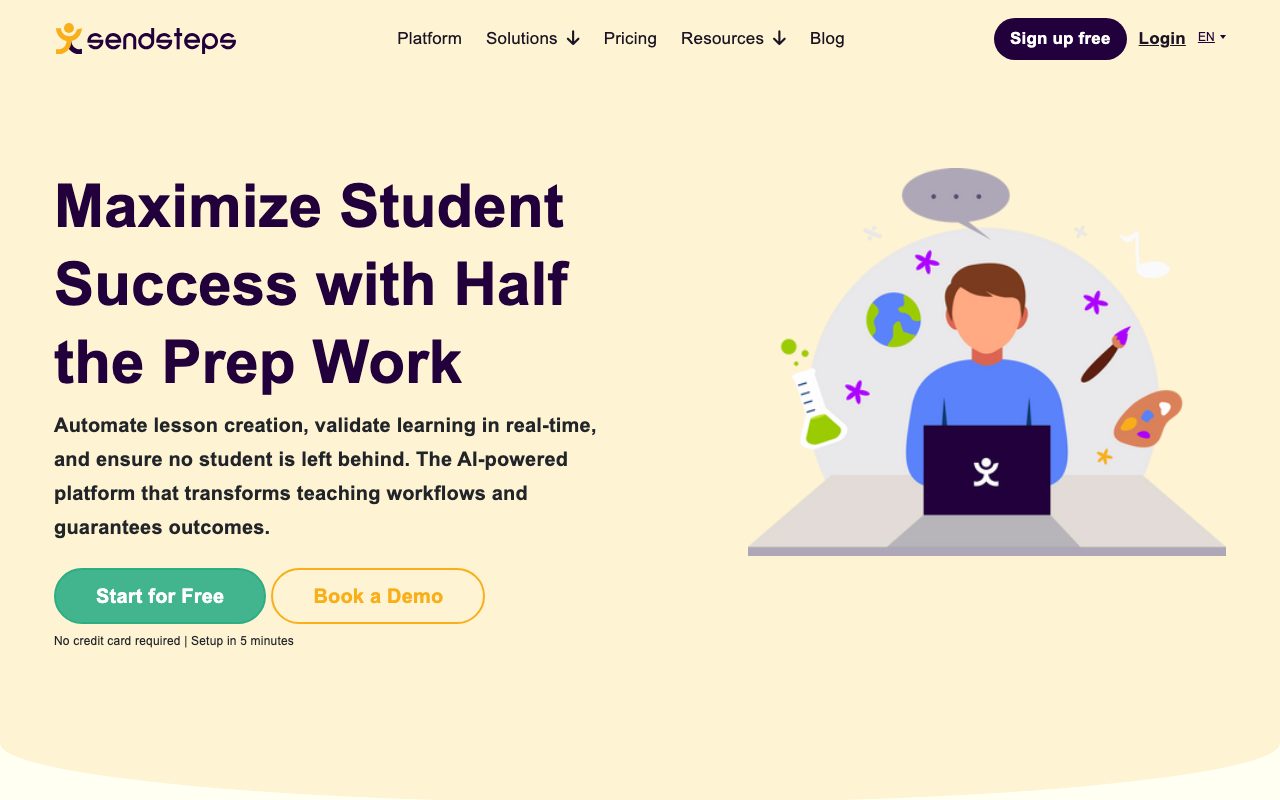
Sendsteps is an AI-powered presentation maker designed for educators to generate interactive lesson slides, conduct real-time quizzes, and track learner comprehension.
Sendsteps automates educational presentation design and audience engagement. Educators upload a curriculum or topic, and the platform creates structured slide decks equipped with interactive elements like quizzes, live polls, word clouds, and Q&A sessions. During live delivery, instructors use real-time feedback and validation to identify which learners understand the subject matter and who needs extra assistance. The platform includes anonymous participation to encourage quieter students to respond, along with automated recommendations and intervention alerts. Intended for primary, secondary, university, and corporate learning environments, Sendsteps supports in-person, remote, and hybrid instruction.
Unlike standard slide generators, Sendsteps merges AI slide creation with active classroom response tools like live word clouds, quizzes, and anonymous real-time comprehension tracking.
Product capabilities
Key features
Automated Lesson Creation
Generates interactive lesson slides, adaptive question banks, and activities directly from uploaded topics or curriculum materials.
Interactive Quizzes and Polls
Incorporates live quizzes, word clouds, and interactive questions into presentation decks to engage participants.
Real-Time Learning Validation
Tracks student comprehension live during presentations and displays instant feedback on who grasps the material.
Anonymous Participation
Offers anonymous student response options to increase participation among hesitant or shy learners.
Continuous Feedback Loop
Uses validated student outcome data from completed presentations to provide recommendations for future lessons.
Live Q&A
Facilitates structured question-and-answer interactions between the presenter and participants during lectures.
PowerPoint Compatibility
Provides dedicated AI PowerPoint presentation creation workflows alongside web-based interactive decks.
Practical fit
Who should use Sendsteps?
University Lecture Engagement
Professors build lecture decks containing interactive polls and real-time concept checks to engage large lecture halls.
K-12 Lesson Preparation
Primary and secondary teachers turn curriculum outlines into interactive slide decks with automated quizzes.
Corporate Training Validation
Trainers deliver instructional modules and immediately assess employee retention with live testing and surveys.
Editorial assessment
Pros and limitations
Where it is strong
- Combines slide generation with live interactive assessment tools like polls and quizzes
- Offers anonymous participation options to encourage broader audience responses
- Provides free tier onboarding without requiring credit card details
- Supports multiple languages including English, German, Spanish, and Dutch
Where to be careful
- Specific subscription tiers and feature caps are not clearly detailed on the main pricing page snippet
- Primarily tailored for teaching and instruction rather than general-purpose business sales pitches
Commercial context
Sendsteps pricing
As of September 2026, Sendsteps provides free access without requiring a credit card, alongside monthly and annual paid plans (with annual subscriptions offering up to a 31% discount). Numerical tier pricing is not published directly on the provided pricing snippet and should be verified on the official site.
Pricing, limits, taxes, model access, and regional availability can change. Verify the purchase-critical details on the official pricing page linked under Sources.
Transparent ranking
Why Sendsteps scores 70.2
Each factor is scored on a 100-point scale, then combined using the public ToolsRank weights. Engagement and momentum stay at a neutral baseline until measured signals exist, so no tool can gain or lose position from numbers nobody recorded.
Compatibility
Languages, platforms, and integrations
Languages
- English
- German
- Spanish
- Dutch
Integrations & surfaces
- Microsoft PowerPoint
Community
Reviews and questions
No approved member reviews yet. Editorial factors above are the only rating on this page.
Reviews and questions come from Google-signed members and are checked by an editor before they appear.
Frequently asked
Sendsteps FAQ
What is Sendsteps?+
Sendsteps is an AI-powered presentation platform that allows educators and trainers to generate interactive lessons with live quizzes, word clouds, and real-time comprehension tracking.
Does Sendsteps offer a free plan?+
Yes, Sendsteps allows users to sign up for free without providing a credit card to test out the platform.
Can Sendsteps work with Microsoft PowerPoint?+
Sendsteps offers an AI PowerPoint presentation tool and interactive capabilities compatible with PowerPoint presentations.
How do students participate in live sessions?+
Students can respond to live quizzes, polls, word clouds, and Q&A sessions, including through an anonymous participation option.