Direct answer
What is Simplified?
Simplified is an integrated AI marketing suite and agent platform that automates campaign generation, visual design, video editing, and scheduled publishing from a centralized workspace.
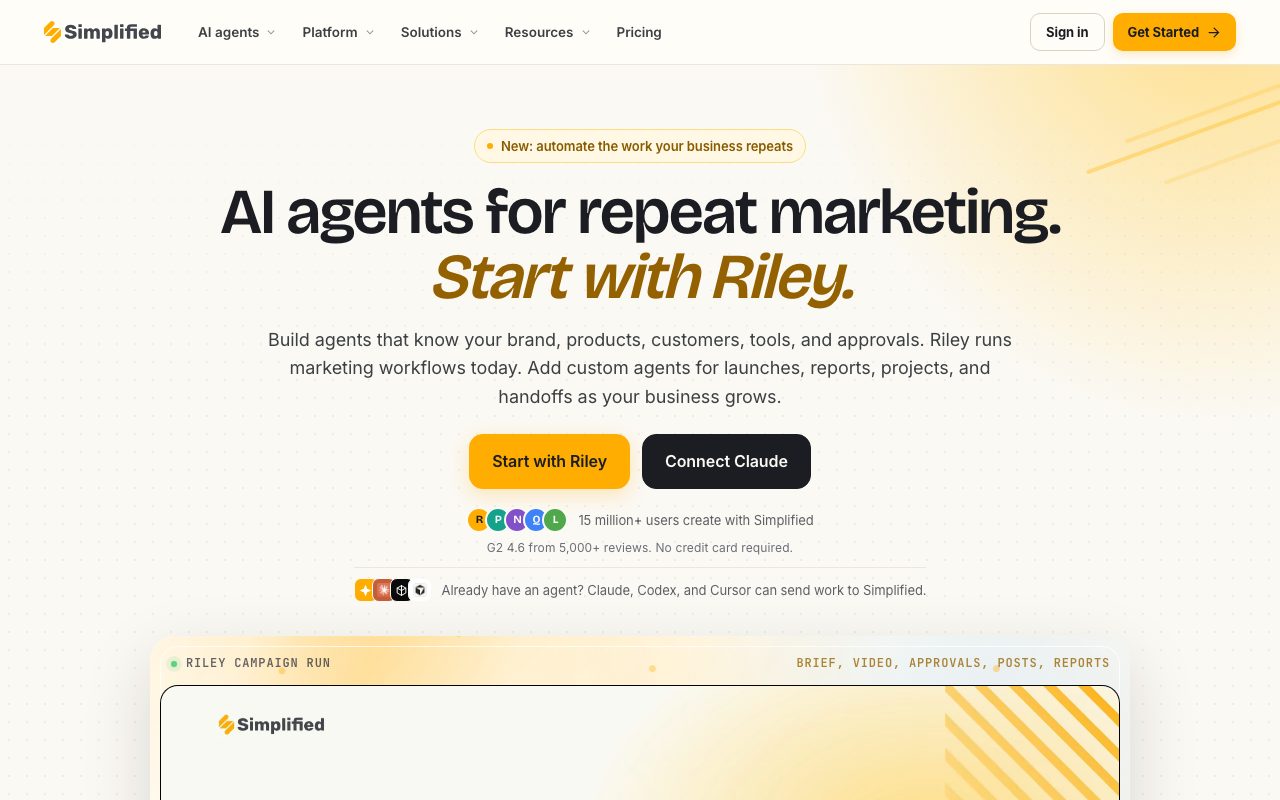
Simplified unifies marketing production and distribution into a single platform driven by automated agents and integrated creative tools. At its center is Riley, an autonomous marketing agent capable of taking a single campaign brief and orchestrating strategy, copywriting, image generation, video clip editing, and social post scheduling. The platform includes dedicated sub-modules such as the Creative Suite (text generation, image synthesis, photo editing), Video Suite (text-to-video, short-clip repurposing, automated subtitles, audio enhancement), and Social Suite (multi-channel calendar, inbox management, analytics, and link-in-bio pages). Simplified anchors all agent outputs to a centralized Brand Kit containing logos, brand voices, typography, and customer personas, ensuring uniform creative consistency. Output stays held in draft approval gates by default to keep human reviewers in control prior to publication. For developers and technical teams, Simplified acts as an execution engine: external agents operating via Claude, Codex, or Cursor can trigger marketing operations, schedule posts, and pull performance analytics programmatically using Simplified's open-source Model Context Protocol (MCP) server, terminal CLI, or REST API.
Unlike standalone AI writers or isolated scheduling dashboards, Simplified bridges content generation directly to social execution, offering built-in approval gates and an open-source MCP server that lets external agents execute full marketing campaigns.
Product capabilities
Key features
Riley Autonomous Marketing Agent
Plans, generates, and queues entire marketing campaigns from a single brief, handling text, imagery, video adaptations, and publishing schedules.
Creative and Video Suite
Comprehensive creative tools including AI copywriting, text-to-image creation, photo retouching, video background removal, auto-subtitles, and long-to-short video repurposing.
Social Media Management and Inbox
Multi-channel post scheduler, shared editorial calendar, comment and direct message inbox, and consolidated cross-network performance analytics.
Brand Memory and Context
Stores brand typography, color palettes, visual assets, tone guidelines, and product references that automatically guide all generated content.
Client Approvals and Review Gates
Maintains human-in-the-loop governance by keeping generated campaign assets in draft status until authorized by internal team members or external clients.
MCP Server and Developer CLI
Offers an Anthropic-compliant Model Context Protocol server, terminal CLI, and REST APIs so external agents like Claude, Codex, or Cursor can dispatch publishing actions.
Workflow
How Simplified works
- Set up your Brand Kit by defining fonts, brand colors, voice guidelines, and core company context.
- Provide a natural language brief outlining your campaign objective, target channels, and creative requirements to Riley.
- Riley orchestrates copy, graphic templates, video snippets, and delivery schedules into a draft batch.
- Review, adjust, and approve the generated assets within the collaborative approval workspace.
- Approved assets automatically deploy to connected social and advertising channels according to the planned calendar.
Practical fit
Who should use Simplified?
Multi-Channel Campaign Launches
Submit a single launch brief to produce matching social posts, ad creatives, and newsletter copy formatted for relevant platforms.
Long-Form Video Repurposing
Convert long recordings into short, captioned vertical video clips optimized for TikTok, Instagram Reels, and YouTube Shorts.
Agency Client Social Management
Organize isolated client workspaces with unique brand kits, schedules, and dedicated review portals for client approval before going live.
External Agent Execution
Connect external AI coding and chat assistants to Simplified via MCP to queue social drafts directly from a development terminal or Claude chat.
Editorial assessment
Pros and limitations
Where it is strong
- Consolidates copywriting, image creation, video editing, and social scheduling into a single monthly subscription.
- Integrated Brand Memory ensures AI outputs adhere to stored colors, fonts, and tone guidelines.
- Draft approval queues ensure no content publishes to live social channels without explicit user authorization.
- Includes developer-friendly interfaces such as an open-source MCP server, command-line interface, and REST API.
- Explicit privacy policy guarantees user content is never used to train generalized AI or machine learning models.
Where to be careful
- Paid Starter tier begins at $79 per month, which may represent a high entry point for casual creators.
- Unused campaign allocations do not roll over across monthly billing cycles.
- Official documentation notes that full GDPR and CCPA formal certifications remain in progress.
Commercial context
Simplified pricing
At the review date in September 2026, Simplified provides a free tier requiring no credit card, with paid access beginning at $79 per month for the Starter plan (5 full campaigns, 100K AI words, 100 AI designs). Additional campaigns cost $10 each. Higher tiers (Pro, Business) and enterprise options exist, but exact enterprise pricing requires direct contact. Verify latest rates on the official pricing page.
| Plan | Price | What it includes |
|---|---|---|
| Free | $0 / forever |
Free tier to test standard creation tools. |
| Starter | $79 / month |
A campaign provides 6 social posts, a 3-5 email sequence, or 3 ad creative variants. |
Pricing, limits, taxes, model access, and regional availability can change. Verify the purchase-critical details on the official pricing page linked under Sources.
Transparent ranking
Why Simplified scores 75.8
Each factor is scored on a 100-point scale, then combined using the public ToolsRank weights. Engagement and momentum stay at a neutral baseline until measured signals exist, so no tool can gain or lose position from numbers nobody recorded.
Compatibility
Languages, platforms, and integrations
Languages
- English
Platforms
- Web
- iOS
- Android
- Chrome extension
- WordPress plugin
- Shopify app
Integrations & surfaces
- YouTube
- TikTok Ads
- Meta Ads
- Google Analytics
- Google Docs
- Notion
- Slack
- Google Ads
- Shopify
- WordPress
Community
Reviews and questions
No approved member reviews yet. Editorial factors above are the only rating on this page.
Reviews and questions come from Google-signed members and are checked by an editor before they appear.
Frequently asked
Simplified FAQ
Will Simplified publish content automatically without user approval?+
No. The platform keeps review as the default operational state. Generated assets remain in a draft queue where users must approve or reject them. Automatic publishing is strictly an opt-in setting that can be paused immediately via the web dashboard, Slack, or CLI.
Does Simplified use customer content to train AI models?+
Simplified explicitly commits in its privacy policy that designs, copy, captions, videos, and Google Workspace data are never utilized to develop, train, or improve generalized AI or machine learning models.
What is considered a campaign under Simplified pricing?+
A campaign represents one brief-to-approval cycle. Based on the selected output type, one campaign credit yields a social media batch of six posts, an email sequence of three to five messages, or an ad creative set of three A/B testing variants.
Do unused campaigns roll over to the next month?+
Unused campaign credits do not roll over. Campaign balances refresh at the start of each billing period regardless of prior usage.
What happens if a workspace exhausts its monthly campaign allotment?+
Workspaces on any paid tier can purchase extra campaigns directly inside their account for $10 per campaign without needing a full plan upgrade.
Can Simplified be controlled by outside AI tools like Claude or Cursor?+
Yes. Simplified provides an open-source Model Context Protocol (MCP) server, command-line tool (CLI), and REST APIs that permit compatible agents like Claude, Codex, and Cursor to plan media, draft posts, and read analytics programmatically.