Direct answer
What is SlidesAI?
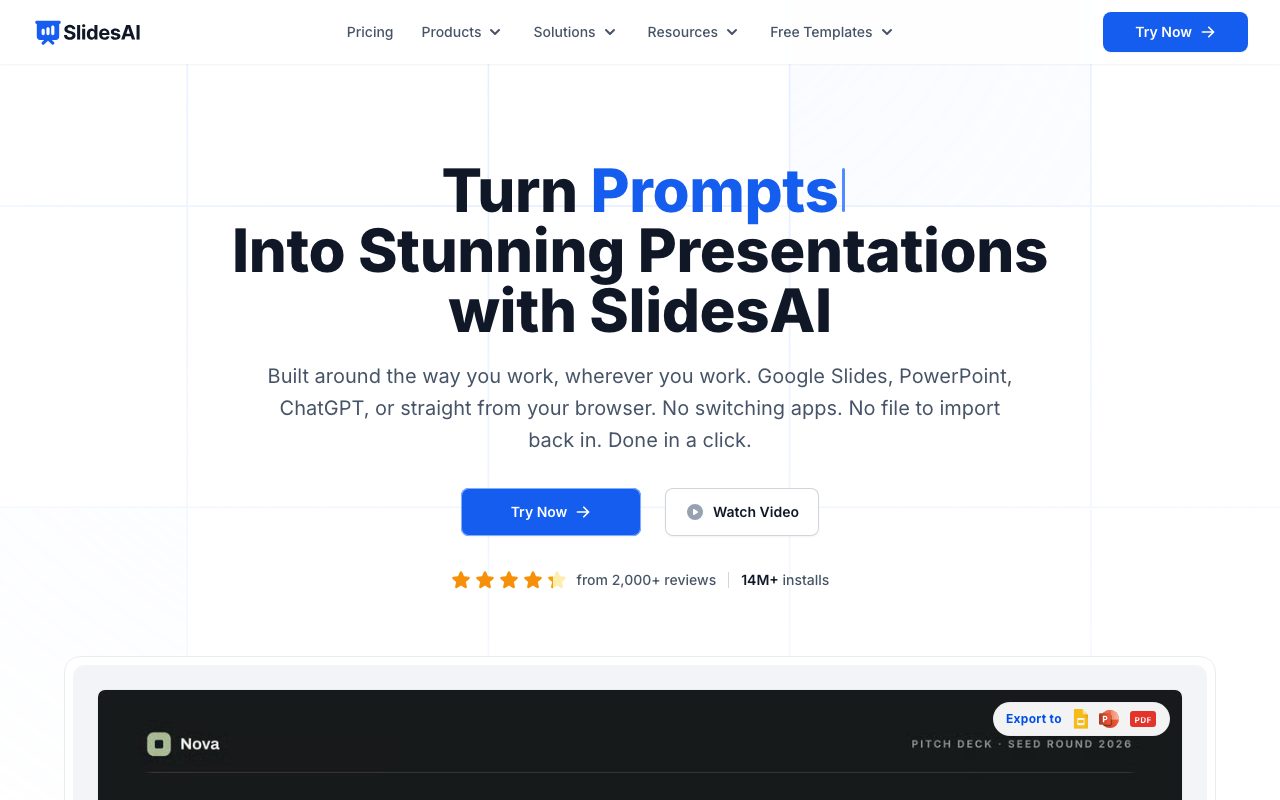
SlidesAI converts raw text, notes, prompts, and documents into structured slide decks natively inside Google Slides, Microsoft PowerPoint, ChatGPT, or via a web application.
SlidesAI is an AI-powered presentation creator operated by Zesterv LLC. Rather than forcing users into a proprietary web-only presentation interface, it is built to operate directly within familiar workspaces: as an add-on for Google Slides, an add-in for Microsoft PowerPoint, a custom GPT for ChatGPT, and a browser-based web application. To generate a presentation, users supply raw input such as lecture notes, meeting notes, outlines, prompt topics, or uploaded documents. SlidesAI analyzes the provided text, structuring it into slide titles, bullet points, editable diagrams, flowcharts, timelines, and relevant imagery. Users can customize tone, templates, and language before initiating generation, with the ability to edit the text before slides are constructed. The system runs text generation through OpenAI models and applies automated animations. Because decks are created natively or exported directly into working PPTX and Google Slides formats, users retain full editing capability over individual layout elements, typography, and speaker assets without relying on proprietary viewer software.
Unlike standalone presentation platforms that lock designs inside proprietary viewers, SlidesAI operates natively inside Google Slides and PowerPoint, producing standard PPTX and Google Slides files that remain fully editable.
Product capabilities
Key features
In-App Workspace Integration
Functions directly as an add-on within Google Slides and Microsoft PowerPoint, as well as via a ChatGPT assistant and a standalone web application.
Document and Text to Deck
Converts plain text, meeting notes, essay drafts, prompts, or uploaded documents into multi-slide presentations with automated bullet structuring.
Pre-generation Content Editing
Allows users to review, edit, and shape the underlying outline and slide content before the final presentation is built.
Editable Diagrams and Timelines
Generates flowcharts, timelines, and structured diagrams that remain completely editable inside the final deck.
Automated Slide Animations
Applies entrance animations automatically upon generation, complemented by the QuickAnimate extension for Google Slides.
Native PPTX and Google Slides Export
Delivers genuine Google Slides files and downloadable PPTX files rather than static image exports or locked proprietary formats.
Workflow
How SlidesAI works
- Open SlidesAI inside Google Slides, Microsoft PowerPoint, the web app, or via ChatGPT.
- Input your source text, lecture notes, outline, prompt, or upload a document.
- Select your target language, tone, and presentation template, then review and edit the slide outline if desired.
- Generate the deck; SlidesAI uses AI models to format slides, generate subtitles, apply animations, and embed editable diagrams.
- Edit and finalize the presentation directly inside Google Slides or PowerPoint, or export it as a standard PPTX file.
Practical fit
Who should use SlidesAI?
Lecture and Lesson Creation
Educators can input textbook excerpts, lesson plans, or lecture notes to generate ready-to-teach classroom presentations.
Meeting and Strategy Updates
Professionals can transform unstructured meeting notes and proposal documents into board-ready summaries and client decks.
Sales and Pitch Decks
Founders and sales reps can convert one-pagers and discovery notes into pitch proposals and investor updates.
Academic Defences and Assignments
Students can condense extensive research papers and reading lists into structured slides for thesis defences or class assignments.
Editorial assessment
Pros and limitations
Where it is strong
- Direct integration inside Google Slides and Microsoft PowerPoint eliminates the need to import/export across disjointed tools
- Outputs native, fully editable PPTX and Google Slides files
- Generates editable diagrams, flowcharts, and timelines directly in slides
- Provides a free Basic plan to test up to 12 presentations per year
- Supports document uploads on paid tiers
Where to be careful
- Input text is transmitted to OpenAI servers for processing, which may not suit organizations with strict data-sharing restrictions
- Free plan is constrained by a 1,000-character input limit per presentation and 12 presentations annually
Commercial context
SlidesAI pricing
At the review date in September 2026, SlidesAI offers a free Basic tier (12 presentations/year) and paid tiers starting at $10.00 per month billed annually ($120/year) or $12 month-to-month. Subscriptions are billed through Paddle. Check the official pricing page for changes.
| Plan | Price | What it includes |
|---|---|---|
| Basic | $0 / month, free tier capped at 12 presentations/year | |
| Pro | $10.00 / month billed annually ($120/year) or $12/month | |
| Premium | $20.83 / month billed annually ($250/year) |
Pricing, limits, taxes, model access, and regional availability can change. Verify the purchase-critical details on the official pricing page linked under Sources.
Transparent ranking
Why SlidesAI scores 68.3
Each factor is scored on a 100-point scale, then combined using the public ToolsRank weights. Engagement and momentum stay at a neutral baseline until measured signals exist, so no tool can gain or lose position from numbers nobody recorded.
Compatibility
Languages, platforms, and integrations
Languages
- Multilingual (supports setting generation language and cross-language translation)
Platforms
- Web App
- Google Slides Add-on
- Microsoft PowerPoint Add-in
- Google Chrome Extension
Integrations & surfaces
- Google Slides
- Microsoft PowerPoint
- ChatGPT
- Google Chrome
Community
Reviews and questions
No approved member reviews yet. Editorial factors above are the only rating on this page.
Reviews and questions come from Google-signed members and are checked by an editor before they appear.
Frequently asked
SlidesAI FAQ
Does SlidesAI require switching to a new presentation tool?+
No. SlidesAI is designed to run directly inside Google Slides and Microsoft PowerPoint via add-ons, though it also provides a web app and a ChatGPT assistant.
What is included in the free Basic plan?+
The Basic plan costs $0 and includes 12 presentations per year, 120 AI credits per year, and a limit of 1,000 input characters per presentation.
How does SlidesAI handle user data and privacy?+
SlidesAI encrypts data in transit and at rest. User-entered text is sent to OpenAI's servers to generate presentation slides. The vendor states that it does not sell user-generated data or personal information, and only retains user email addresses for authentication.
Can I edit the generated slides later?+
Yes. Presentations are generated as native Google Slides or PowerPoint PPTX files, allowing standard editing of all text, shapes, diagrams, and formatting.