Direct answer
What is Spark Mail?
Spark Mail is an inbox management and email client designed to reduce distractions. It offers smart triage, sender grouping, team collaboration, and Azure OpenAI-powered drafting and summarization.
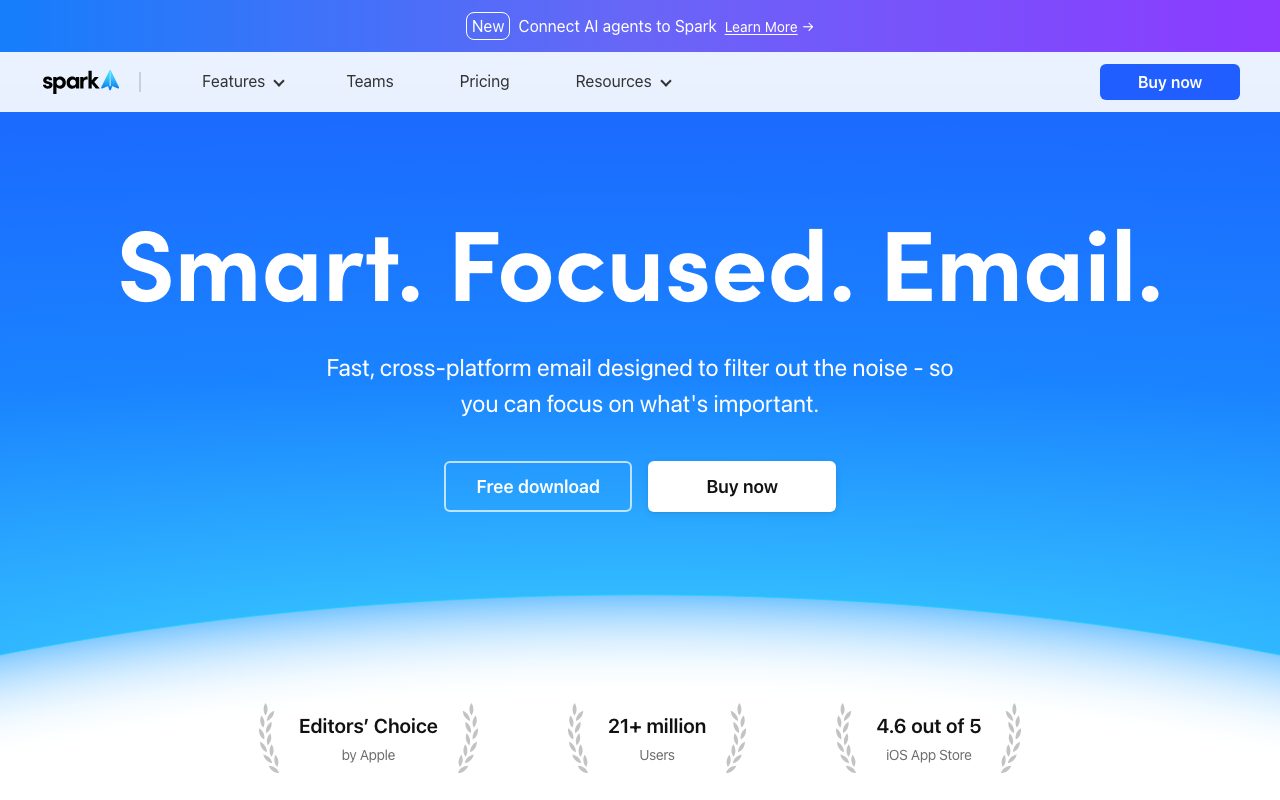
Spark Mail is a cross-platform email client engineered to filter noise and help users focus on high-priority correspondence. Operating across macOS, iOS, Windows, Android, and Apple Watch, it aggregates accounts from Google, Microsoft Exchange, Outlook, Yahoo, iCloud, and standard IMAP into a unified inbox. The application structures daily email handling around deep work habits. The Smart Inbox automatically separates priority personal messages from automated newsletters and notifications. A built-in Gatekeeper lets recipients screen and block new senders before their messages reach the main inbox, while features like Set Aside, Done Marker, Snooze, and Pin help organize tasks without leaving the client. Spark +AI adds generative writing and text processing powered by Azure OpenAI Service. Users can draft new messages from conversational prompts, trigger quick one-click replies, adjust tone between formal and friendly, proofread, rephrase, expand, or shorten drafts. For incoming mail, Spark +AI provides short, detailed, or action-point summaries of long threads and translates incoming and outgoing messages directly in-app. In addition, Spark includes +AI Meeting Notes to transcribe and summarize virtual calls across platforms. For collaborative workflows, Spark enables team-based email operations. Teammates can co-draft emails in real time, share specific threads, chat through internal private comments with attachments, delegate email ownership, and run shared inboxes.
Spark pairs full cross-platform inbox triage—including Gatekeeper screening and automated sender bundling—with native team co-drafting and Azure OpenAI-powered writing, translation, and meeting transcription.
Product capabilities
Key features
Smart Inbox and Gatekeeper
Separates priority mail from newsletters and notifications while letting users pre-screen or block first-time senders.
Spark +AI Drafting and Editing
Drafts emails from contextual prompts, generates quick replies, adjusts tone, proofreads, and rephrases messages.
+AI Summary
Generates instant email and thread summaries in short, detailed, or action-point formats to extract key insights quickly.
+AI Translate
Translates incoming messages and outgoing drafts within the interface without requiring third-party tools or copy-pasting.
+AI Meeting Notes
Transcribes and produces structured AI summaries from meetings across any video meeting platform.
Team Collaboration Tools
Supports real-time shared drafts, private internal comments on email threads, email delegation, and shared inboxes.
Workflow Organization
Includes Done markers, Set Aside folders, Send Later scheduling, reminders, snooze functionality, and Command Center shortcuts.
Practical fit
Who should use Spark Mail?
High-Volume Inbox Triage
Bundles notifications, mutes dead threads, and blocks cold outreach through Gatekeeper to surface only priority emails.
Collaborative Team Support and Sales
Enables colleagues to co-write responses in real time, assign customer emails, and add private internal notes to threads.
Multilingual Email Communication
Translates inbound foreign-language communications and drafts native replies without switching applications.
Meeting Follow-ups
Captures automated meeting transcripts, generates action-item summaries, and drafts follow-up emails directly from the inbox.
Editorial assessment
Pros and limitations
Where it is strong
- Combines unified email triage, calendar integrations, and AI writing tools in one interface
- Offers shared drafts and internal thread comments for seamless team collaboration
- Built-in Gatekeeper effectively blocks spam and unwanted inbound senders
- Uses Azure OpenAI with explicit vendor guarantees that customer data is not used for model training
Where to be careful
- AI features are restricted to Spark Premium with a monthly usage quota
- AI settings and tone preferences do not sync automatically between mobile and desktop devices
- Specific subscription pricing tiers are not detailed on primary product overview pages
Commercial context
Spark Mail pricing
At the review date (September 2026), Spark provides a free download alongside a Spark Premium subscription that includes Spark +AI quotas and a 7-day trial. Specific plan prices are not detailed on the reviewed pages and should be verified on the official pricing page.
Pricing, limits, taxes, model access, and regional availability can change. Verify the purchase-critical details on the official pricing page linked under Sources.
Transparent ranking
Why Spark Mail scores 75.9
Each factor is scored on a 100-point scale, then combined using the public ToolsRank weights. Engagement and momentum stay at a neutral baseline until measured signals exist, so no tool can gain or lose position from numbers nobody recorded.
Compatibility
Languages, platforms, and integrations
Languages
- English
- Deutsch
- Español
- Français
- Italiano
- 日本語
Integrations & surfaces
- Outlook
- Exchange
- iCloud
- Slack
- Notion
- Asana
- Trello
- Todoist
- Zoom
- Microsoft Teams
- Dropbox
Community
Reviews and questions
No approved member reviews yet. Editorial factors above are the only rating on this page.
Reviews and questions come from Google-signed members and are checked by an editor before they appear.
Frequently asked
Spark Mail FAQ
What is Spark +AI and how does it work?+
Spark +AI is an integrated suite of artificial intelligence tools included in Spark Premium. It uses Azure OpenAI GPT models to compose drafts, write quick replies, adjust tone, proofread text, translate messages, and summarize long email threads.
Is email data used to train AI models?+
No. According to Spark Mail, customer data and prompts sent to Spark +AI are transmitted securely via HTTPS to Azure OpenAI solely to generate requested text. The vendor states that customer data is never used to train internal or partner models.
Can the AI features be disabled?+
Yes. Spark +AI is disabled by default. If enabled, users can turn it off at any time in the app settings on Desktop, iOS, or Android.
What email service providers are supported by Spark?+
Spark connects with major providers including Google (Gmail/Google Workspace), Microsoft Outlook, Exchange, Yahoo, iCloud, and standard IMAP accounts.
Does Spark +AI cost extra?+
Spark +AI is included with a monthly quota as part of the paid Spark Premium subscription. If the quota runs out during a billing cycle, users can purchase an add-on or wait for the monthly quota to refill.