Direct answer
What is Spinach?
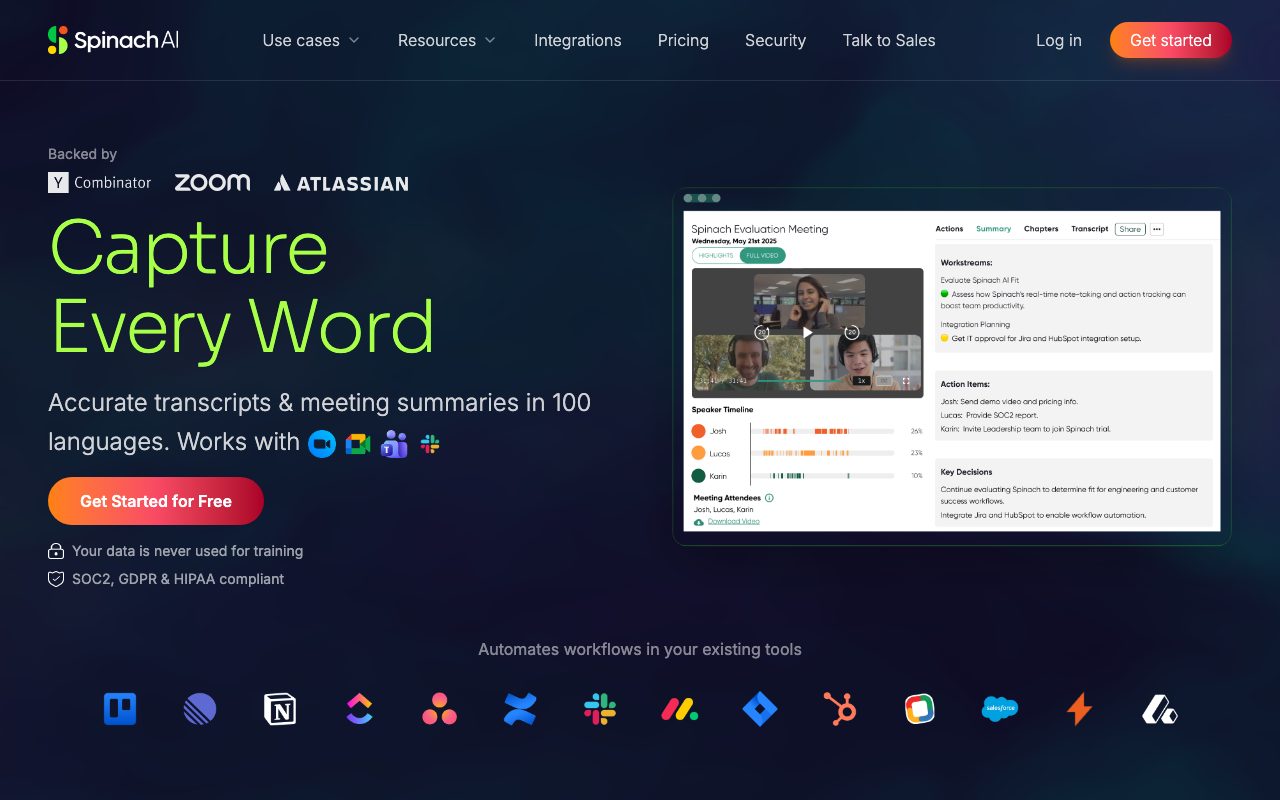
Spinach is an AI meeting assistant that records, transcribes in 100 languages, and converts discussion points into summaries, issue tickets, and CRM updates.
Spinach (operated by StayIn, Inc.) automates meeting documentation and downstream administrative work. The platform records and transcribes discussions across 100 languages, generating structured summaries that highlight decisions, action items, and follow-up responsibilities. Beyond basic note-taking, the tool focuses on operational execution. It automatically routes action items into connected tools by creating tickets, sending recap emails, and updating CRM records without requiring manual data entry after calls. It is designed to support cross-functional teams, including product management, engineering, sales, customer success, and consulting. From a security perspective, Spinach maintains SOC 2 Type II, GDPR, and HIPAA compliance. The vendor explicitly states that customer meeting data is encrypted and is never used to train artificial intelligence models. Meeting recordings are archived after one year in accordance with its data retention policy.
Spinach differentiates by turning meeting transcripts directly into downstream actions—including ticket creation, CRM updates, and recap emails—backed by SOC 2 Type II, GDPR, and HIPAA compliance and a policy against training models on customer data.
Product capabilities
Key features
Multilingual Transcription
Captures and transcribes meetings with support for up to 100 languages.
Action Item & Decision Extraction
Automatically parses call transcripts to isolate key decisions, follow-ups, and action items.
Workflow Automation
Pushes post-meeting updates into connected tools, including creating tickets, updating CRMs, and emailing recaps.
Centralized Workspace Brain
Organizes historical meeting data into a searchable knowledge base for project and organizational visibility.
Enterprise Security Controls
Protects data with end-to-end encryption, SOC 2 Type II, GDPR, and HIPAA compliance, with zero AI model training on user data.
Workflow
How Spinach works
- Connect your calendar and video conferencing accounts to allow the assistant to join scheduled calls.
- The assistant records and transcribes the conversation across supported languages.
- Key takeaways, decisions, and action items are automatically summarized.
- Recaps are distributed and tasks or CRM updates are created in external tools.
Practical fit
Who should use Spinach?
Product & Engineering Standups
Capture user feedback, technical trade-offs, and sprint decisions while automatically generating issue tickets.
Sales Call Documentation
Log buyer requirements and deal status to update CRM records and send rapid recap emails to prospects.
Project Management Kickoffs
Track progress, risks, and next steps across kickoff and review meetings with complete project visibility.
Editorial assessment
Pros and limitations
Where it is strong
- Supports transcription and meeting summaries in 100 languages
- SOC 2 Type II, GDPR, and HIPAA compliant with a strict no-training policy on user data
- Automates post-meeting follow-ups such as ticket creation and CRM updates
Where to be careful
- Specific plan tiers, seat rates, and transcription limits are not published on the primary landing page
- Requires meeting bot attendance and third-party cloud infrastructure
Commercial context
Spinach pricing
At the review date, the vendor offers a free starting tier alongside paid and sales-assisted options, but specific tier pricing and usage caps are not detailed on the reviewed landing page. Verify current rates on the official pricing page.
Pricing, limits, taxes, model access, and regional availability can change. Verify the purchase-critical details on the official pricing page linked under Sources.
Transparent ranking
Why Spinach scores 69.6
Each factor is scored on a 100-point scale, then combined using the public ToolsRank weights. Engagement and momentum stay at a neutral baseline until measured signals exist, so no tool can gain or lose position from numbers nobody recorded.
Compatibility
Languages, platforms, and integrations
Languages
- en
Platforms
- Web
Integrations & surfaces
- Google Meet
- Microsoft Teams
- Stripe
Community
Reviews and questions
No approved member reviews yet. Editorial factors above are the only rating on this page.
Reviews and questions come from Google-signed members and are checked by an editor before they appear.
Frequently asked
Spinach FAQ
Is meeting data used to train AI models?+
No. Spinach explicitly notes on its website and privacy policy that customer data is encrypted, kept secure, and never used for training AI models.
Which compliance standards does Spinach adhere to?+
Spinach is compliant with SOC 2 Type II, GDPR, and HIPAA standards.
How long does Spinach keep meeting recordings?+
According to the Spinach privacy policy, meeting recordings are archived after one year from creation, while account data remains active until deletion is requested.
How many languages does Spinach support?+
The platform provides transcription and summary capabilities across 100 languages.