Direct answer
What is Warp?
Warp combines a modern AI terminal, a standalone CLI agent, and a cloud-based software factory platform to automate development tasks from bug triage to PR generation.
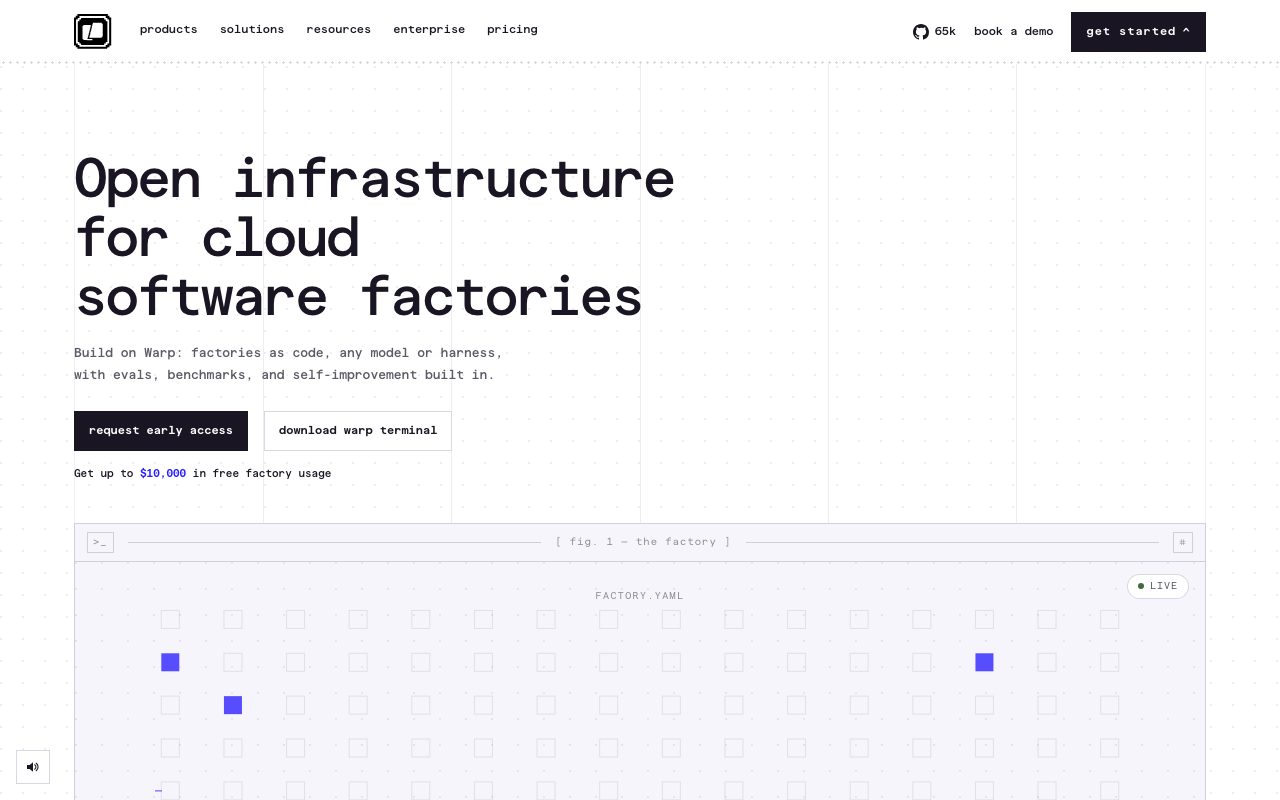
Warp is an agentic development platform that bridges local command-line workflows and cloud-based software automation. Originally launched as a fast, modern terminal with features like block-based command execution and shared team workflows (Warp Drive), the platform has expanded to include Warp Agent CLI and Warp Factories. With Warp Factories, engineering organizations can define fleets of autonomous coding agents as code (using factory.yaml). Triggered by issues, Slack messages, webhooks, or scheduled jobs, these agents carry out tasks such as code reviews, bug reproduction, dependency refactoring, and alert triage. The platform supports a variety of frontier and open-weight models (including Anthropic Claude, OpenAI, and Google Gemini models), alongside external agent harnesses like Claude Code and Codex. Developers can interact with Warp across their terminal, browser, IDE, and team messaging channels. The platform provides measurement via evaluation benchmarks and self-improvement loops that tune prompts and track cost per PR over time. For enterprise environments, Warp offers SOC 2 Type 2 compliance, Zero Data Retention (ZDR) arrangements with model providers, SAML SSO, and options to run self-hosted workers in a private VPC.
Warp integrates a fast, local terminal environment directly with cloud-orchestrated coding agent fleets defined as code, allowing developers to steer, verify, and automate multi-step SDLC tasks across local and remote environments without model lock-in.
Product capabilities
Key features
Modern AI Terminal
Block-based terminal interface with native AI completions, cloud history, and cross-platform support across macOS, Linux, and Windows.
Warp Agent CLI
A terminal-agnostic coding agent that executes tasks directly in the user shell or cloud sandbox.
Warp Factories
Cloud infrastructure to orchestrate fleets of coding agents across the SDLC defined in code using factory.yaml configurations.
Multi-Model & Harness Agility
Bring your own API keys or switch between frontier models and open-weight models per task or pipeline stage.
Warp Drive Collaboration
Shared workflows, commands, and documentation accessible directly inside the command line for engineering teams.
Visual Computer Use Verification
Agents take browser screenshots or video recordings of their work to confirm UI bug fixes and flows before opening pull requests.
Quality Loop & Evals
Built-in evaluations and model benchmarking to monitor automation pass rates, regression alerts, and cost per pull request.
Workflow
How Warp works
- Install the Warp Terminal or Warp Agent CLI on your operating system (macOS, Linux, or Windows).
- Execute terminal commands using smart blocks, completions, and AI prompts directly in the shell.
- Define development workflows and triggers using factory.yaml configurations checked into source control.
- Connect team tools like GitHub, Linear, or Slack to receive task requests and trigger agent runs.
- Review agent-generated pull requests, verification videos, and evals before merging code.
Practical fit
Who should use Warp?
First-Pass Pull Request Reviews
Trigger review agents on ready pull requests to check code quality and suggest fixes before human reviewer sign-off.
Automated Bug Investigation
Reproduce errors, test user flows via browser computer use, and open draft pull requests directly from Slack or Linear alerts.
Codebase Refactors & Migrations
Run background agent jobs to upgrade dependencies, scope migrations, and validate build outputs across repositories.
Incident & Alert Response
Investigate alerts, summarize next steps, and draft diagnostic scripts when system notifications are received.
Editorial assessment
Pros and limitations
Where it is strong
- Cross-platform desktop terminal support for macOS, Linux, and Windows
- Declarative 'factories as code' approach to orchestrating automated development agents
- Zero Data Retention (ZDR) agreements with primary AI providers and SOC 2 Type 2 compliance
- Freedom to bring custom models, endpoints, or third-party harnesses like Claude Code
Where to be careful
- Free plan provides limited cloud agent access and bounded cloud storage
- Requires familiarity with command-line tools and YAML-based pipeline configuration
Commercial context
Warp pricing
At the review date (September 2026), Warp provides a free tier with core terminal features and pay-as-you-go credit reloads. Paid plans include Build ($20/month or $18/month billed annually), Max ($200/month or $180/month billed annually), Business ($50/user/month or $45/user/month billed annually), and custom Enterprise contracts. Check the official pricing page for up-to-date rates.
| Plan | Price | What it includes |
|---|---|---|
| Free | $0 / per month (forever free tier with pay-as-you-go reloads) | |
| Build | $20 / per month ($18/mo billed annually) | |
| Max | $200 / per month ($180/mo billed annually) | |
| Business | $50 / per user / month ($45/user/mo billed annually) | |
| Enterprise | Custom / tailored annual contract |
Pricing, limits, taxes, model access, and regional availability can change. Verify the purchase-critical details on the official pricing page linked under Sources.
Transparent ranking
Why Warp scores 76.8
Each factor is scored on a 100-point scale, then combined using the public ToolsRank weights. Engagement and momentum stay at a neutral baseline until measured signals exist, so no tool can gain or lose position from numbers nobody recorded.
Compatibility
Languages, platforms, and integrations
Languages
- English
Platforms
- macOS
- Linux
- Windows
- Web
- CLI
Integrations & surfaces
- GitHub
- GitLab
- Slack
- Linear
- Jira
- Microsoft Teams
- Model Context Protocol (MCP)
- Google Cloud Platform
Community
Reviews and questions
No approved member reviews yet. Editorial factors above are the only rating on this page.
Reviews and questions come from Google-signed members and are checked by an editor before they appear.
Frequently asked
Warp FAQ
What is Warp Factories?+
Warp Factories is cloud infrastructure that coordinates fleets of coding agents across the software development lifecycle. Triggered by issues, chat messages, or schedules, factories manage tasks from triage to opening a mergeable PR.
Do team members need to use Warp Terminal to benefit from Warp Factories?+
No. Warp Factories operates as independent cloud infrastructure. Work can enter via integrations like GitHub, GitLab, Jira, Linear, or Slack, though using Warp Terminal adds native local inspection.
Can I bring my own AI models and API keys?+
Yes. Warp allows users and teams to connect their own LLM endpoints and API keys (BYOLLM), avoiding vendor model lock-in.
How does Warp handle code privacy and telemetry?+
Warp maintains SOC 2 Type 2 certification and applies Zero Data Retention policies with contracted LLM providers. Telemetry can be inspected through a native network log and disabled by users or administrators.