Direct answer
What is Whimsical AI?
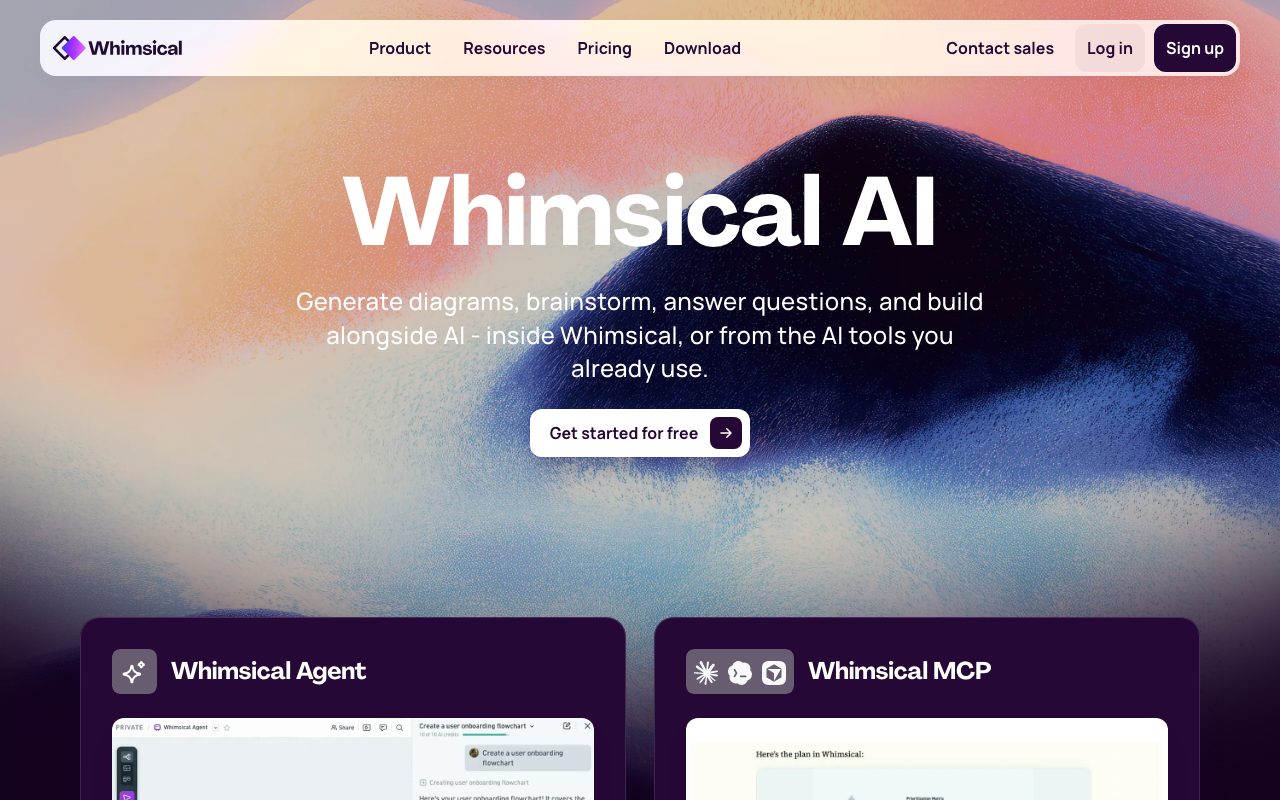
Whimsical AI accelerates visual collaboration by generating flowcharts, mind maps, and wireframes from natural language prompts inside an infinite collaborative canvas or through external AI tools via MCP.
Whimsical AI adds generative visual modeling directly to Whimsical's infinite canvas workspace. The system allows users to generate structured diagrams, step-by-step process maps, branched mind maps, and editable wireframes for web and mobile applications using plain text instructions. Beyond generating standalone diagrams inside the board, the platform includes the Whimsical Agent for querying workspace knowledge and generating assets in place. Through its Model Context Protocol (MCP) integration, users can also invoke Whimsical diagramming and asset generation from external developer environments and chatbots, including Claude, ChatGPT, Cursor, and Codex. All generated visual assets remain fully editable on Whimsical's collaborative boards alongside documentation blocks, whiteboarding sticky notes, and embedded media. The platform supports real-time multi-user editing, unlimited viewers, and centralized team permissions backed by SOC 2 Type II controls.
Whimsical AI blends structured text-to-diagram generation with native support for the Model Context Protocol (MCP), enabling teams to create and modify diagrams directly from external tools like Claude, Cursor, and ChatGPT.
Product capabilities
Key features
AI Flowcharts
Converts written processes and operational logic into structured, connected flowcharts from single text prompts.
AI Mind Maps
Expands single themes or open brainstorms into organized, multi-tier hierarchical mind maps automatically.
AI Wireframes
Transforms textual feature descriptions into editable wireframe screens and wireflows for web and mobile interfaces.
Whimsical Agent
An in-workspace assistant capable of answering questions about board contents and generating visual artifacts on demand.
Whimsical MCP Support
Integrates canvas actions into external LLM clients and IDEs including Claude, ChatGPT, Cursor, and Codex via the Model Context Protocol.
Infinite Canvas & Boards
Combines generated diagrams with freeform whiteboards, code blocks, document blocks, and sticky notes in a unified workspace.
Workflow
How Whimsical AI works
- Open any Whimsical board on the web or desktop application.
- Select an AI generation tool (Flowcharts, Mind Maps, or Wireframes) and enter a plain-text prompt.
- Review and refine the generated diagram or interface directly on the infinite canvas.
- Optionally connect via the Whimsical MCP integration to generate or edit diagrams directly from external tools like Claude or Cursor.
Practical fit
Who should use Whimsical AI?
Interaction and Process Mapping
Translating user journeys, onboarding sequences, or backend logic into visual flowcharts for team alignment.
Early Stage Ideation
Generating branched mind maps during initial project discovery to explore potential solution branches.
Interface Scaffolding
Creating low-fidelity wireframe layouts from feature requirements before moving to dedicated design tooling.
Editorial assessment
Pros and limitations
Where it is strong
- Native generation of both structured logic (flowcharts/mind maps) and UI layouts (wireframes).
- Model Context Protocol (MCP) integration allows generation directly from Cursor, Claude, and ChatGPT.
- Unlimited viewers and guests are supported across all tiers, including the Free tier.
- SOC 2 Type II compliant infrastructure with support for SAML SSO and SCIM on Business plans.
Where to be careful
- The Free plan limits AI experimentation with an initial allotment of 10 AI credits per member.
- Free plan exports include a watermark and cap workspace activity at 50 board objects and 50 doc blocks per month.
- Enterprise identity features like SAML SSO, SCIM, and private teams are restricted to the Business plan.
Commercial context
Whimsical AI pricing
At the review date in September 2026, Whimsical offers a Free plan with 10 AI credits per member and 50 board objects/month. Paid tiers are Pro ($10/month/editor billed annually) and Business ($20/month/editor billed annually). Additional AI credits can be purchased separately. Verify current terms on the official pricing page.
| Plan | Price | What it includes |
|---|---|---|
| Free | $0 / Month / Editor / monthly |
For evaluating Whimsical. Additional AI credits can be purchased. |
| Pro | $10 / Month / Editor / annual |
Billed annually (or monthly option available). |
| Business | $20 / Month / Editor / annual |
Billed annually (or monthly option available). Invoicing available for 10+ seats. |
Pricing, limits, taxes, model access, and regional availability can change. Verify the purchase-critical details on the official pricing page linked under Sources.
Transparent ranking
Why Whimsical AI scores 75.8
Each factor is scored on a 100-point scale, then combined using the public ToolsRank weights. Engagement and momentum stay at a neutral baseline until measured signals exist, so no tool can gain or lose position from numbers nobody recorded.
Compatibility
Languages, platforms, and integrations
Languages
- English
Platforms
- Web
- macOS
- Windows
Integrations & surfaces
- Slack
- GitHub
- Claude
- ChatGPT
- Cursor
- Codex
- Okta
- OneLogin
- Google SSO
Community
Reviews and questions
No approved member reviews yet. Editorial factors above are the only rating on this page.
Reviews and questions come from Google-signed members and are checked by an editor before they appear.
Frequently asked
Whimsical AI FAQ
Can I use Whimsical AI for free?+
Yes. Whimsical offers a Free plan that includes unlimited boards, unlimited workspace members, unlimited guests, and 10 AI credits per member. Additional AI credits can be purchased on any tier.
What is Whimsical MCP?+
Whimsical MCP connects Whimsical to external Model Context Protocol clients like Claude, ChatGPT, Cursor, or Codex, allowing users to generate diagrams and manage canvas items directly from those external tools.
What platforms can I use Whimsical on?+
Whimsical runs in standard web browsers and provides dedicated desktop applications for macOS and Windows.
How does Whimsical secure workspace data?+
Whimsical is SOC 2 Type II certified and complies with GDPR and CCPA. Data is hosted on AWS with AES-256 encryption at rest and TLS 1.2+ encryption in transit.