Direct answer
What is Asana AI?
Asana AI integrates agentic workflows, conversational assistants, and no-code automation directly into Asana's work management platform to summarize status, route intake, and coordinate human-agent tasks.
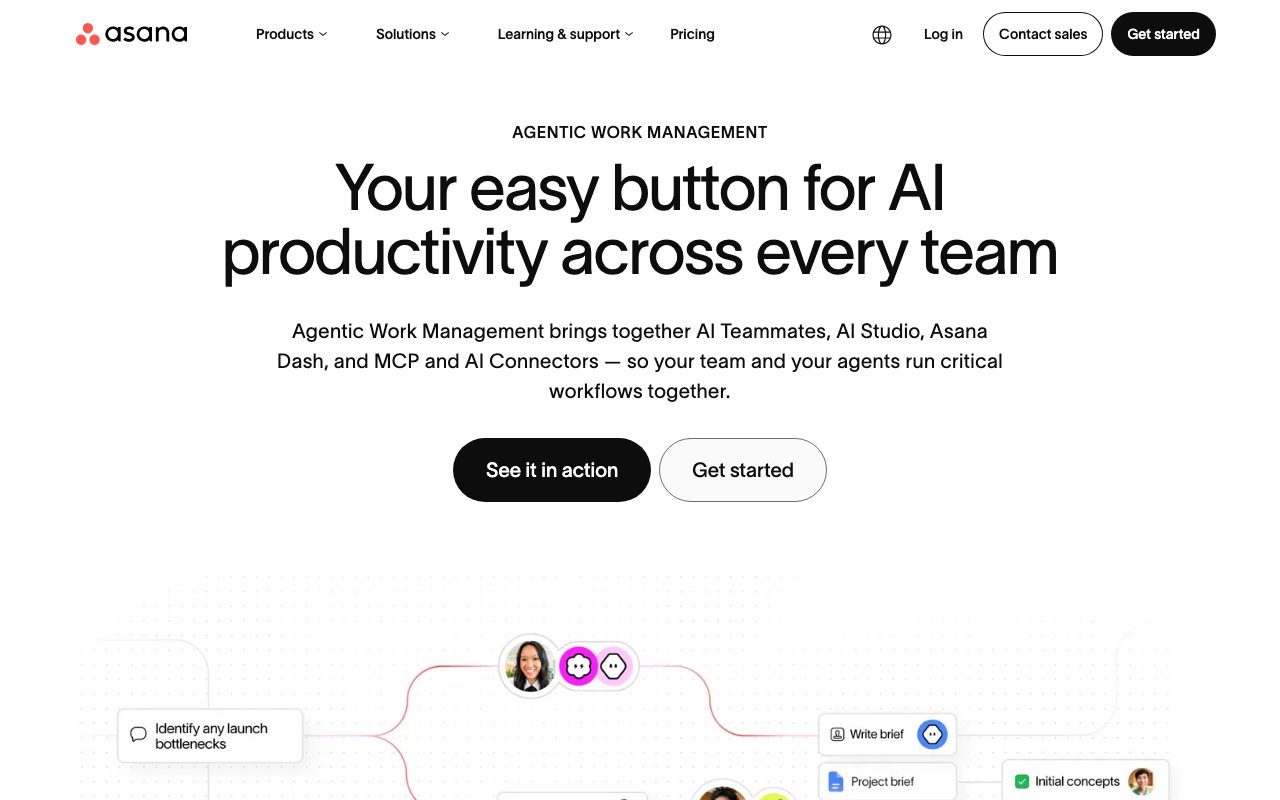
Asana AI adds agentic work management directly to the Asana platform, connecting human teams with automated workflows and AI agents. It centers on three key pillars: AI Teammates (30 prebuilt agents for marketing, IT, and operations), AI Studio (a no-code builder to automate task intake, routing, and repetitive operational work), and Asana Dash (an AI assistant that surfaces daily priorities from meetings, emails, and tasks). Beyond specialized agents, the suite embeds generative capabilities throughout standard task and project management. Features include Smart Chat for natural-language queries across work items, Smart Status and Smart Summaries for instant project reports and risk detection, Words to Workflows to generate multi-step automations from natural text, and Smart Fields that automatically recommend custom task metadata. It also introduces Model Context Protocol (MCP) and AI Connectors, allowing teams to search and update Asana's Work Graph from external tools like ChatGPT, Claude, and Gemini. From a data governance perspective, Asana guarantees that partner AI models do not train on customer data and must delete data after fulfilling each query. AI actions strictly follow existing workspace permissions, ensuring users and agents only access authorized information.
Asana AI operates directly on Asana's structured Work Graph, pairing no-code workflow builders (AI Studio) and 30 preconfigured role-based AI Teammates with open external connectivity via Model Context Protocol (MCP) and connectors for Claude, ChatGPT, and Gemini.
Product capabilities
Key features
AI Studio
A no-code automation builder that designs smart workflows for intake triage, task routing, and recurring handoffs using allocated monthly credits.
AI Teammates
A collection of 30 preconfigured, preauthorized AI agents tailored for marketing, operations, and IT functions that run tasks without prompt engineering.
Asana Dash
An AI assistant that aggregates context from meetings, emails, and project tasks to surface prioritized actions each morning.
AI Connectors and MCP
Model Context Protocol integrations enabling teams to query, update, and manage Asana work directly inside external AI chats such as Claude, ChatGPT, and Gemini.
Words to Workflows
Converts plain-text descriptions of a process into configured Asana automations, rules, and project structures.
Smart Summaries and Status
Generates draft project status reports, synthesizes multi-task activity logs, and identifies operational risks across projects and portfolios.
Smart Fields and Smart Editor
Suggests and auto-populates custom fields while offering AI-assisted drafting and refinement for task descriptions and comments.
Practical fit
Who should use Asana AI?
Automated Request Intake and Routing
Collect project requests via forms and use AI Studio to categorize urgency, apply custom fields, and assign tasks to the correct team members automatically.
Executive Status and Risk Reporting
Generate comprehensive portfolio status updates and risk summaries in seconds by analyzing task completion trends and overdue milestones.
Cross-Platform Workflow Execution
Allow team members working inside ChatGPT or Claude to create tasks, update milestone deadlines, and query Asana project status via AI Connectors.
Editorial assessment
Pros and limitations
Where it is strong
- Native integration directly inside Asana's existing work graph, tasks, and portfolios
- Model vendors are contractually barred from training on customer data and must delete data after queries
- Includes 30 prebuilt agents for ops, marketing, and IT requiring no prompt engineering
- Support for MCP and direct connectors to Claude, ChatGPT, and Gemini
- No-code interface allows non-technical team members to build automated rules with natural language
Where to be careful
- Not available on the free Personal plan; requires a paid subscription tier
- AI Studio usage is gated by monthly credit allocations per account
- Partner AI servers are currently located in the US, which may require review for specific regional data residency requirements
Commercial context
Asana AI pricing
As of review date (September 2026), Asana AI capabilities and AI Studio are included only on paid plans (Starter, Advanced, Enterprise, and Enterprise+), starting at $10.99 per user per month billed annually ($13.49 billed monthly). Monthly AI Studio credits are capped per tier (e.g., 50K on Starter, 75K on Advanced, 200K on Enterprise). The free Personal plan does not include Asana AI. Verify current pricing and credit structures directly on Asana's website.
Pricing, limits, taxes, model access, and regional availability can change. Verify the purchase-critical details on the official pricing page linked under Sources.
Transparent ranking
Why Asana AI scores 78.8
Each factor is scored on a 100-point scale, then combined using the public ToolsRank weights. Engagement and momentum stay at a neutral baseline until measured signals exist, so no tool can gain or lose position from numbers nobody recorded.
Compatibility
Languages, platforms, and integrations
Languages
- Bahasa Indonesia
- Deutsch
- English
- Español
- Français
- Italiano
Integrations & surfaces
- ChatGPT
- Claude
- Google Gemini
- Slack
- Microsoft Teams
- Google Workspace
- Jira Cloud
- Salesforce
- Tableau
- PowerBI
- Okta
- Splunk
Community
Reviews and questions
No approved member reviews yet. Editorial factors above are the only rating on this page.
Reviews and questions come from Google-signed members and are checked by an editor before they appear.
Frequently asked
Asana AI FAQ
Is Asana AI available on the free Personal plan?+
No. Asana AI features and AI Studio are available only on paid subscription tiers, starting with the Starter plan.
How are AI Studio credits allocated?+
AI Studio Basic comes with monthly credit allotments per billing account: 50,000 credits on Starter, 75,000 credits on Advanced, and 200,000 credits on Enterprise plans, with options to purchase additional credits.
Do AI partners train on customer data?+
No. Asana's AI partners do not use customer data to train their models and are contractually required to delete customer data after completing each query.
What permissions apply to Asana AI queries?+
Asana AI follows Asana's role-based permission structure. AI can only access and surface information that the requesting user is already authorized to view.
Where are Asana AI processing servers located?+
According to Asana's documentation, Asana's AI partners currently host processing servers located in the United States.