Direct answer
What is CapCut?
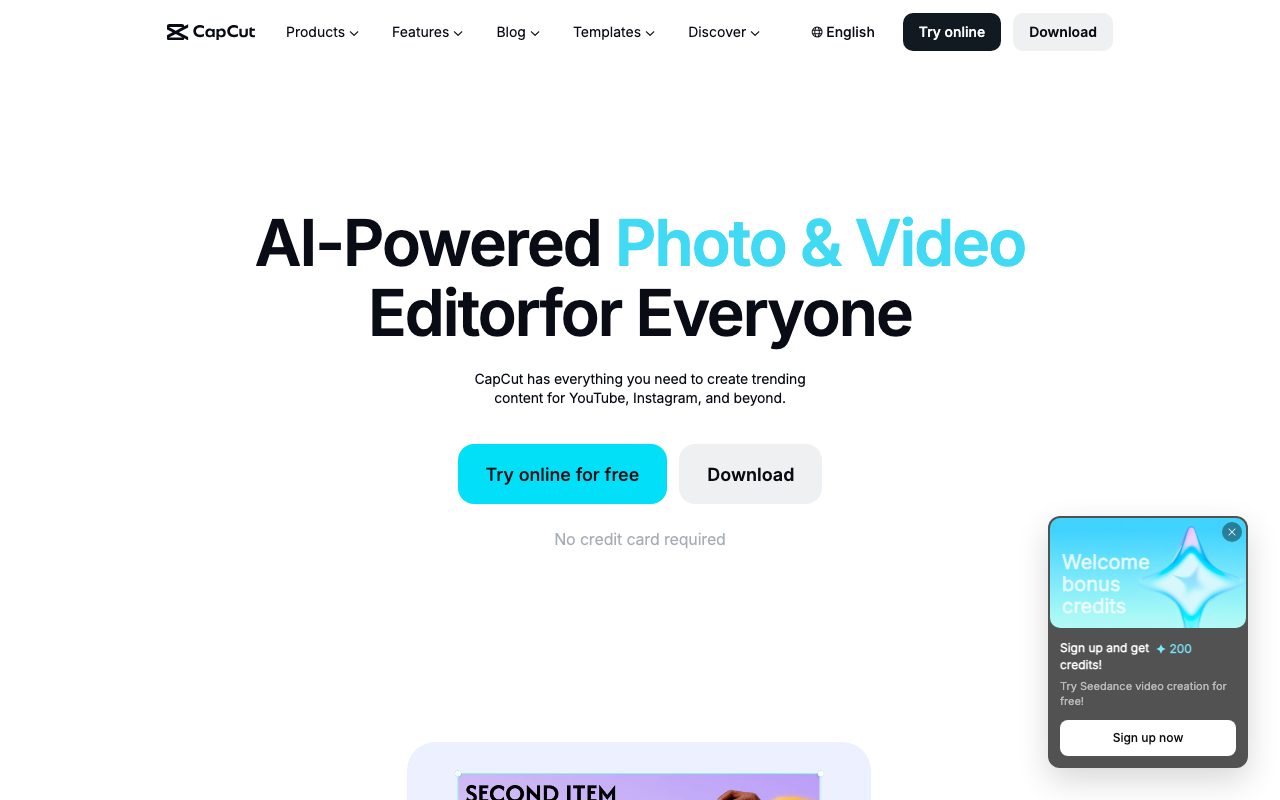
CapCut is a cross-platform video and image editing suite equipped with generative AI tools, auto-captions, background removal, and ready-made social templates.
CapCut is an all-in-one creative editor developed by ByteDance, available across web browsers, desktop operating systems, tablets, and mobile devices. It combines traditional multi-track editing tools like trimming, cutting, transitions, and audio extraction with AI-driven media generation. The platform includes specialized automated tools such as one-click background removers for photos and videos, automatic subtitle generation across multiple languages, audio noise reduction, and voice enhancement. For generative workflows, CapCut offers Video Studio and AI design utilities that convert text prompts, images, or keyframes into videos, custom layouts, and digital avatars. Designed with social media publishing in mind, CapCut integrates customizable template libraries tailored for platforms like TikTok, Instagram Reels, and YouTube. Output can be exported without watermarks on standard free tiers, with cloud storage services available for cross-device asset access.
CapCut unites automated generative tools, one-click cleanup features like watermark-free background removal and auto-captions, and synchronized workflows across desktop, mobile, tablet, and web browsers.
Product capabilities
Key features
AI Video Studio & Generator
Generates complete video drafts, styles, and avatars from text descriptions, images, or keyframes.
Auto Subtitle Generator
Transcribes spoken audio into synchronized, editable captions across multiple languages without forced watermarks.
AI Background Removal
Isolates subjects and strips out background elements from video footage and still photographs in one click.
Voice Enhancement and Noise Reduction
Cleans up dialogue by attenuating static and background noise while refining overall vocal clarity.
Text to Speech & Custom Voices
Converts written text scripts into realistic synthetic voiceovers suitable for narration and marketing clips.
Social Media Templates
Provides ready-to-use layouts, transitions, and effects tailored for Reels, TikTok, and commercial advertisements.
AI Design and Image Enhancer
Produces automated social layouts, removes unwanted objects or people, and upscales image resolution.
Practical fit
Who should use CapCut?
Short-Form Video Production
Assembling, trimming, and styling vertical videos for TikTok and Instagram Reels using dynamic transitions and effects templates.
Automated Subtitling and Voiceover
Generating accurate multilingual subtitles and AI narration tracks for social clips and educational presentations without manual typing.
E-Commerce Asset Creation
Cleaning up product photos and promotional videos using automatic background cutouts, resizing tools, and ad templates.
Editorial assessment
Pros and limitations
Where it is strong
- Offers core browser and desktop editing functions for free with no credit card required.
- Provides watermark-free exports on standard video editing and background removal features.
- Supports multiple form factors with unified accounts across desktop, mobile, tablet, and web.
Where to be careful
- Specific paid tier pricing and cloud storage costs are omitted from the main product pages.
- Privacy policy discloses that pre-uploaded content may be analyzed and used to train machine learning models.
Commercial context
CapCut pricing
As of September 2026, CapCut provides free access across web and app platforms without requiring a credit card, while paid upgrades such as CapCut Cloud Space are available. Specific subscription rates are not stated on the reviewed pages and should be confirmed directly with the vendor.
Pricing, limits, taxes, model access, and regional availability can change. Verify the purchase-critical details on the official pricing page linked under Sources.
Transparent ranking
Why CapCut scores 77.3
Each factor is scored on a 100-point scale, then combined using the public ToolsRank weights. Engagement and momentum stay at a neutral baseline until measured signals exist, so no tool can gain or lose position from numbers nobody recorded.
Compatibility
Languages, platforms, and integrations
Languages
- English
- Portuguese
Platforms
- Web
- Desktop
- Mobile
- Tablet
Integrations & surfaces
- YouTube
Community
Reviews and questions
No approved member reviews yet. Editorial factors above are the only rating on this page.
Reviews and questions come from Google-signed members and are checked by an editor before they appear.
Frequently asked
CapCut FAQ
Does CapCut require a credit card to get started?+
No. The official homepage states that users can try the online editor and download the applications for free with no credit card required.
Does CapCut put watermarks on exported videos?+
According to the official site, CapCut allows users to export HD videos, remove video backgrounds, and generate subtitles without a watermark on its primary online editing tools.
What platforms can run CapCut?+
CapCut is available as a web browser tool (CapCut Online), a desktop application (CapCut Desktop), an iPad/tablet app (CapCut Pad), and a mobile application (CapCut Mobile).
How does CapCut handle uploaded content under its privacy policy?+
The privacy policy states that User Content may be pre-uploaded at creation or import, and may be used to develop services, conduct moderation, and train machine learning models and algorithms.