
Direct answer
What is ClickUp Brain?
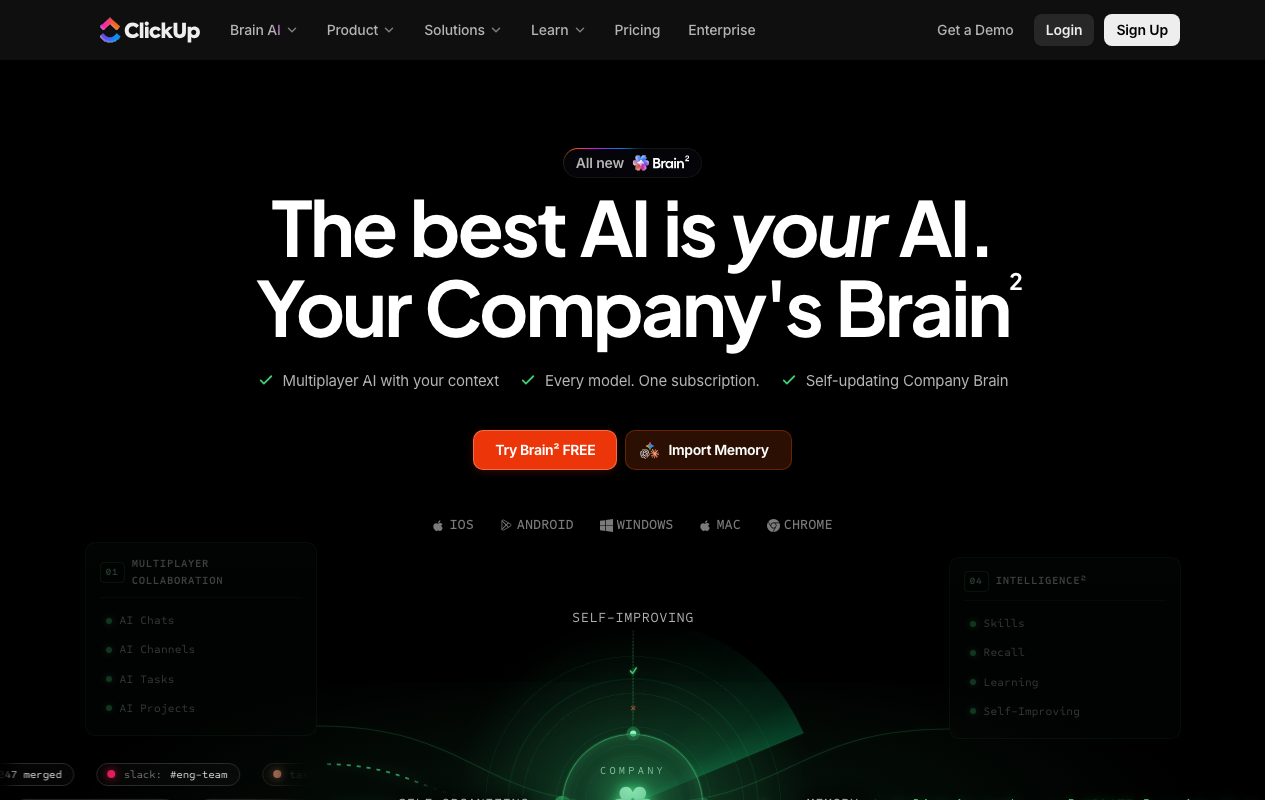
ClickUp Brain is an embedded workspace AI that combines knowledge retrieval, automated project coordination, writing assistance, and autonomous agents grounded in company data.
ClickUp Brain is an integrated AI system operating directly inside the ClickUp work platform. Rather than acting as an isolated chat interface, it accesses the workspace's tasks, documents, comments, sprints, and connected third-party tools to deliver contextual answers and automated actions. The platform uses a hybrid vector and semantic graph context engine that continuously indexes workspace activity without requiring manual prompting. It routes requests across major frontier models, including OpenAI's GPT, Anthropic's Claude, and Google's Gemini, selecting appropriate engines depending on task complexity. Key functional layers include an AI Knowledge Manager for workspace-wide question answering, an AI Project Manager for generating updates and managing dependencies, and autonomous Super Agents capable of completing multi-step deliverables such as scoping documents, design briefs, and triage reports. Brain also provides automated transcription and action item extraction via an AI Notetaker, voice-driven Talk to Text input, dynamic AI Fields, and pre-built dashboard reporting.
ClickUp Brain executes work directly inside the project management graph, resolving tasks, drafting linked documentation, and triggering workflows across connected tools without third-party model training.
Product capabilities
Key features
Context Engine & Unified Search
Uses hybrid vector and graph retrieval to search across workspace tasks, docs, chats, and connected external apps like Google Drive, GitHub, and Salesforce.
Super Agents
Autonomous AI teammates that manage complex workflows, prioritize issues, generate deliverables, and execute multi-step actions across projects.
Frontier Model Routing
Routes user requests to high-performing models from OpenAI, Anthropic, and Google under a single workspace subscription.
AI Notetaker & Talk to Text
Transcribes calls automatically, extracts action items, and converts dictated voice inputs into formatted task structures.
AI Fields & Progress Summaries
Auto-populates task fields with real-time status summaries, data extractions, and project updates directly in list and dashboard views.
Practical fit
Who should use ClickUp Brain?
Workspace Knowledge Retrieval
Ask complex operational questions to surface context, decisions, and documentation recorded across historical tasks and chats.
Automated Project Hygiene
Summarize sprint activity, triage incoming bug reports, and generate progress status reports without manual data aggregation.
Deliverable Drafting
Generate initial drafts of project requirement documents, meeting agendas, customer replies, and slide outlines using relevant project background.
Editorial assessment
Pros and limitations
Where it is strong
- Native grounding in live tasks, chats, docs, and company workflows.
- Integrated multi-model access including Claude, GPT, and Gemini.
- Explicit privacy policy prohibiting sub-processors from training on customer data.
- Cross-app enterprise search supporting platforms like GitHub, Google Drive, and Salesforce.
Where to be careful
- Plan upgrades apply to the entire workspace rather than select individual seats.
- Advanced agent actions and automations depend on monthly AI Super Credit allowances.
Commercial context
ClickUp Brain pricing
At the review date in September 2026, ClickUp offers trial AI access across its free tier. Dedicated AI capabilities are available via the Brain AI plan at $9 per user/month or the Everything AI tier at $28 per user/month, with optional AI Super Credits priced at $10 per 10,000 credits. Core workspace plans are billed separately and workspace-wide. Readers should verify current tiers on ClickUp's pricing page.
Pricing, limits, taxes, model access, and regional availability can change. Verify the purchase-critical details on the official pricing page linked under Sources.
Transparent ranking
Why ClickUp Brain scores 80.3
Each factor is scored on a 100-point scale, then combined using the public ToolsRank weights. Engagement and momentum stay at a neutral baseline until measured signals exist, so no tool can gain or lose position from numbers nobody recorded.
Compatibility
Languages, platforms, and integrations
Languages
- English
Integrations & surfaces
- Slack
- Google Drive
- Salesforce
- GitHub
- Zoom
- Zapier
- Make
- Dropbox
- Box
- OneDrive
- Tableau Web Connector
Community
Reviews and questions
No approved member reviews yet. Editorial factors above are the only rating on this page.
Reviews and questions come from Google-signed members and are checked by an editor before they appear.
Frequently asked
ClickUp Brain FAQ
Does ClickUp allow AI providers to train on workspace data?+
No. ClickUp states on its official enterprise and AI pages that contracts with AI sub-processors explicitly prohibit using customer workspace data for model training.
Can I add ClickUp Brain to individual user accounts?+
No. According to ClickUp's pricing documentation, upgrades apply workspace-wide, requiring all paid members in the workspace to be on the upgraded plan.
Which foundation models are available through ClickUp Brain?+
ClickUp Brain incorporates models including Anthropic's Claude, OpenAI's GPT, and Google's Gemini, routing tasks automatically to the appropriate model.
What are AI Super Credits?+
AI Super Credits are credit pools included with AI tiers to power complex tasks, such as Super Agents, AI Fields, automations, and image generation, with additional credits available for purchase.