
Direct answer
What is Docsumo?
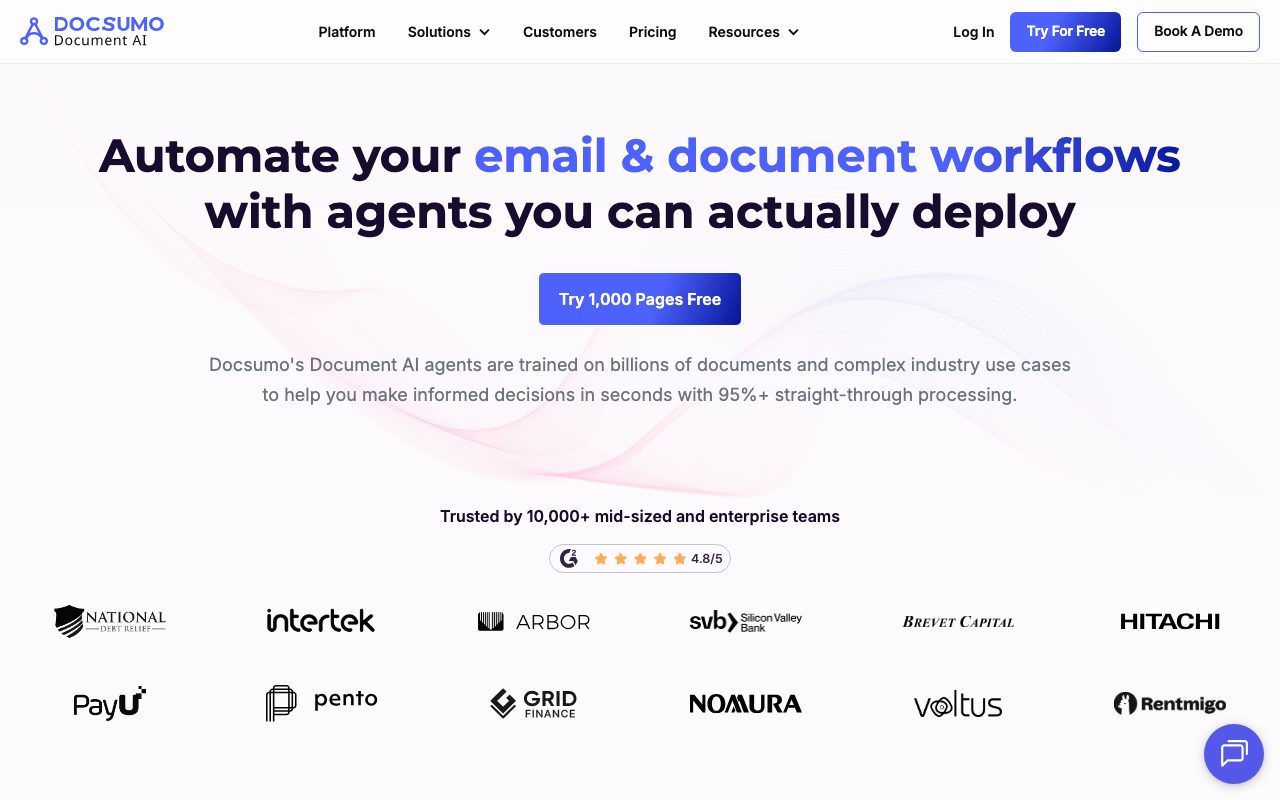
Docsumo is an intelligent document processing (IDP) platform that uses specialized AI agents to ingest, classify, extract, and cross-validate data across multi-page documents and business systems.
Docsumo automates document-heavy business operations using specialized AI agents designed for each stage of document lifecycle management. Its platform combines pre-trained machine learning models with human-in-the-loop review interfaces to process unstructured and semi-structured documents such as invoices, bank statements, ACORD forms, utility bills, and bills of lading. The system handles intake across shared email inboxes, SFTP servers, cloud storage folders, and REST APIs. Once received, classification agents identify file types and page boundaries, while extraction agents pull key-value pairs, nested tables, and handwritten notations. For case-level operations like loan underwriting or insurance claims, Docsumo bundles multiple supporting files, runs cross-document business logic (such as name matching and income-to-debt calculations), and flags discrepancies. Approved data is then published directly into downstream enterprise software like NetSuite, SAP, Encompass, or Guidewire.
Unlike standard single-document OCR engines, Docsumo provides case-level management agents that bundle multiple heterogeneous documents, cross-validate data across files using natural-language rules, and push unified decisions to enterprise systems.
Product capabilities
Key features
Email and Document Ingestion
Monitors shared email inboxes, SFTP drop locations, cloud storage (such as SharePoint), and webhooks to automatically triage incoming files and route them into processing queues.
Document Classification and Splitting
Automatically identifies document types from unorganized uploads and splits multi-page bundles into individual documents for targeted processing.
Pre-Trained and Custom Extraction Models
Provides more than 30 pre-trained models for standard documents like bank statements, invoices, ACORD forms, and utility bills, with support for training custom schemas on as few as 20 samples.
Cross-Document Case Validation
Groups related files into unified cases and evaluates business rules across separate documents, verifying consistency in applicant names, debt ratios, or line items.
Human-in-the-Loop Review
Surfaces low-confidence extraction fields alongside visual source-bounding boxes for quick manual verification and continuous model refinement.
Enterprise System Integration
Exports verified data directly to platforms like NetSuite, Encompass, Guidewire, and Snowflake via pre-built connectors, REST APIs, and webhooks.
Workflow
How Docsumo works
- Ingest documents via email attachments, cloud folders, SFTP, or API endpoints.
- Classify document types and automatically split multi-page files into relevant components.
- Extract structured key-value pairs and tabular line items using pre-trained or custom AI models.
- Validate extracted data against cross-document business rules and flag exceptions for human review.
- Sync validated data directly into target ERP, LOS, CRM, or database systems.
Practical fit
Who should use Docsumo?
Lending and Credit Underwriting
Extracts and cross-verifies financial data from bank statements, W-2 forms, and tax returns to calculate debt-to-income metrics and expedite loan approval queues.
Accounts Payable Automation
Captures line-item table data from incoming supplier invoices and executes two-way or three-way matching against purchase orders and payment records before posting to ERPs.
Logistics and Shipping Document Capture
Parses bills of lading, dispatch tickets, and shipping invoices to reconcile carrier paperwork and accelerate payment turnarounds.
Healthcare and Insurance Claims Intake
Processes CMS-1500 forms, prior-authorization paperwork, and ACORD certificates, validating diagnosis and procedure codes against eligibility rules.
Editorial assessment
Pros and limitations
Where it is strong
- Offers 30+ ready-to-use models for common financial and legal document formats
- Provides multi-document case bundling and automated cross-validation rules
- Supports human-in-the-loop review with confidence scores and source span tracing
- Maintains enterprise compliance standards including SOC 2 Type 2, HIPAA, and GDPR
- Custom models can be trained on small sample sets starting around 20 documents
Where to be careful
- Production pricing is not published transparently and requires contacting sales
- Setup and onboarding may incur additional implementation fees depending on workflow complexity
- Unused document processing credits do not roll over on monthly billing cycles
Commercial context
Docsumo pricing
At the review date, Docsumo provides a 14-day trial with up to 1,000 pages and 10 user licenses. Ongoing production plans (Business and Enterprise) require contacting sales for customized pricing based on document volume and technical requirements. Setup fees may apply, and annual contracts offer up to a 10% discount. Verify current terms on the official pricing page.
| Plan | Price | What it includes |
|---|---|---|
| Free Trial | $0 / 14 days trial | |
| Business | Custom quote / custom | |
| Enterprise | Custom quote / custom |
Pricing, limits, taxes, model access, and regional availability can change. Verify the purchase-critical details on the official pricing page linked under Sources.
Transparent ranking
Why Docsumo scores 75.6
Each factor is scored on a 100-point scale, then combined using the public ToolsRank weights. Engagement and momentum stay at a neutral baseline until measured signals exist, so no tool can gain or lose position from numbers nobody recorded.
Compatibility
Languages, platforms, and integrations
Languages
- English
Platforms
- Web
- API
Integrations & surfaces
- NetSuite
- SAP
- Salesforce
- Snowflake
- SharePoint
- Slack
- Encompass
- Guidewire
- Epic
- REST API
- Webhooks
Community
Reviews and questions
No approved member reviews yet. Editorial factors above are the only rating on this page.
Reviews and questions come from Google-signed members and are checked by an editor before they appear.
Frequently asked
Docsumo FAQ
How does Docsumo handle document security and data privacy?+
Docsumo complies with SOC 2 Type 2, GDPR, and HIPAA standards. According to its policies, the platform uses SSL encryption, role-based access control, and daily backups on AWS and GCP infrastructure. Docsumo states that customer document data is not resold, and its extraction models run on in-house technology without leaking data to third-party public models.
Can Docsumo process document types not included in its pre-trained library?+
Yes. Docsumo supports custom model training using few-shot learning. Teams can train custom extraction pipelines on their own documents using as few as 20 annotated sample files.
What happens when extraction confidence on a field is low?+
Docsumo routes low-confidence fields and rule-check failures to a human-in-the-loop review interface. Reviewers can visually inspect the source document span, correct or approve the field, and the model incorporates these adjustments for continuous refinement.
Does Docsumo support multi-page and batch document processing?+
Yes. Docsumo includes auto-classification and document splitting capabilities that can analyze multi-page files, separate them into appropriate sub-documents, and route each section to the correct extraction schema.