Direct answer
What is Dropbox Dash?
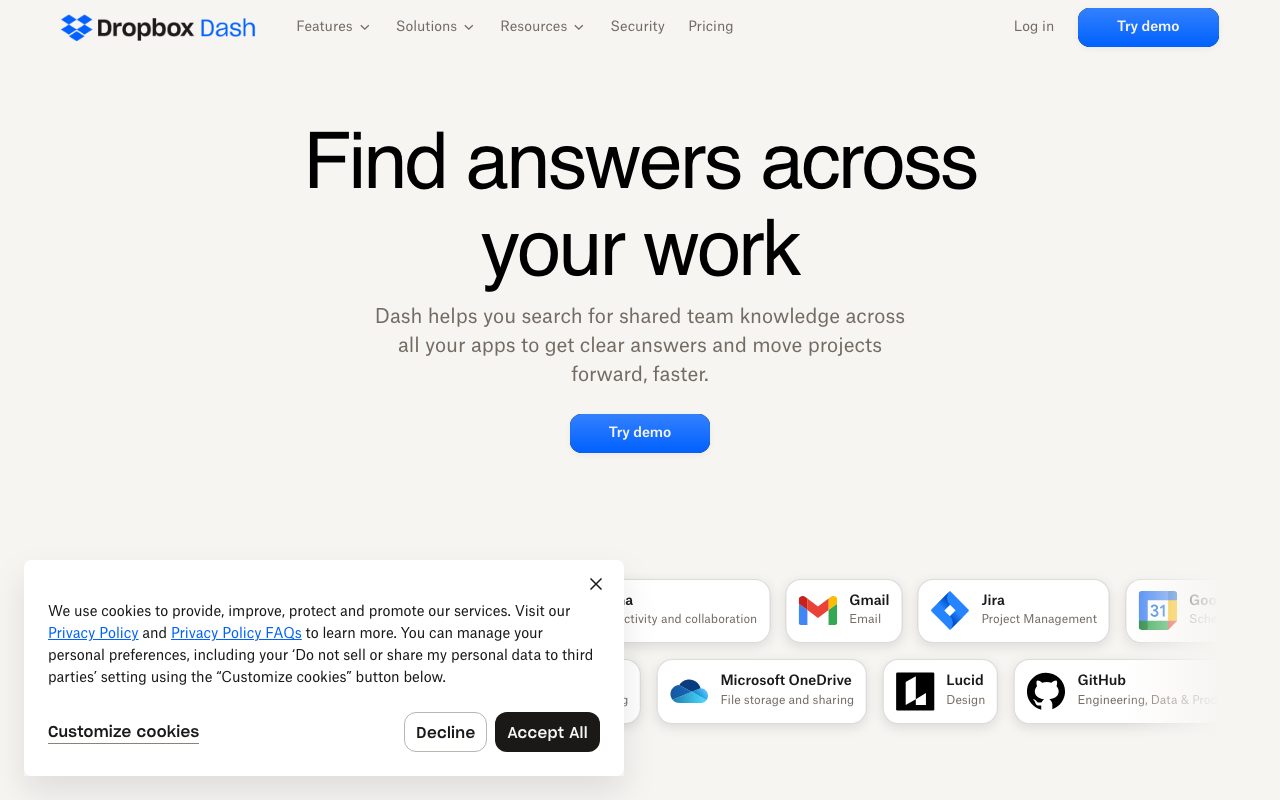
Dropbox Dash is an AI universal search and knowledge assistant that unifies tools like Google Drive, Notion, Slack, and OneDrive to help teams find files, get answers, and organize shared links.
Dropbox Dash connects workplace software into a single unified search and productivity interface. Developed by Dropbox, Dash is designed to overcome workplace information fragmentation by indexing content across separate third-party ecosystems, including Google Workspace, Microsoft 365, Atlassian, Notion, and Slack. Through AI-powered universal search, Dash surfaces files, images, videos, and conversation threads from connected applications in one place. Its answering capability distills complex documents and discussions into concise answers complete with source references, comparisons, and suggested next steps. To keep projects organized, Dash includes Stacks—shareable collections of cross-tool links that maintain the source files' access permissions—and a centralized Start Page that pairs daily calendar schedules with relevant documents and team activity feeds.
Dash indexes content across major competing ecosystems (such as Google Drive, Microsoft OneDrive, Slack, and Notion) rather than confining search to Dropbox storage, combining universal search with context-rich collections called Stacks.
Product capabilities
Key features
Universal Search
Search across multi-vendor apps including Google Drive, Microsoft OneDrive, Notion, and Gmail to find files, images, and videos from one query.
AI Answers and Chat
Distill lengthy documents and message threads into concise, sourced answers, generate comparisons, and explore suggested follow-up questions.
Stacks
Bundle cross-platform links, documents, and references into a single organized link while maintaining original file access and permission rules.
Start Page
Access a centralized workspace displaying your daily calendar alongside relevant project files and a unified team activity feed.
Connected Apps and Surfaces
Integrate directly with enterprise productivity, design, storage, and project management platforms.
Company Directory
Quickly identify colleagues and internal team members alongside contextual work assets.
Practical fit
Who should use Dropbox Dash?
Cross-Platform Knowledge Discovery
Retrieve project specifications and design assets without needing to remember whether they live in Notion, Google Drive, OneDrive, or Slack.
Meeting and Schedule Preparation
Review your daily Google Calendar or Teams meetings on the Start page next to related documents and recent project updates.
Project Handoffs and Resource Sharing
Collect related links from Jira, Miro, and Google Docs into a Stack link to share context with collaborators without resetting permissions.
Document and Thread Summarization
Ask questions across multiple conversation threads and documents to receive consolidated, cited answers and comparisons.
Editorial assessment
Pros and limitations
Where it is strong
- Searches across major third-party platforms including Google Workspace, Microsoft 365, Notion, and Slack.
- Chat answers include citations and direct references back to original content.
- Stacks preserve original source access settings when sharing groups of documents.
- Start Page brings together daily calendar schedules and relevant project files.
Where to be careful
- Specific subscription pricing and seat tiers are not transparently published on the primary product overview page.
- Official page disclaimers note that some features described may not yet be generally released.
Commercial context
Dropbox Dash pricing
At the review date (September 2026), Dropbox offers free trial access, product demos, and enterprise sales contact on the Dash landing page. Specific per-seat pricing and subscription tier details are not listed on the page and should be verified on the official pricing page.
Pricing, limits, taxes, model access, and regional availability can change. Verify the purchase-critical details on the official pricing page linked under Sources.
Transparent ranking
Why Dropbox Dash scores 73.1
Each factor is scored on a 100-point scale, then combined using the public ToolsRank weights. Engagement and momentum stay at a neutral baseline until measured signals exist, so no tool can gain or lose position from numbers nobody recorded.
Compatibility
Languages, platforms, and integrations
Languages
- English
Platforms
- Web
Integrations & surfaces
- Google Drive
- Microsoft OneDrive
- Notion
- Slack
- Jira
- Asana
- Confluence
- GitHub
- Gmail
- Microsoft Teams
- Salesforce
- Airtable
Community
Reviews and questions
No approved member reviews yet. Editorial factors above are the only rating on this page.
Reviews and questions come from Google-signed members and are checked by an editor before they appear.
Frequently asked
Dropbox Dash FAQ
What tools can Dropbox Dash connect to?+
Dropbox Dash connects to a broad selection of workplace tools, including Google Drive, Gmail, Google Calendar, Microsoft OneDrive, Microsoft Teams, Microsoft Outlook, Notion, Slack, Jira, Asana, Smartsheet, Airtable, GitHub, Confluence, Lucid, Miro, Canva, Zoom, Salesforce, and Dropbox.
Does Dropbox Dash change the permissions of my shared files?+
No. When you curate resources into a Stack, Dash preserves the original access and permission settings of each underlying file and service.
Can Dropbox Dash summarize content from my apps?+
Yes. The Dash chat feature distills long documents and discussion threads into clear, sourced answers, with the ability to summarize, compare information, and suggest follow-up questions.
Is Dropbox Dash restricted to files stored in Dropbox?+
No. Dropbox Dash is built as a cross-platform universal search tool that connects to and searches across external tools such as Google Drive, OneDrive, Notion, Slack, and Jira.