
Direct answer
What is Dust?
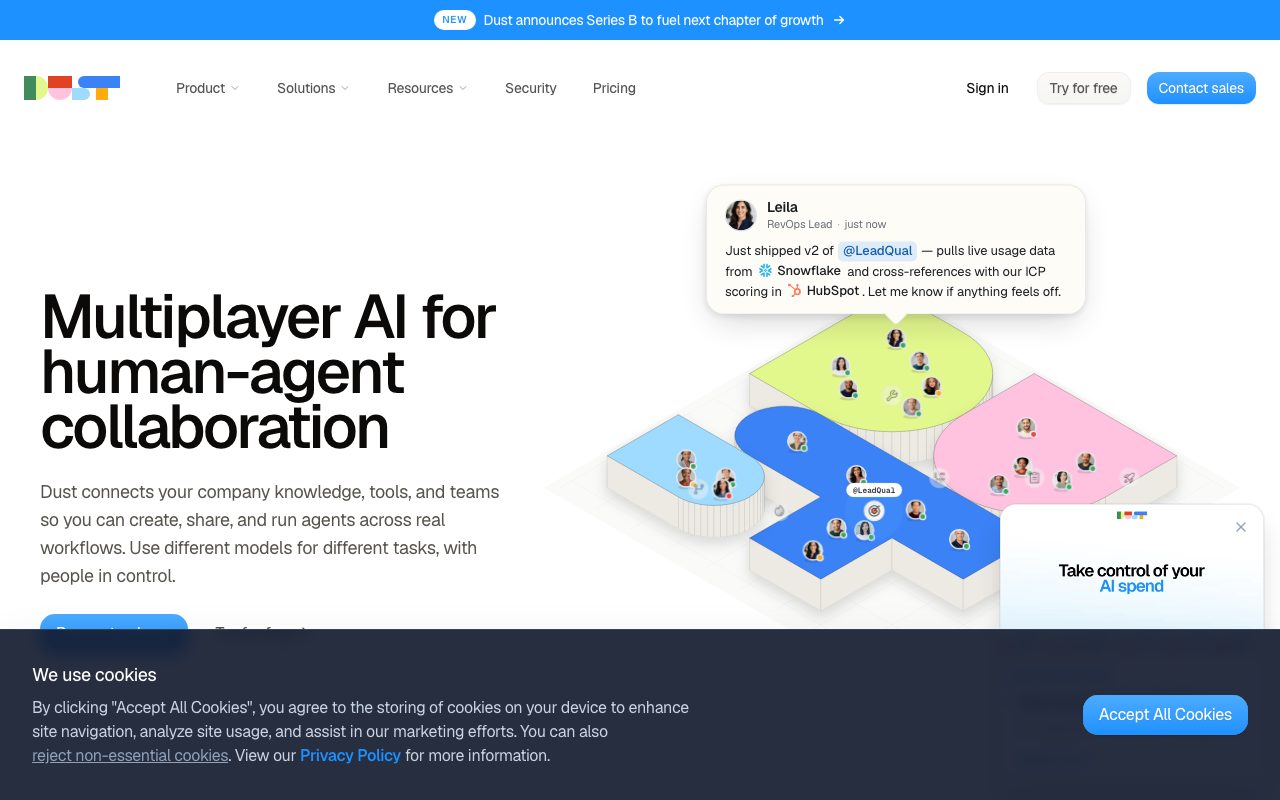
Dust connects internal corporate data with frontier AI models so teams can build, share, and run collaborative AI agents across company workflows.
Dust is an enterprise-oriented platform designed for human-agent collaboration across business systems. It connects company knowledge from over 70 integrations—such as Slack, Notion, Google Drive, GitHub, Salesforce, and Zendesk—with leading frontier and open-source models from OpenAI, Anthropic, Google, Mistral, and DeepSeek. Rather than locking an organisation into a single conversational assistant or one model vendor, Dust enables team members (whom Dust calls 'AI Operators') to configure domain-specific agents tailored to precise workflows. Agents can run scheduled tasks, trigger automated actions via APIs or Model Context Protocol (MCP) servers, and collaborate within shared team spaces ('Pods') and interactive dashboards ('Frames'). To address enterprise security and compliance requirements, Dust enforces dual-layer permission models separating data access from agent consumption. The architecture supports single sign-on (SSO), SCIM provisioning, AES-256 and TLS encryption, audit logging, and configurable data residency in the US or EU, backed by SOC 2 Type II certification and HIPAA readiness.
Dust pairs multi-model flexibility across 20+ frontier models with deep company context from 70+ connectors, allowing cross-functional teams to collaborate alongside agents using granular, role-based permission boundaries.
Product capabilities
Key features
70+ Data Connectors
Syncs company context across repositories like Slack, Notion, Google Drive, GitHub, Salesforce, and Zendesk with granular selection.
Multi-Model Orchestration
Enables agents to use over 20 frontier and open-source models from OpenAI, Anthropic, Google, Mistral, and DeepSeek on a per-task basis.
Multiplayer AI & Pods
Shared collaborative workspaces where team members and automated agents work together with common context and human review.
MCP & Automation Platform Support
Supports native and remote Model Context Protocol (MCP) servers, alongside integrations with Zapier, Make, n8n, and Power Automate.
Dual-Layer Permissions & Governance
Separates what agents can access from who can invoke them, featuring SCIM provisioning, SSO, audit logs, and private data spaces.
Frames & Dashboards
Builds interactive operational dashboards, apps, and automated workflows on top of connected agents and company data.
Practical fit
Who should use Dust?
Customer Support Augmentation
Route incoming tickets, retrieve historical resolutions, and draft grounded answers using connected Zendesk and Notion data.
Engineering Context & Code Review
Surface past pull requests, incident documentation, and automated code review guidelines directly to development teams.
Cross-Functional Knowledge Search
Enable sales, operations, and leadership teams to query internal policy, CRM data, and chat threads from a single assistant.
Workflow Automation via Triggers
Run recurring multi-agent orchestration tasks triggered on schedules or external events to generate docs and reports.
Editorial assessment
Pros and limitations
Where it is strong
- Broad selection of frontier models accessible within one unified workspace without separate subscriptions.
- Dual-layer permissions allow fine-grained administrative control over data access and agent distribution.
- Pre-built connectors to standard enterprise tooling like Slack, Google Drive, GitHub, and Salesforce.
- Adheres to enterprise security standards including SOC 2 Type II certification, GDPR compliance, and US/EU data residency.
Where to be careful
- Consumption-based credit model requires monitoring to manage costs across tool-heavy and deep research workflows.
- Full governance features like SCIM provisioning, audit logs, and dedicated CSM support are restricted to the Enterprise tier.
Commercial context
Dust pricing
Prices reflect vendor documentation as of September 2026. The Business plan offers Free (500 lifetime credits), Pro ($24/seat/month billed annually or $30 monthly), and Max seats ($120/seat/month billed annually or $150 monthly). Custom Enterprise plans are priced on request. Verify current pricing and terms on dust.tt.
| Plan | Price | What it includes |
|---|---|---|
| Free Seat (Business Plan) | $0 / lifetime allocation of 500 credits | |
| Pro Seat (Business Plan) | $24 / seat/month billed annually ($30 monthly) | |
| Max Seat (Business Plan) | $120 / seat/month billed annually ($150 monthly) | |
| Enterprise | Contact sales / custom |
Pricing, limits, taxes, model access, and regional availability can change. Verify the purchase-critical details on the official pricing page linked under Sources.
Transparent ranking
Why Dust scores 74.8
Each factor is scored on a 100-point scale, then combined using the public ToolsRank weights. Engagement and momentum stay at a neutral baseline until measured signals exist, so no tool can gain or lose position from numbers nobody recorded.
Compatibility
Languages, platforms, and integrations
Languages
- en
Platforms
- Web
- Google Chrome Extension
Integrations & surfaces
- Slack
- Notion
- Google Drive
- GitHub
- Salesforce
- Zendesk
- Zapier
- Make
- n8n
- Microsoft Power Automate
Community
Reviews and questions
No approved member reviews yet. Editorial factors above are the only rating on this page.
Reviews and questions come from Google-signed members and are checked by an editor before they appear.
Frequently asked
Dust FAQ
What is a credit in Dust and how is it consumed?+
A credit is Dust's unit for measuring AI usage. Credits are charged per message based on the underlying model used, task complexity, and connected tool operations such as search, code execution, or remote actions.
Do unused monthly credits roll over to the next month?+
No. Monthly seat credit allocations reset at the start of each billing period to keep costs and planning predictable.
What is the difference between Free, Pro, and Max seats?+
Within the Business plan, Free seats include 500 lifetime credits for occasional users. Pro seats include 8,000 monthly credits ($24/seat/month billed yearly or $30 monthly), and Max seats provide 40,000 monthly credits ($120/seat/month billed yearly or $150 monthly) for power users.
Does Dust train AI models on company data?+
No. Dust enforces a zero-model-training policy, and customer data is not stored or used by third-party model providers to train foundation models.