Direct answer
What is Filmora?
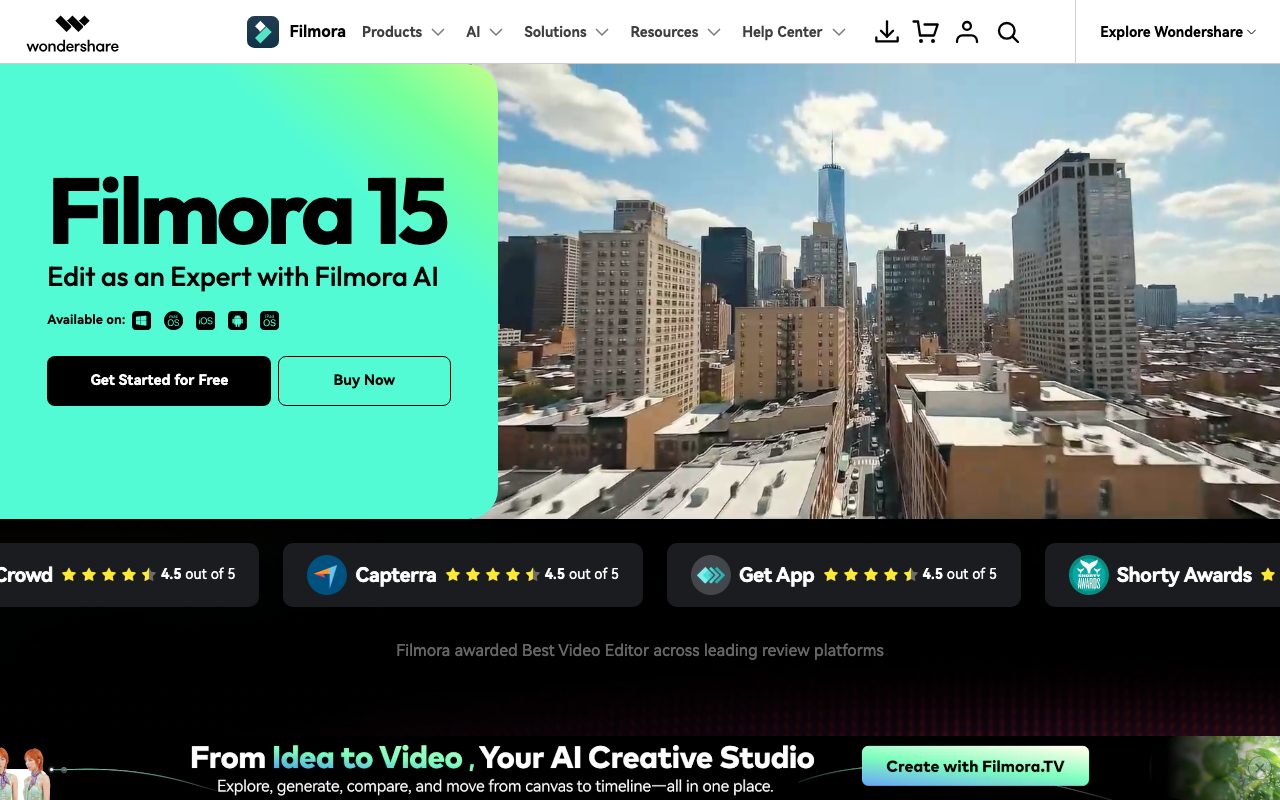
Wondershare Filmora is a multi-platform video editor featuring dual-timeline editing, dynamic captions, and an integrated suite of generative AI tools for video, audio, and visual effects.
Wondershare Filmora 15 is a video editing suite designed to balance timeline precision with automated AI workflows across desktop and mobile devices. It combines standard multi-track timeline editing, keyframing, and custom pen motion paths with automated features such as AI text-to-video, image-to-video, video extending, and portrait cutouts. For audio and voice work, the software includes speech-to-text, dynamic caption generation, background noise removal, audio stretch, vocal separation, and an AI music generator. Editors can access over 2.9 million built-in creative assets, including royalty-free music, animated charts, stickers, LUTs, and transition presets. Filmora supports GPU acceleration on Windows and Apple Metal rendering on macOS to speed up timeline preview and export tasks. Export options allow direct publishing to platforms such as YouTube with automated compression profiles. It also incorporates a Social Content Planner to prepare and schedule finished videos for distribution.
Filmora unites traditional multi-track timeline and keyframe controls with built-in generative AI (such as Veo-based text-to-video, AI video extending, and automated clip repurposing) plus a 2.9M+ media stock library directly in one native application.
Product capabilities
Key features
Dual-Timeline and Multi-Track Editing
Inspect source media and main sequences side by side, organize multiple tracks, and create motion paths with the Pen Tool and anchor keyframes.
AI Video Generation and Extension
Generate video sequences from text prompts or images, animate static photos, and lengthen clips with AI Video Extender.
Automated Audio Suite
Isolate voices, reduce background hum, match clip durations with AI Audio Stretch, and generate instrumental tracks and sound effects.
Dynamic Captions and Text-Based Editing
Transcribe speech automatically to generate animated on-screen subtitles or edit the timeline through transcript text.
Smart Short Clips and Social Planner
Identify highlights from long footage to create vertical short clips and organize posting schedules with the integrated Social Content Planner.
2.9M+ Creative Asset Library
Directly access royalty-free background music, sound effects, animated charts, video effects, filters, and title templates.
Practical fit
Who should use Filmora?
YouTube and Social Video Creation
Assemble, trim, caption, and export high-resolution video directly to YouTube or export vertical formats for TikTok and Instagram Reels.
Marketing and Product Explainers
Incorporate animated charts, screen recordings, text-to-speech voiceovers, and stock b-roll to create product promotional videos.
Short-Form Clip Repurposing
Extract bite-sized clips from longer recordings, apply dynamic animated subtitles, and optimize framing for social platforms.
Editorial assessment
Pros and limitations
Where it is strong
- Combines timeline editing flexibility with automated generative AI tools in a single interface
- Cross-platform availability on Windows, macOS (with Metal rendering support), iOS, iPadOS, and Android
- Extensive library of over 2.9 million built-in templates, audio tracks, and graphic elements
- Direct export integration with YouTube, including optimized compression settings
Where to be careful
- AI-generated text-to-video, images, and sound effects are restricted to non-commercial use under current vendor terms
- Specific plan pricing, export watermark details, and AI credit limits are not detailed on the homepage
Commercial context
Filmora pricing
At the review date (September 2026), Wondershare offers a free-to-download version of Filmora alongside paid tiers, but exact numerical prices and credit limits are not detailed on the homepage. Users should verify current pricing and export terms directly on the official pricing page.
Pricing, limits, taxes, model access, and regional availability can change. Verify the purchase-critical details on the official pricing page linked under Sources.
Transparent ranking
Why Filmora scores 75.1
Each factor is scored on a 100-point scale, then combined using the public ToolsRank weights. Engagement and momentum stay at a neutral baseline until measured signals exist, so no tool can gain or lose position from numbers nobody recorded.
Compatibility
Languages, platforms, and integrations
Languages
- English
- Spanish
- French
- German
- Japanese
- Chinese
Platforms
- Windows
- macOS
- iOS
- Android
- iPadOS
Integrations & surfaces
- YouTube
- TikTok
- Vimeo
Community
Reviews and questions
No approved member reviews yet. Editorial factors above are the only rating on this page.
Reviews and questions come from Google-signed members and are checked by an editor before they appear.
Frequently asked
Filmora FAQ
Can Filmora assets be used for commercial projects?+
Non-AI resources (music, sound effects, transitions, effects, and filters) labeled 'commercially available' may be used commercially. However, according to the vendor's documentation, certain AI-generated resources (such as text-to-video, AI images, stickers, and AI-generated sound effects) are restricted to non-commercial use due to training material status, while AI Music marked as commercially available can be used commercially.
What operating systems does Filmora support?+
Filmora is available on Windows and macOS for desktop computers, as well as iOS, iPadOS, and Android for mobile devices.
Does Filmora support hardware acceleration?+
Yes, Filmora supports GPU acceleration on compatible systems and utilizes Apple Metal rendering technology on macOS for improved playback performance and faster video rendering.
Can I publish videos directly to social networks?+
Yes, Filmora provides a dedicated direct export mode for YouTube that applies recommended compression parameters, alongside a Social Content Planner to organize and schedule content releases.