Direct answer
What is Fyxer?
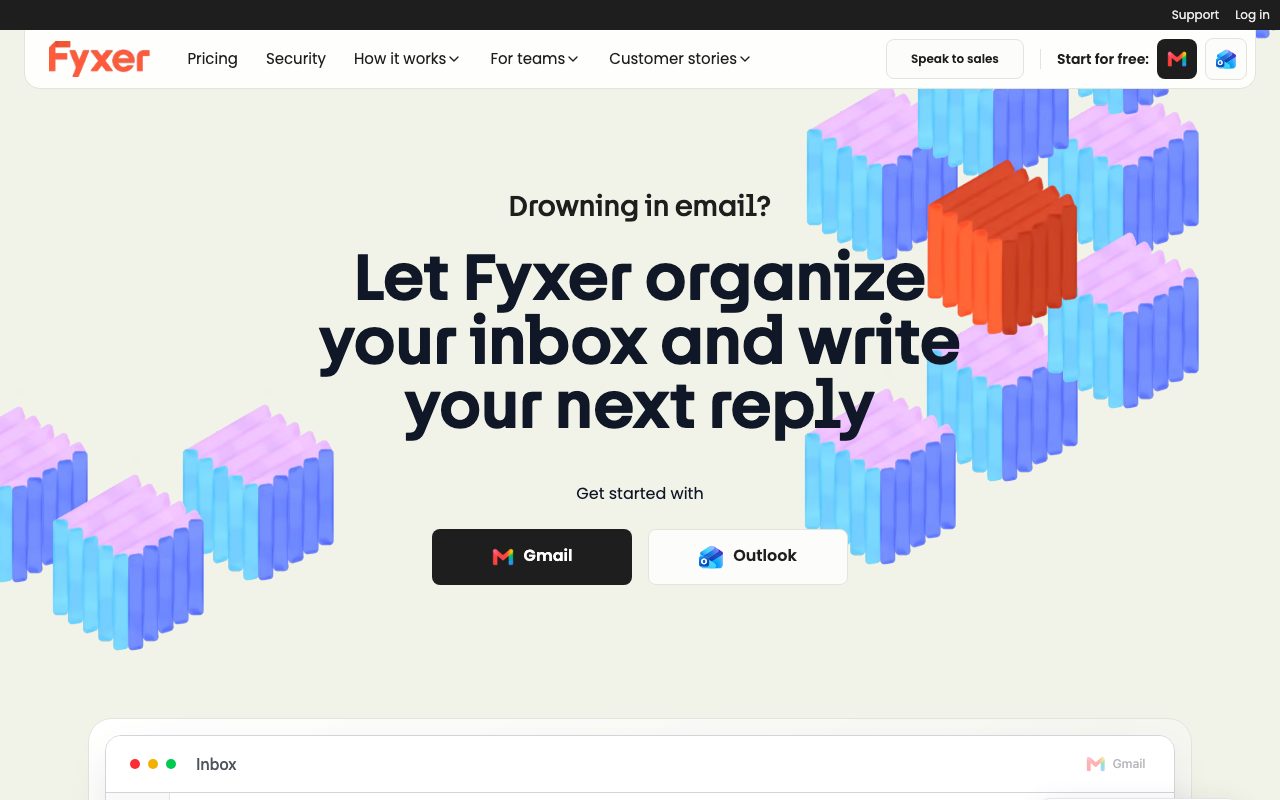
Fyxer is an AI email assistant for Gmail and Outlook that prioritizes inboxes, writes tone-matched reply drafts, and converts meeting recordings into follow-up emails.
Fyxer operates inside native email environments like Google Workspace and Microsoft Outlook to automate daily inbox routines. It categorizes incoming mail into functional groups such as 'To Respond' and 'FYI', keeping urgent messages visible while filtering low-priority marketing and informational emails out of immediate view. In addition to organizing mail, Fyxer produces full draft replies modeled on historical email conversations and provided business documents. Crucially, the platform enforces human review: Fyxer only prepares drafts and never sends outbound messages on its own. Fyxer also includes a meeting companion that joins video calls to produce summaries and generate post-meeting follow-up drafts for participants. Higher tiers provide multi-inbox and multi-calendar synchronization, a conversational search tool called Fyxer Chat for querying email archives and meeting transcripts, HubSpot CRM integration, and multi-timezone scheduling assistance.
Fyxer integrates directly into existing Gmail and Outlook inboxes without requiring a third-party email client, strictly enforces draft-only generation to ensure emails are never sent without human approval, and links meeting transcription directly to queued email drafts.
Product capabilities
Key features
Inbox Organizer
Automatically sorts incoming emails into actionable categories such as 'To Respond' and 'FYI' to focus on high-priority correspondence.
Voice-Matched Draft Writer
Generates complete reply drafts informed by previous conversations, tone, and attached context, requiring manual user review before sending.
Meeting Companion
Attends video conferences to record crisp notes, generate summaries, and prepare post-meeting follow-up emails in your draft folder.
Fyxer Chat
Provides an conversational search assistant on Professional and Enterprise plans to query past email threads and meeting transcripts.
Scheduling Assistant
Coordinates calendar availability and schedules meetings across internal teams and external time zones.
HubSpot Integration
Connects meeting summaries and inbox activity directly to HubSpot CRM for client management on higher-tier plans.
Practical fit
Who should use Fyxer?
Executive Inbox Triage
Filter hundreds of daily incoming messages into immediate response categories so leaders only review messages that require action.
Automated Client Follow-Up
Draft routine replies in your authentic communication style using past threads and document context, cutting down response latency.
Post-Call Documentation
Deploy the bot to join calls, record actions, and automatically deliver structured meeting follow-up email drafts to attendees.
Editorial assessment
Pros and limitations
Where it is strong
- Strict safety policy guarantees no emails are sent automatically without manual review
- Integrates into existing Gmail and Outlook accounts without switching to a new client app
- Bridges meeting note-taking directly with email follow-up draft workflows
- Holds enterprise certifications including SOC 2 Type II, ISO 27001, and GDPR compliance
Where to be careful
- No free-forever plan; limited to a 7-day free trial
- Enterprise plan requires a minimum of 50 user seats
- Native CRM integration is currently limited to HubSpot
Commercial context
Fyxer pricing
At the review date in September 2026, Fyxer offers Starter at $22.50/user/month billed annually ($30/month billed monthly) and Professional at $37.50/user/month billed annually ($50/month billed monthly), plus custom Enterprise pricing for 50+ seats. A 7-day free trial is offered. Please check the official pricing page for updates.
Pricing, limits, taxes, model access, and regional availability can change. Verify the purchase-critical details on the official pricing page linked under Sources.
Transparent ranking
Why Fyxer scores 72.5
Each factor is scored on a 100-point scale, then combined using the public ToolsRank weights. Engagement and momentum stay at a neutral baseline until measured signals exist, so no tool can gain or lose position from numbers nobody recorded.
Compatibility
Languages, platforms, and integrations
Languages
- English
Integrations & surfaces
- Gmail
- Microsoft Outlook
- HubSpot
Community
Reviews and questions
No approved member reviews yet. Editorial factors above are the only rating on this page.
Reviews and questions come from Google-signed members and are checked by an editor before they appear.
Frequently asked
Fyxer FAQ
Can Fyxer send emails on my behalf without my permission?+
No. Fyxer strictly functions as a draft assistant. It drafts replies and meeting follow-ups, but all messages remain in your drafts folder until you manually review and send them.
Does Fyxer use customer data to train public AI models?+
No. The vendor explicitly states that customer communications are never used to train third-party artificial intelligence models, such as OpenAI models.
Which email platforms work with Fyxer?+
Fyxer is built to integrate directly with Google Workspace (Gmail) and Microsoft Outlook.
What happens to my inbox if I uninstall Fyxer?+
According to Fyxer's documentation, deleting your Fyxer account reverts your inbox back to its previous state without altering your original email data.
How does the meeting companion handle participant consent?+
Participants are automatically notified before Fyxer enters a call. If attendees decline or the host chooses not to admit the bot, it will not join. Meeting notes and transcripts are private to the meeting owner by default.