Direct answer
What is Glide?
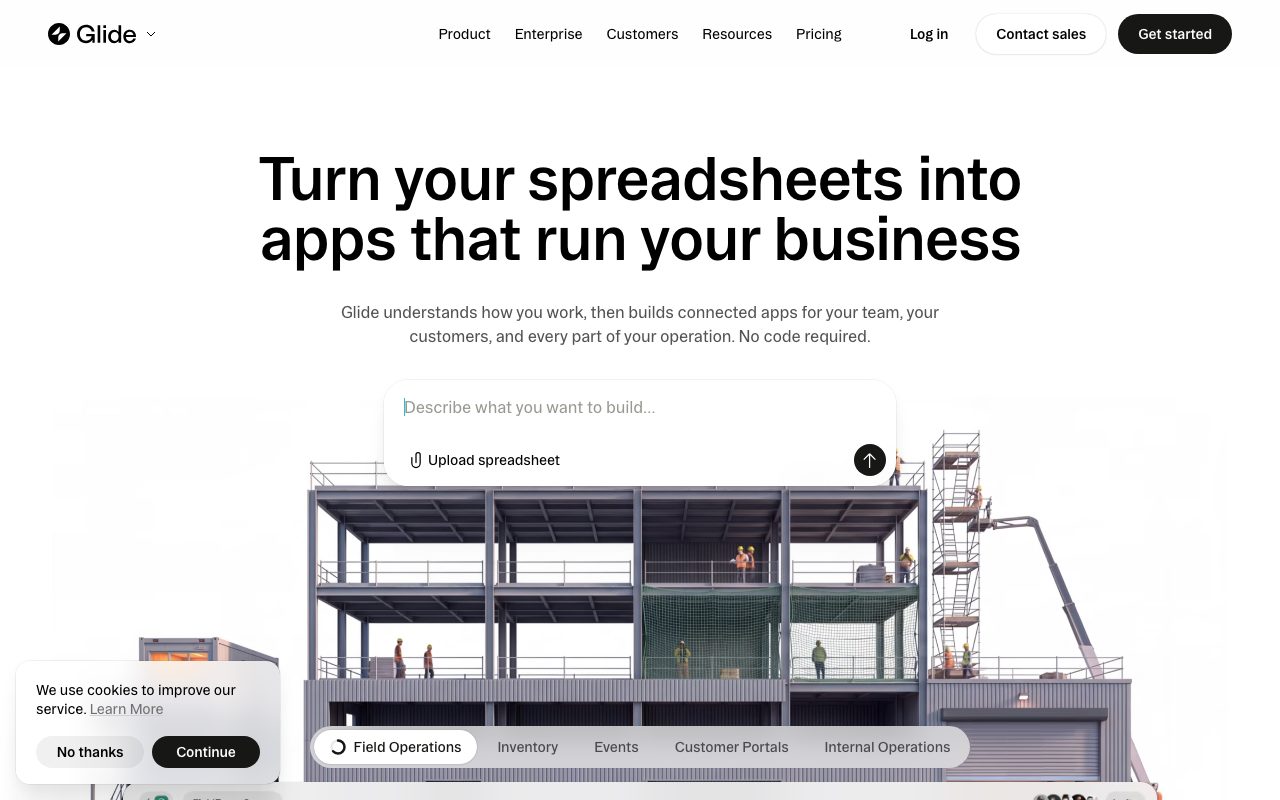
Glide converts spreadsheets and business data sources into mobile and web applications with automated layouts, AI capabilities, and built-in workflow logic.
Glide is an AI-assisted application builder that constructs desktop dashboards, client portals, and mobile tools directly from business data. The platform reads the schema, relationships, and data logic in existing spreadsheets or SQL databases, turning them into responsive applications without writing manual front-end code. Through GlideOS, users can generate screens, configure multi-step workflows, and trigger automated tasks across team members. Applications support role-based view controls, row-level data ownership, and automated cross-device synchronization whenever records update. Glide also incorporates integrated AI features for document reading, audio transcription, text generation, and data extraction directly within table columns and action buttons. For enterprise environments, the platform connects to production data stores like PostgreSQL, Snowflake, and BigQuery while maintaining SOC 2 Type 2 compliance, single sign-on, and granular access auditing.
Unlike generic code-generation platforms that output raw software files, Glide automatically maps structured spreadsheet and database schemas into functional multi-role interfaces with real-time two-way synchronization and built-in data security.
Product capabilities
Key features
Spreadsheet and Database Sync
Connects directly to Google Sheets, Microsoft Excel, Airtable, PostgreSQL, Snowflake, and BigQuery to automatically turn structured tables into functional interfaces.
Automated Cross-Device Interfaces
Generates responsive web and mobile layouts that update in real time when underlying records or statuses change.
Row Ownership and Permissions
Enforces granular privacy by restricting row-level data visibility and editing access based on user email addresses and defined team roles.
Integrated AI Column Actions
Performs document-to-text conversion, audio transcription, image text parsing, and structured data extraction natively inside data tables.
Custom Actions and Workflows
Builds automated branching logic, email dispatches, webhook calls, and external tool integrations triggered by user behavior or schedules.
Bring Your Own Agent (MCP)
Integrates external AI agents and the Model Context Protocol to manage and orchestrate app development on higher-tier plans.
Workflow
How Glide works
- Upload a spreadsheet file or connect live data sources such as Google Sheets, Excel, Airtable, or PostgreSQL.
- Glide reads the underlying schema, logic, and relationships to automatically construct desktop and mobile layouts.
- Customize screens, actions, buttons, and AI columns using the visual data editor and component panel.
- Configure role-based access and row ownership to regulate what specific users and teams can see.
- Publish the application and trigger cross-platform updates across connected databases in real time.
Practical fit
Who should use Glide?
Field Operations and Work Orders
Provide mobile access for field technicians to view assignments, log equipment updates, scan barcodes, and submit forms on the go.
Inventory and Warehouse Tracking
Track stock levels, monitor vendor details, and review inventory outliers using live data linked to central spreadsheets.
Client and Partner Portals
Share restricted views of project deliverables, order statuses, or support tickets with external stakeholders without exposing internal sheets.
Executive Dashboards and KPIs
Consolidate business metrics from multiple data sources into visual desktop dashboards with filtering and summary charts.
Editorial assessment
Pros and limitations
Where it is strong
- Transforms existing spreadsheets into working mobile and desktop tools within minutes
- Strong built-in security features including row ownership, AES 256-bit encryption, and SOC 2 Type 2 compliance
- Broad native connectivity to common databases and business SaaS tools like Slack, Salesforce, and QuickBooks
- Real-time two-way synchronization keeps data consistent across all views
Where to be careful
- The Free plan does not allow publishing live apps (0 published apps included)
- Public-facing apps require the Plus tier ($50/month) or higher
- GlideOS operates as a distinct standalone platform requiring separate billing from Glide Classic
- UI customization is governed by predefined component libraries rather than arbitrary CSS or pixel-level design
Commercial context
Glide pricing
Pricing snapshot as of September 2026 for GlideOS. Tiers range from Free ($0/mo with 0 published apps) to Basic ($25/mo), Plus ($50/mo), Pro ($125/mo), and custom Enterprise. Verify terms and credit allowances on the official pricing page.
| Plan | Price | What it includes |
|---|---|---|
| Free | $0 / month |
Evaluation tier for testing builder capabilities |
| Basic | $25 / month / monthly |
|
| Plus | $50 / month / monthly |
|
| Pro | $125 / month / monthly |
|
| Enterprise | Custom |
|
Pricing, limits, taxes, model access, and regional availability can change. Verify the purchase-critical details on the official pricing page linked under Sources.
Transparent ranking
Why Glide scores 75.6
Each factor is scored on a 100-point scale, then combined using the public ToolsRank weights. Engagement and momentum stay at a neutral baseline until measured signals exist, so no tool can gain or lose position from numbers nobody recorded.
Compatibility
Languages, platforms, and integrations
Languages
- en
Platforms
- Web
- Mobile Web
Integrations & surfaces
- Google Sheets
- Microsoft Excel
- Airtable
- PostgreSQL
- Snowflake
- Salesforce
- QuickBooks
- Slack
- Notion
- Asana
- Zapier
- Make
Community
Reviews and questions
No approved member reviews yet. Editorial factors above are the only rating on this page.
Reviews and questions come from Google-signed members and are checked by an editor before they appear.
Frequently asked
Glide FAQ
What is GlideOS and how does it relate to Glide Classic?+
GlideOS is Glide's AI software development platform built for creating internal apps from spreadsheets, prompts, or files. GlideOS is a standalone product separate from the original Glide Classic platform, featuring its own pricing plans, and is not accessible through the legacy Glide Classic interface.
Can I publish apps on the Free plan?+
No. The Free plan includes 10 projects, integrations, and 2 team members for evaluating the builder, but includes 0 published apps. Publishing personal or team apps requires upgrading to at least the Basic plan.
How does Glide secure business data?+
Glide encrypts data in transit using HTTPS and at rest using AES 256-bit encryption on Google Cloud Platform servers in Iowa, USA. The platform is SOC 2 Type 2 certified and compliant with GDPR, offering row ownership, role-based access, and SSO on enterprise plans.
What databases and spreadsheets can connect to Glide?+
Glide supports native connections to Google Sheets, Microsoft Excel, Airtable, Glide Tables, Big Tables, Google Cloud SQL, MySQL, PostgreSQL, SQL Server, Snowflake, and BigQuery via its data editor and API.