Direct answer
What is IFTTT?
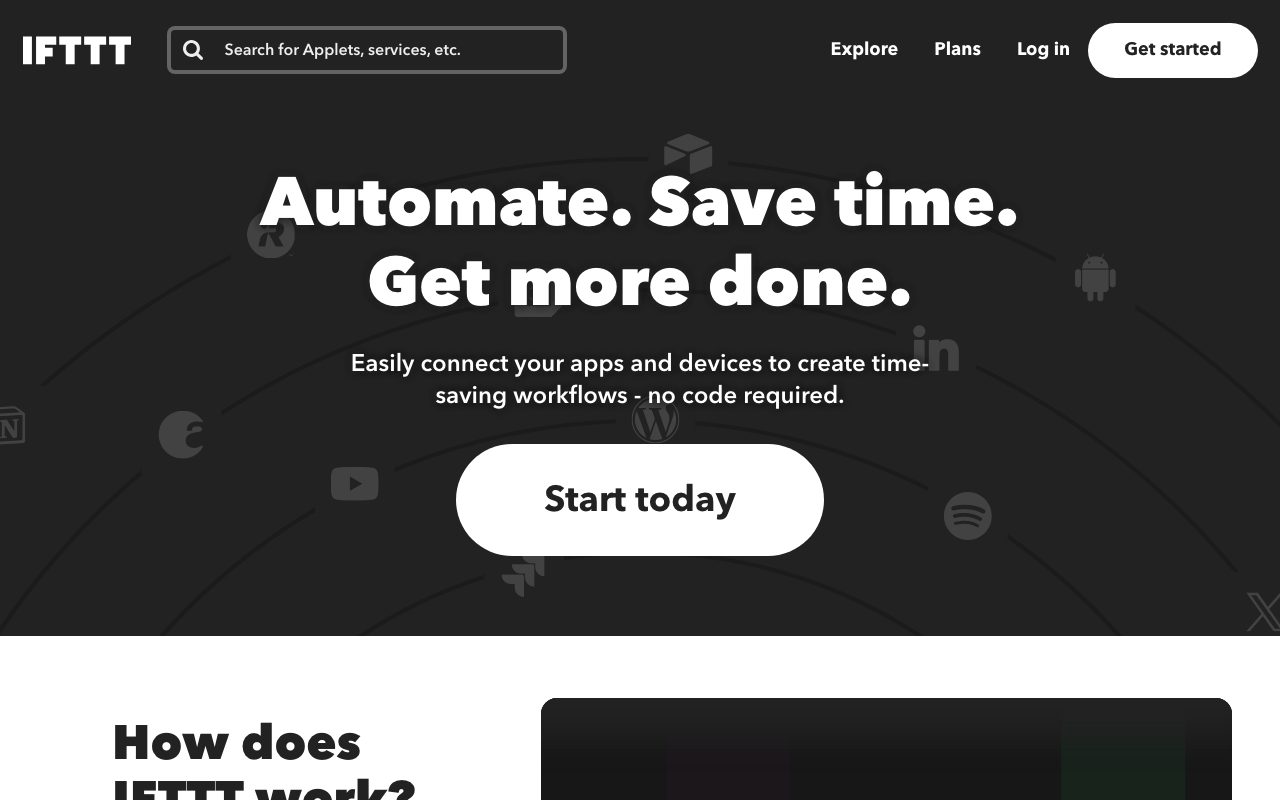
IFTTT connects over 1,000 apps, smart home accessories, and AI models into automated workflows called Applets using straightforward trigger-action logic.
IFTTT is an established no-code automation platform that bridges third-party cloud services, mobile devices, IoT equipment, and AI assistants. Automations run as Applets: an event in one service acts as a trigger that prompts actions in another. The platform catalogs prebuilt Applets created by partners and users, alongside an editor for bespoke DIY connections. Beyond basic two-step triggers, higher tiers support multi-action sequences, queries, delays, and custom filter code for conditional logic. The catalog spans standard software tools—such as Google Calendar, Sheets, Todoist, and Discord—to hardware ecosystems including Philips Hue, LIFX, Blink, and garage controllers. Mobile apps for iOS and Android support on-device triggers like geolocation, incoming SMS, photo album sorting, and contact syncing. IFTTT has integrated AI utilities into its workflow builder, including summarization, text drafting, and language transformation powered by models like ChatGPT and Claude. It also supports the Model Context Protocol (MCP), allowing compatible AI clients such as Claude Code, Cursor, and ChatGPT to discover IFTTT services, configure Applets, and execute actions directly from conversational prompts.
Deep hardware and consumer IoT device support combined with mobile OS triggers (SMS, location, battery, photos) and native Model Context Protocol (MCP) integrations for external AI agents.
Product capabilities
Key features
Trigger-and-Action Applets
Create automated connections linking triggers in one service to actions in others, choosing from published templates or custom builds.
Multi-Action Workflows and Filter Code
Chain multiple actions off a single trigger and implement conditional execution using queries and JavaScript-based filter code on advanced tiers.
Smart Home & IoT Ecosystem
Directly integrate physical devices including smart lighting (Philips Hue, LIFX), security systems (Blink), and garage doors (MyQ).
Mobile Triggers for iOS and Android
Automate routine device actions using phone triggers like location arrival/departure, Android SMS forwarding, photo libraries, and button widgets.
Model Context Protocol (MCP) Integration
Connect IFTTT to MCP-compatible AI assistants like Claude, ChatGPT, and Cursor to search services and run Applets via natural language prompts.
AI Content Actions
Summarize incoming meeting notes or RSS items, tailor social media posts across networks, and draft automated email responses with generative AI.
Developer Service API and Webhooks
Expose custom services using the IFTTT Service Protocol or trigger Applets using incoming and outgoing HTTP webhooks.
Workflow
How IFTTT works
- Select a trigger service and specify the initiating event from your connected tools or devices.
- Choose one or more target actions to execute when the trigger criteria are met.
- Optionally apply delays, queries, or JavaScript filter code to conditionally refine execution.
- Activate the Applet on mobile or web, or interact with it via MCP-compatible AI clients.
Practical fit
Who should use IFTTT?
Smart Home Automation
Automatically switch off lights, close smart garage doors, or arm security cameras when leaving a geofenced area.
Cross-Platform Social Publishing
Repurpose and distribute new blog posts, RSS items, YouTube videos, or Instagram photos automatically to X, Discord, and LinkedIn.
Mobile Productivity and Logging
Log outgoing calls, work hours, or completed tasks directly into Google Sheets and sync reminders between iOS and Todoist.
AI-Powered Research Summaries
Run new RSS items or Google Docs notes through AI summarizers and receive bulleted takeaways via email or messaging apps.
Editorial assessment
Pros and limitations
Where it is strong
- Wide integration library spanning consumer IoT, smart home hardware, and mobile operating systems
- Simple trigger-action setup accessible without programming background
- Model Context Protocol (MCP) support provides native integration with modern AI coding and chat tools
- Free tier allows testing basic two-applet connections without payment
Where to be careful
- Free tier is restricted to 2 active Applets and standard polling speeds
- Conditional logic and multi-action workflows require paid subscriptions (Pro or Pro+)
- Less suited for heavy enterprise database manipulation compared to specialized B2B workflow engines
Commercial context
IFTTT pricing
At the review date in September 2026, IFTTT offers a Free plan with 2 Applets, a Pro plan at $2.99 per month billed annually ($35.88 per year), and Pro+ at $8.99 per month billed annually ($107.88 per year). Verify current pricing and monthly billing options on the official pricing page.
| Plan | Price | What it includes |
|---|---|---|
| Free | $0.00 / forever indicator on site, billed never (free tier limit: 2 Applets, standard speeds, DIY or published Applets, unlimited runs, mobile access). Note: keep period concise to stay well under 300 characters in compliance with schema limits. | |
| Pro | $2.99 / month, billed annually ($35.88/year) | |
| Pro+ | $8.99 / month, billed annually ($107.88/year) |
Pricing, limits, taxes, model access, and regional availability can change. Verify the purchase-critical details on the official pricing page linked under Sources.
Transparent ranking
Why IFTTT scores 77.2
Each factor is scored on a 100-point scale, then combined using the public ToolsRank weights. Engagement and momentum stay at a neutral baseline until measured signals exist, so no tool can gain or lose position from numbers nobody recorded.
Compatibility
Languages, platforms, and integrations
Languages
- en
Platforms
- Web
- iOS
- Android
Integrations & surfaces
- Google Calendar
- Google Sheets
- Discord
- Todoist
- Slack
- Notion
- Spotify
- Webhooks
- X (Twitter)
- YouTube
- Philips Hue
- Anthropic Claude
Community
Reviews and questions
No approved member reviews yet. Editorial factors above are the only rating on this page.
Reviews and questions come from Google-signed members and are checked by an editor before they appear.
Frequently asked
IFTTT FAQ
What is an IFTTT Applet?+
An Applet is a workflow that connects two or more apps or smart devices together. It links a specific trigger event in one service to an action in another, with optional multi-action steps and filter logic on higher-tier plans.
Does IFTTT require coding knowledge?+
No. IFTTT is designed as a no-code connectivity platform. However, the Pro+ tier does offer optional filter code and API developer tools for technical users who need custom conditional logic.
What is IFTTT MCP?+
IFTTT MCP implements the Model Context Protocol, allowing compatible AI assistants such as Claude, Claude Code, ChatGPT, Cursor, and Perplexity to browse IFTTT's catalog of services, build Applets, and trigger automations directly.
What are the limitations of the Free plan?+
The Free plan provides 2 Applets with standard execution speeds, access to published and DIY Applets, unlimited Applet runs, and mobile app access. Advanced features like multiple actions, filter code, webhooks, and Twitter Applets require a paid tier.