
Direct answer
What is Latenode?
Latenode is an automation platform combining a visual builder with JavaScript execution, a built-in headless browser, and access to over 335 LLMs. It bills by CPU seconds rather than per-step operations.
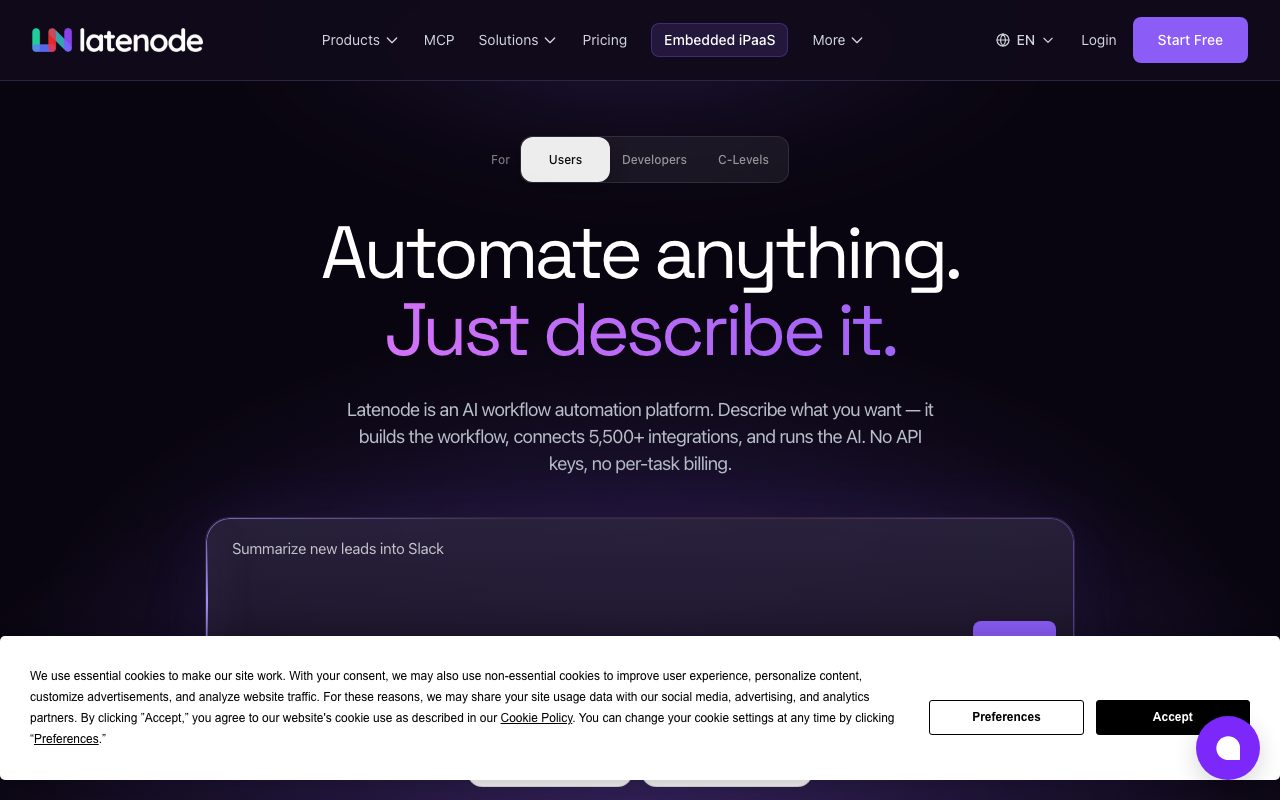
Latenode is a workflow automation platform built for teams seeking to bridge visual automation and custom code. Instead of charging per step or per operation, the service charges by CPU execution time. Workflows can run purely on a drag-and-drop canvas or incorporate full JavaScript nodes that import any NPM package, accompanied by an AI assistant to generate and debug code. The system includes native developer tools, such as an integrated Chromium headless browser for interacting with websites that lack APIs, built-in document databases, and native RAG vector storage without external infrastructure setup. Latenode also implements Model Context Protocol (MCP) server support, enabling external AI clients like Cursor and Claude to build, edit, or invoke Latenode automations directly as modular agent tools. Teams can ingest webhooks synchronously or asynchronously, apply early filters to minimize compute expenses on noisy event streams, and orchestrate multi-step AI agents that autonomously invoke tools across integrated apps.
Unlike legacy automation tools that penalize complex branching with per-step fees, Latenode bills purely for execution runtime (CPU seconds) while offering native headless browser automation, NPM JavaScript nodes, and bidirectional Model Context Protocol (MCP) agent connectivity.
Product capabilities
Key features
Execution-Time Billing
Workflows are billed by actual CPU runtime seconds rather than individual node triggers or per-step operations, reducing costs for multi-step logic.
Full-Code JavaScript Nodes
Allows developers to insert custom JavaScript into any scenario node with support for over 1 million NPM packages and an integrated AI code assistant.
Headless Browser Automation
Runs built-in Chromium instances to automate websites lacking official APIs by handling logins, form inputs, button clicks, and page scraping.
Model Context Protocol (MCP) Integration
Enables coding tools like Cursor and Claude to build or trigger scenarios over MCP, or expose completed workflows as callable tools for external agents.
Built-In RAG and Database Storage
Provides native document tables and retrieval-augmented generation storage directly on the platform without requiring external vector databases.
Autonomous AI Agent Nodes
Allows an AI agent node to evaluate context, decide logical paths, and call connected integration tools dynamically without rigid branching trees.
Managed OAuth & 5,500+ Integrations
Connects to more than 800 apps across 5,500 integrations with pre-configured authentication handling for services like Slack, Stripe, and Salesforce.
Practical fit
Who should use Latenode?
Headless Web Scraping and Extraction
Scraping competitor data, monitoring inventory, or filling forms on legacy portals that lack public API access using headless Chromium.
Multi-Step Lead Enrichment
Ingesting webhook leads, querying external enrichment APIs or internal RAG stores, formatting summaries via LLMs, and updating CRM records.
Autonomous Agent Tool Calling
Deploying customer support or research agents that pick actions and run database queries independently based on incoming natural-language prompts.
High-Volume Event Filtering
Receiving noisy webhook streams from payment gateways or IoT devices and dropping irrelevant events early so they do not consume execution time.
Editorial assessment
Pros and limitations
Where it is strong
- CPU-second billing prevents cost inflation from complex data transformations and multi-step branching.
- Integrated headless browser and NPM module support remove the need for external scraping services or microservices.
- Support for MCP allows external agents in IDEs like Cursor to read and trigger automations programmatically.
- Built-in RAG and key-value database remove setup friction for contextual AI agents.
Where to be careful
- The free plan restricts users to 5 active workflows and retains execution history for only 3 days.
- Features like higher execution time limits (above 10 minutes), reserved workers, and rapid trigger polling require paid monthly add-ons.
- Steeper learning curve for non-developers compared to purely visual, step-by-step competitors.
Commercial context
Latenode pricing
At the review date (September 2026), Latenode includes a free monthly tier of 10,000 CPU seconds and up to 5 active workflows. Beyond that, scaling is billed per CPU second (ranging from $0.00012 down to $0.00005 per second) rather than per operation. External provider services and certain integrations use Plug-n-Play tokens at $1 per token. Verify current rates on the official pricing page.
| Plan | Price | What it includes |
|---|---|---|
| Free | $0 / month forever (no card required) with 10,000 CPU seconds per month, 5 active workflows, 1 parallel worker, 3-minute execution limit, 3-day history, and 1 RAG storage. | |
| Pay as you go | $0 base fee / month plus tiered usage starting at $0.00012/CPU sec after 10,000 free seconds, with unlimited active scenarios, 30-day run history, 10-minute execution limits, and optional paid add-ons. | |
| Done for you | From $199 / month (setup from $1,000), offering dedicated workflow architecture and management by Latenode engineers or certified partners. |
Pricing, limits, taxes, model access, and regional availability can change. Verify the purchase-critical details on the official pricing page linked under Sources.
Transparent ranking
Why Latenode scores 75.5
Each factor is scored on a 100-point scale, then combined using the public ToolsRank weights. Engagement and momentum stay at a neutral baseline until measured signals exist, so no tool can gain or lose position from numbers nobody recorded.
Compatibility
Languages, platforms, and integrations
Languages
- en
Platforms
- web
Integrations & surfaces
- Slack
- Stripe
- Google Sheets
- Notion
- HubSpot
- Salesforce
- Shopify
- Jira
- Zendesk
- Mailchimp
- Claude
- Cursor
Community
Reviews and questions
No approved member reviews yet. Editorial factors above are the only rating on this page.
Reviews and questions come from Google-signed members and are checked by an editor before they appear.
Frequently asked
Latenode FAQ
How does Latenode bill for workflow executions?+
Latenode bills on CPU seconds (the actual compute time consumed while running a scenario) rather than per operation or per node. Each account receives 10,000 free CPU seconds per month, after which tiered per-second pricing applies based on monthly volume.
Do I need my own API keys to use AI models in Latenode?+
No. Latenode offers access to over 335 LLMs through a unified platform balance. For specialized nodes connecting to paid external resources without private keys, Latenode utilizes Plug-n-Play (PnP) tokens priced at $1 per token.
How does Model Context Protocol (MCP) work with Latenode?+
Latenode runs an MCP server that lets MCP-compatible clients (such as Cursor or Claude) create, modify, and execute automations without opening the visual editor. Workflows can also be bundled and exposed as standalone tools callable by outside AI agents.
What happens if a website does not have an API?+
Latenode includes a built-in headless browser running Chromium. Scenarios can open pages, log in with credentials, interact with UI elements, and extract text or media directly from web interfaces.