
Direct answer
What is Microsoft Power Automate?
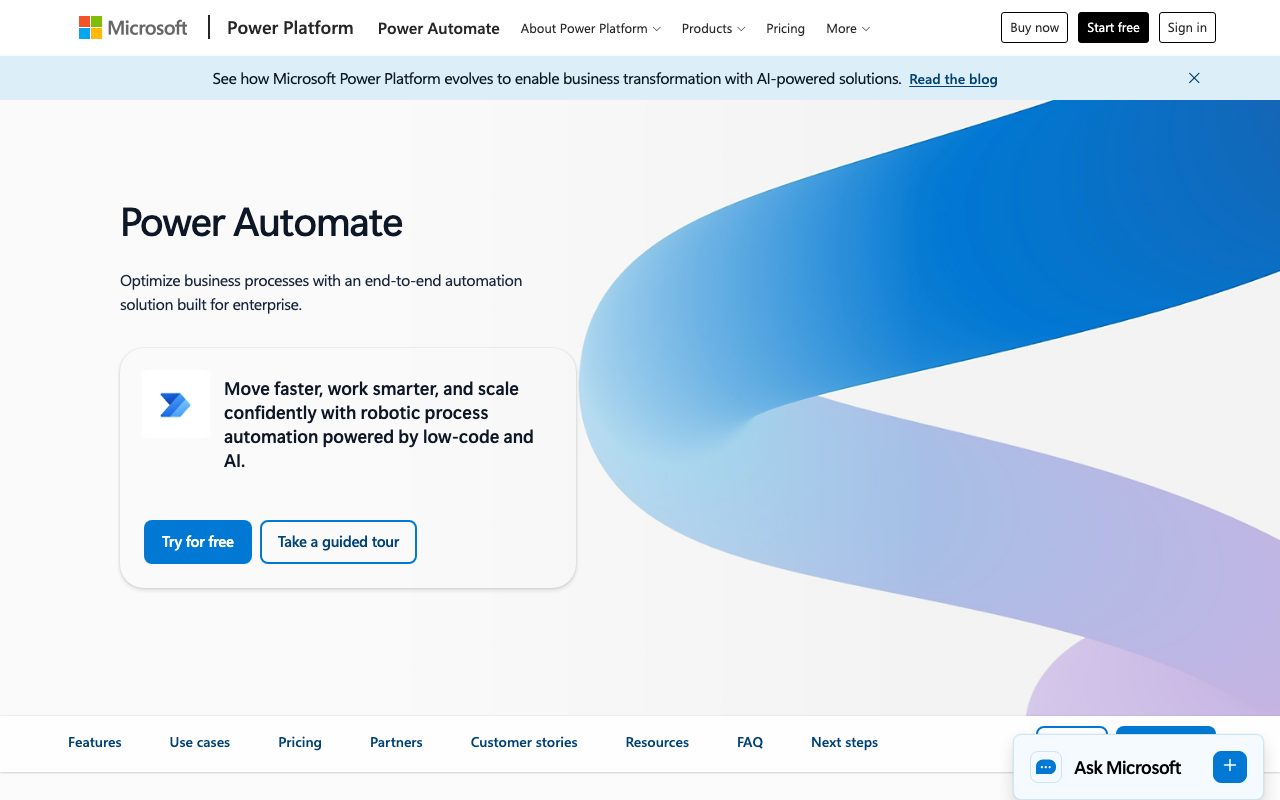
Microsoft Power Automate is an enterprise automation platform combining digital cloud flows, robotic desktop automation, AI processing, and process mining across connected systems.
Microsoft Power Automate provides an end-to-end automation environment designed to bridge modern cloud services and legacy desktop applications. The platform unifies Digital Process Automation (DPA) via cloud flows with Robotic Process Automation (RPA) through attended and unattended desktop flows. Users can initiate workflows from scratch, select from prebuilt templates, or utilize natural language authoring through Copilot in Power Automate to construct and refine processes. Deeply integrated into Microsoft Power Platform and the broader Microsoft 365 suite, Power Automate connects natively with tools like Excel, OneDrive, SharePoint, and Teams. For legacy infrastructure lacking APIs, desktop flows record and replicate user interface actions directly on Windows systems. The platform also offers task and process mining to map real-world workflows, discover bottlenecks, and prioritize automation projects backed by concrete operational data. To support complex enterprise requirements, Power Automate incorporates AI Builder capabilities for document and image processing, prebuilt connectors to more than 1,400 services including SAP and Salesforce, and centralized administration through Managed Environments, Data Loss Prevention (DLP) policies, and 360-degree telemetry monitoring.
Power Automate combines native Microsoft 365 and Dataverse integration with unified digital and robotic process automation (DPA and RPA), backed by process mining and Copilot-driven authoring.
Product capabilities
Key features
Cloud Flows (DPA)
Build multi-step automated workflows across cloud apps, databases, and on-premises services with triggers, conditions, and actions.
Desktop Flows (RPA)
Automate legacy desktop software and web interfaces using attended UI automation or background unattended bots.
Copilot in Power Automate
Create, edit, and improve process flows using natural-language conversational prompts and AI-assisted troubleshooting.
Process and Task Mining
Analyze organizational event logs and user tasks to identify bottlenecks, measure ROI, and uncover automation opportunities.
Prebuilt Connector Ecosystem
Connect to more than 1,400 certified API services, including SAP, Salesforce, and Dynamics 365, or construct custom connectors.
Intelligent Document Processing
Utilize built-in AI models and GPT support to parse documents, extract fields, and process images directly within workflow steps.
Hosted RPA Infrastructure
Deploy unattended automation on Microsoft-hosted Azure virtual machines that dynamically scale and balance processing loads.
Enterprise Governance and Security
Enforce data loss prevention rules, manage tenant-level policies via Managed Environments, and oversee executions via centralized monitoring.
Workflow
How Microsoft Power Automate works
- Sign in to the web service or launch Power Automate for desktop on a Windows device.
- Describe the desired workflow using natural language with Copilot, select a prebuilt template, or configure triggers and actions manually.
- Connect to data sources using prebuilt API connectors, Dataverse, or desktop UI recording actions.
- Test, monitor, and deploy the flow as an attended run, an unattended bot on hosted VMs, or an event-driven cloud workflow.
Practical fit
Who should use Microsoft Power Automate?
Document and Invoice Extraction
Extract structured data from supplier invoices or inbound PDF forms and route the information to ERP platforms like SAP.
Cross-System Approval Workflows
Route approval requests automatically through Microsoft Teams, Outlook, and Dataverse, logging audit trails for regulatory compliance.
Legacy Desktop Data Entry
Employ unattended RPA bots on virtual machines to transcribe records from modern databases into non-API terminal applications.
KPI-Triggered Business Actions
Initiate automated downstream corrective actions when business metrics in Power BI cross predefined operational thresholds.
Editorial assessment
Pros and limitations
Where it is strong
- Native interoperability with Microsoft 365 apps, Dynamics 365, and Power Platform
- Extensive library of more than 1,400 certified API connectors alongside custom connector support
- Bridges modern API automation and legacy desktop systems via attended and unattended RPA
- Integrated process mining provides empirical data to identify workflow bottlenecks
Where to be careful
- Desktop flow application requires Windows 10 or Windows 11 environments
- Process mining and unattended automation add substantial monthly costs beyond per-user tiers
Commercial context
Microsoft Power Automate pricing
At the review date (September 2026), Microsoft offers a 30-day free trial, with paid plans starting at $15 per user/month paid yearly for Premium or $150 per bot/month paid yearly for unattended Process licensing. Enterprise pricing varies by region and currency, so check the official pricing page before purchasing.
| Plan | Price | What it includes |
|---|---|---|
| Power Automate Free Trial | $0 / for 30 days trial period, then paid plans apply | |
| Power Automate Premium | $15.00 / per user/month, billed yearly | |
| Power Automate Process | $150.00 / per bot/month, billed yearly | |
| Power Automate Hosted Process | $215.00 / per bot/month, billed yearly | |
| Power Automate Process Mining add-on | $5,000.00 / per tenant/month, billed yearly |
Pricing, limits, taxes, model access, and regional availability can change. Verify the purchase-critical details on the official pricing page linked under Sources.
Transparent ranking
Why Microsoft Power Automate scores 80.1
Each factor is scored on a 100-point scale, then combined using the public ToolsRank weights. Engagement and momentum stay at a neutral baseline until measured signals exist, so no tool can gain or lose position from numbers nobody recorded.
Compatibility
Languages, platforms, and integrations
Languages
- English
Platforms
- Web
- Windows
Integrations & surfaces
- Microsoft Teams
- Microsoft Excel
- Microsoft SharePoint
- OneDrive
- Microsoft Dataverse
- Power BI
- Power Apps
- Copilot Studio
- Dynamics 365
- SAP
- Salesforce
- Azure
Community
Reviews and questions
No approved member reviews yet. Editorial factors above are the only rating on this page.
Reviews and questions come from Google-signed members and are checked by an editor before they appear.
Frequently asked
Microsoft Power Automate FAQ
What is required to start using Power Automate?+
To get started with the web service, all you need is an email address and an up-to-date web browser such as Microsoft Edge, Safari, Chrome, or Firefox.
Does Power Automate run on macOS or Linux?+
Cloud flows and administration run via web browsers on any standard operating system. However, the Power Automate for desktop application used for desktop RPA requires Windows 10 or Windows 11.
Can Power Automate connect to on-premises systems?+
Yes. While Power Automate operates as a cloud service, it connects securely to on-premises data sources and services via the Microsoft on-premises data gateway.
Can multiple users collaborate on or run the same workflow?+
Yes. Coworkers or groups can be added as co-owners to edit and manage flows. Alternatively, you can grant specific individuals or groups permissions to trigger manual runs.
What is the difference between attended and unattended RPA?+
Attended RPA runs alongside human workers to assist with active desktop tasks, whereas unattended RPA executes autonomously in the background or on virtual machines without human intervention.