
Direct answer
What is NaturalReader?
NaturalReader converts text, documents, web pages, and scanned physical books into synthetic speech. It offers cross-device listening, dyslexia aids, AI study tools, and commercial voiceover generation across over 90 languages.
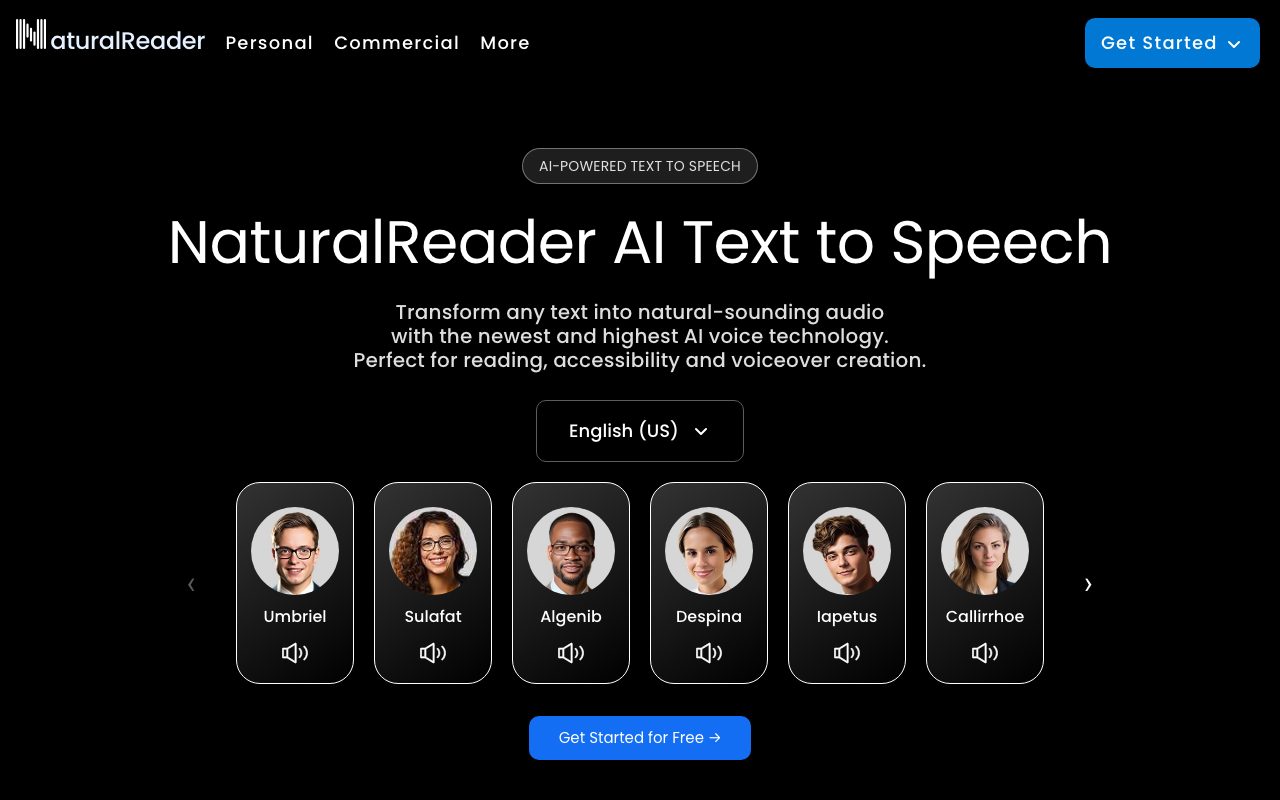
NaturalReader is an AI-driven speech synthesis application developed by NaturalSoft Limited. It provides text-to-speech capabilities across three connected environments: a web app, mobile applications for iOS and Android, and a Chrome browser extension. The service processes a variety of source formats, including PDFs, Word documents, EPUB files, web pages, and printed text captured via a mobile camera scanner. For personal reading and academic study, the platform includes assistive features such as an immersive reader view with synchronized text highlighting, custom dyslexia fonts, and hotkey controls. Beyond basic reading aloud, its AI study toolset provides document chat, automated recaps, screenshot extraction for tables and formulas, AI-generated quizzes, and a feature that turns documents into conversational podcast episodes. For production workflows, NaturalReader provides a commercial tier tailored for e-learning, training materials, YouTube videos, audiobooks, and advertisements. Users can select content-aware voices trained on large language models, apply voice cloning from recorded samples, or direct tone, accent, and emotion through natural language prompts using Voice Design. Audio can be exported to MP3 files for offline listening and distribution.
NaturalReader bridges assistive reading and generative media by pairing accessibility features like dyslexia fonts and OCR book scanning with modern AI study capabilities, including prompt-based voice design and multi-speaker document podcasts.
Product capabilities
Key features
Cross-Platform Document Reading
Supports PDFs, Word documents, EPUBs, and web pages across a web application, Chrome extension, and iOS and Android mobile apps.
OCR Camera Scanner
Scans printed pages and physical books via the mobile camera to convert static text into spoken audio.
Voice Design & Custom Prompts
Adjusts accent, delivery, emotion, and tone using text prompts or predefined voice presets such as Audiobook, E-learning, or Conversational.
Document Study Assistant
Includes AI Chat to interrogate documents, AI Recap for summaries, AI Screenshot for equation and table analysis, and AI Quizzes for test preparation.
AI Podcast Generator
Converts lengthy documents and assigned readings into multi-speaker podcast episodes with adjustable length and topic focus.
Voice Cloning
Generates a custom synthetic AI voice from an uploaded or recorded voice sample for multilingual spoken content.
Accessibility & Immersive Reader
Provides synchronized word highlighting, closed captions, dedicated dyslexia fonts, and hotkey controls to reduce visual reading strain.
Audio Export
Exports converted spoken text into downloadable MP3 audio files for offline use and commercial deployment.
Workflow
How NaturalReader works
- Upload a digital document (PDF, Word, EPUB), capture physical text with the mobile camera scanner, or open a webpage with the Chrome extension.
- Choose an AI voice, configure language options, or enter a prompt in Voice Design to adjust tone, accent, and delivery.
- Listen directly with synchronized highlighting or explore AI study options like document chat, summaries, quizzes, and podcasts.
- Export audio as an MP3 file for offline listening or commercial media use.
Practical fit
Who should use NaturalReader?
Academic Study and Exam Preparation
Students upload textbooks and research PDFs to listen hands-free, generate chapter summaries, and self-test using AI Quizzes.
Accessibility and Dyslexia Support
Individuals with reading difficulties or visual impairments engage synchronized text highlighting and dyslexia fonts to follow along with digital or physical materials.
Commercial E-Learning and Training Audio
Educators and corporate instructional designers turn training scripts into narration using commercially licensed voices with consistent pacing.
Mobile Reading on the Go
Commuters and busy professionals photograph print books or sync saved browser articles to listen offline from mobile devices.
Editorial assessment
Pros and limitations
Where it is strong
- Extensive accessibility suite including dyslexia-friendly fonts, camera OCR, and word highlighting
- Broad language coverage with over 90 supported languages and accents
- Integrated study aids including document chat, automated quiz generation, and podcast conversion
- Availability across desktop web, Google Chrome extension, and mobile apps (iOS and Android)
Where to be careful
- Specific subscription rates and word limits for Personal and Commercial tiers are not published on the primary landing page
- Voice Design requires commercial licensing if used for public business distribution, requiring separate account tiers
Commercial context
NaturalReader pricing
At the review date (September 2026), NaturalReader offers a free tier requiring no credit card, alongside separate paid plans for Personal use, Commercial voiceover licensing, and EDU educational licenses. Exact subscription figures are not stated on the homepage; verify current tiers and limits on the official website.
| Plan | Price | What it includes |
|---|---|---|
| Free | Free / ongoing free tier | |
| Personal | Paid subscription / monthly or annual | |
| Commercial | Commercial licensing / monthly or annual | |
| EDU | Volume pricing / group or site license |
Pricing, limits, taxes, model access, and regional availability can change. Verify the purchase-critical details on the official pricing page linked under Sources.
Transparent ranking
Why NaturalReader scores 71.7
Each factor is scored on a 100-point scale, then combined using the public ToolsRank weights. Engagement and momentum stay at a neutral baseline until measured signals exist, so no tool can gain or lose position from numbers nobody recorded.
Compatibility
Languages, platforms, and integrations
Languages
- Multilingual (over 90 languages)
Platforms
- Web
- iOS
- Android
- Chrome Extension
Integrations & surfaces
- Google Chrome Extension
- iOS
- Android
- Web browsers
Community
Reviews and questions
No approved member reviews yet. Editorial factors above are the only rating on this page.
Reviews and questions come from Google-signed members and are checked by an editor before they appear.
Frequently asked
NaturalReader FAQ
Can I use NaturalReader audio for YouTube or commercial projects?+
Commercial use requires the Commercial plan. The vendor explicitly segments Personal and Commercial usage, noting that commercial tiers provide licensing for YouTube, corporate training, advertising, audiobooks, and social media.
What document formats does NaturalReader support?+
NaturalReader handles PDFs, Microsoft Word documents, EPUB files, web pages via the Chrome extension, and physical paper documents captured using the mobile app camera scanner.
How does the Voice Design feature work?+
Voice Design allows users to modify voice tone, pacing, emotion, and accent by entering descriptive prompts (e.g., requesting a conversational tone with a specific accent) or by choosing preset styles like Audiobook or E-learning.
Is NaturalReader suitable for schools and educational institutions?+
Yes. NaturalReader provides dedicated EDU plans featuring group licenses starting from 5 users, school-wide site licenses, centralized teacher-student management, and shared document libraries for exams and curricula.


