
Direct answer
What is Pictory?
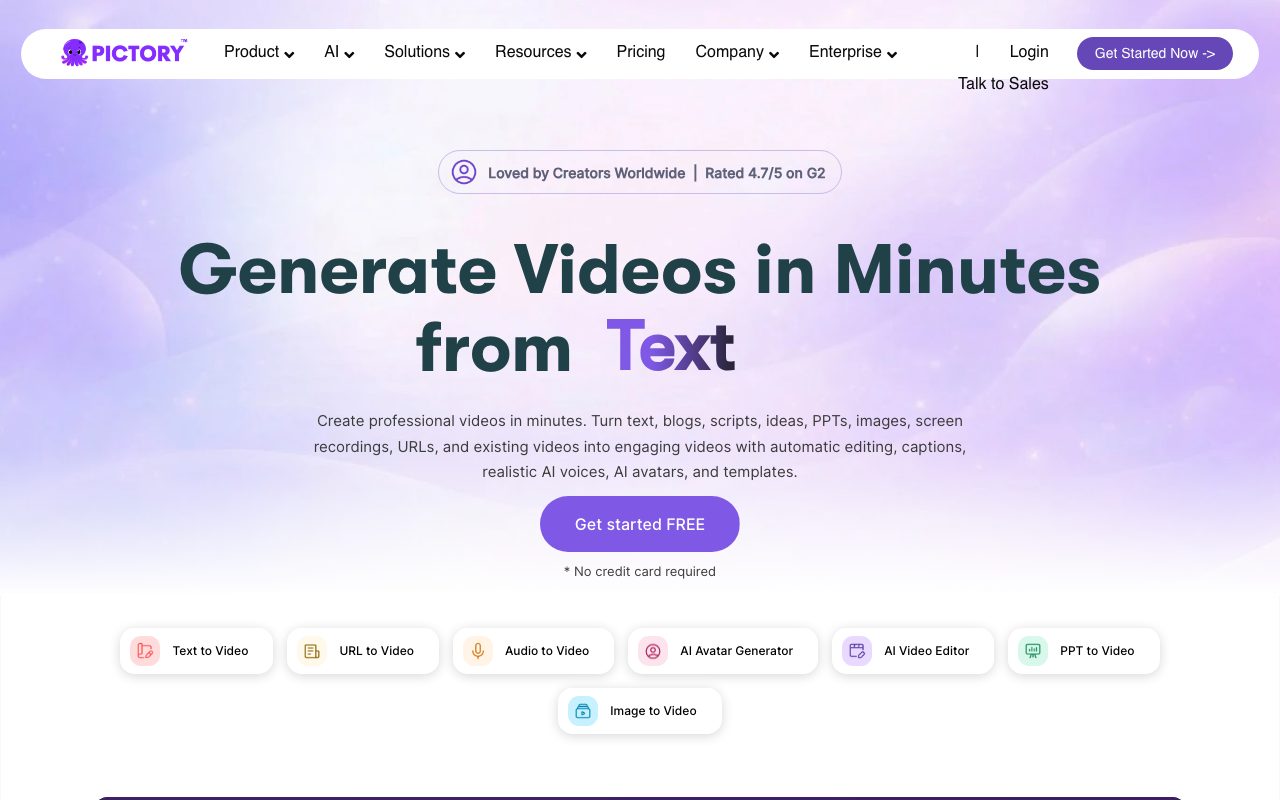
Pictory is a cloud-based video production platform that converts scripts, URLs, PowerPoint decks, and long recordings into scene-structured videos with stock media, captions, and AI narration.
Pictory automates video production by converting written source material into storyboarded video projects. Users can input text prompts, written scripts, web article URLs, PowerPoint presentations, or raw audiovisual recordings. The platform segments text into discrete scenes, pairs each scene with stock B-roll footage or AI-generated media, and synchronizes text-to-speech narration or user-uploaded audio. In addition to text-to-video generation, the system functions as a transcript-based video editor. Creators can upload long recordings, such as webinars, interviews, or podcasts, and trim video footage simply by deleting words from the auto-generated transcript. The software can automatically identify highlights to generate vertical short-form snippets, insert B-roll, and burn in styled subtitles. Asset generation is augmented by AI Studio, which integrates image and video generation models (including Flux, Seedream, Pixverse 5.5, and Veo 3.1) alongside realistic AI narration powered by ElevenLabs. Commercial stock assets from Storyblocks and Getty Images are bundled into paid subscriptions, and completed files export in landscape (16:9), portrait (9:16), or square (1:1) aspect ratios up to 1080p resolution.
Pictory combines script-to-storyboard generation with transcript-driven video editing in a single web interface, pulling directly from licensed libraries of up to 18 million Getty Images and Storyblocks assets without separate subscription fees.
Product capabilities
Key features
Script and URL to Video
Converts plain text, scripts, or live blog URLs into scene-by-scene video storyboards automatically matched with relevant footage.
Transcript-Based Video Editing
Transcribes uploaded video recordings and allows users to edit video footage by modifying or deleting text in the transcription.
Automatic Subtitles and Captions
Generates synchronized captions for videos with customizable styling, fonts, and colors, exportable as SRT, VTT, or TXT files.
Stock Media Library Integration
Provides integrated access to millions of royalty-free video clips and images sourced from Storyblocks and Getty Images.
ElevenLabs AI Voiceovers
Includes realistic text-to-speech audio narration across 29 languages, with scene-by-scene timing and voiceover upload auto-sync.
Image and Video AI Generation
AI Studio enables prompt-to-image and image-to-video generation utilizing models like Pixverse 5.5, Veo 3.1, Flux, and Seedream.
PowerPoint to Video
Imports PowerPoint slide presentations directly and converts them into narrated multimedia video projects.
Short Clip Repurposing
Automatically extracts highlights from long webinars or recordings to create short clips formatted for social media feeds.
Workflow
How Pictory works
- Input your content by typing a prompt, pasting a script, submitting an article URL, or uploading a PowerPoint or video file.
- Review the automated storyboard as Pictory parses text into discrete scenes and suggests matching stock footage or generated assets.
- Customize scenes by tweaking captions, generating visuals in AI Studio, applying your Brand Kit, or adding ElevenLabs voiceover narration.
- Preview the composite project and export in landscape, vertical, or square format up to 1080p resolution.
Practical fit
Who should use Pictory?
Blog Post Repurposing
Pasting an article URL to automatically create an engaging summary video with visuals, captions, and narration for social channels.
Corporate Training & Compliance
Converting PowerPoint slides and training scripts into standardized onboarding and compliance videos with brand kits.
Webinar & Podcast Snippets
Editing long Zoom or recorded webinar sessions into short, vertical highlight clips with automatic captions for TikTok and Shorts.
Product Demos and Video Ads
Generating short promotional videos and explainer advertisements using text prompts, AI Studio visuals, and ElevenLabs voices.
Editorial assessment
Pros and limitations
Where it is strong
- Bundled access to licensed Storyblocks and Getty Images assets eliminates separate stock subscription costs.
- Text-based video editing allows non-editors to cut footage simply by deleting words from transcripts.
- ElevenLabs integration delivers natural text-to-speech voiceovers directly within the editor.
- Supports multiple aspect ratios (16:9, 9:16, 1:1) with automated scene content reframing.
Where to be careful
- Article-to-video ingestion supports HTML blog and news URLs, but not raw PDF, Word, or Google Docs files.
- Monthly export minute allocations do not roll over between billing cycles.
- Text-to-video generation currently only supports English script inputs, even though voices and transcripts support multiple languages.
Commercial context
Pictory pricing
As of September 2026, self-serve plans start at $25 per month billed annually ($29 month-to-month) for the Starter tier. A 14-day free trial permits creating up to 3 video projects without a credit card. Check the official pricing page for up-to-date plan allowances.
| Plan | Price | What it includes |
|---|---|---|
| Starter | $25/mo billed annually ($29/mo monthly) / monthly or annual billing option available (save up to 40% annually); includes 2,400 video mins/yr or 200 mins/mo, 1 user, 5 GB storage, 1 Brand Kit, and 720 mins/yr of ElevenLabs voices in 29 languages | |
| Professional | $35/mo billed annually ($59/mo monthly) / monthly or annual billing option available; includes 7,200 video mins/yr or 600 mins/mo, 1 user, 20 GB storage, 5 Brand Kits, 18M Getty/Storyblocks assets, custom avatars, and voice cloning | |
| Team | $119/mo billed annually ($199/mo monthly) / monthly or annual billing option available; includes 3+ users, 21,600 video mins/yr or 1,800 mins/mo, 100 GB storage, 10 Brand Kits, and shared workspace collaboration | |
| Enterprise | Custom pricing via sales consultation / annual enterprise tier; includes 10+ users, custom video minutes, SSO, LMS SCORM export, asset indexing, and dedicated success manager |
Pricing, limits, taxes, model access, and regional availability can change. Verify the purchase-critical details on the official pricing page linked under Sources.
Transparent ranking
Why Pictory scores 72.3
Each factor is scored on a 100-point scale, then combined using the public ToolsRank weights. Engagement and momentum stay at a neutral baseline until measured signals exist, so no tool can gain or lose position from numbers nobody recorded.
Compatibility
Languages, platforms, and integrations
Languages
- English
- French
- German
- Italian
- Spanish
- Dutch
Platforms
- Web
- Google Chrome Extension
Integrations & surfaces
- Zapier
- Make
- ElevenLabs
- Storyblocks
- Getty Images
- Google Chrome
Community
Reviews and questions
No approved member reviews yet. Editorial factors above are the only rating on this page.
Reviews and questions come from Google-signed members and are checked by an editor before they appear.
Frequently asked
Pictory FAQ
What is the difference between video minutes and video projects in Pictory?+
Video minutes represent the total duration of exported video allowed under your subscription plan. Previewing, editing, and sharing videos within the app does not consume your video minutes quota; minutes are only deducted upon file download. A video project encompasses your working script, selected media clips, and audio tracks, which can be edited repeatedly without consuming additional video projects.
Do unused video minutes roll over to the next month?+
No. On monthly billing plans, unused video minute quotas reset on the first day of every billing month. Annual plans differ by providing the full annual allocation of video minutes upfront on day one.
Which file formats can Pictory convert into video?+
Pictory can create videos from raw text scripts, prompts, PowerPoint presentations, audio files, and web article URLs in standard HTML format. Uploading standalone PDF, Word, or Google Docs files is not supported by the platform.
Can I use my own footage and audio inside Pictory?+
Yes. Users can upload personal video clips, images, and custom voiceovers. Uploaded voiceover audio can be automatically synchronized across the entire video or assigned scene by scene.
What happens to created projects if a subscription is cancelled?+
Any downloaded videos belong to the user permanently. However, project files stored within the Pictory platform are permanently deleted upon account cancellation, so users must export and download completed projects before canceling.