
Direct answer
What is Riverside?
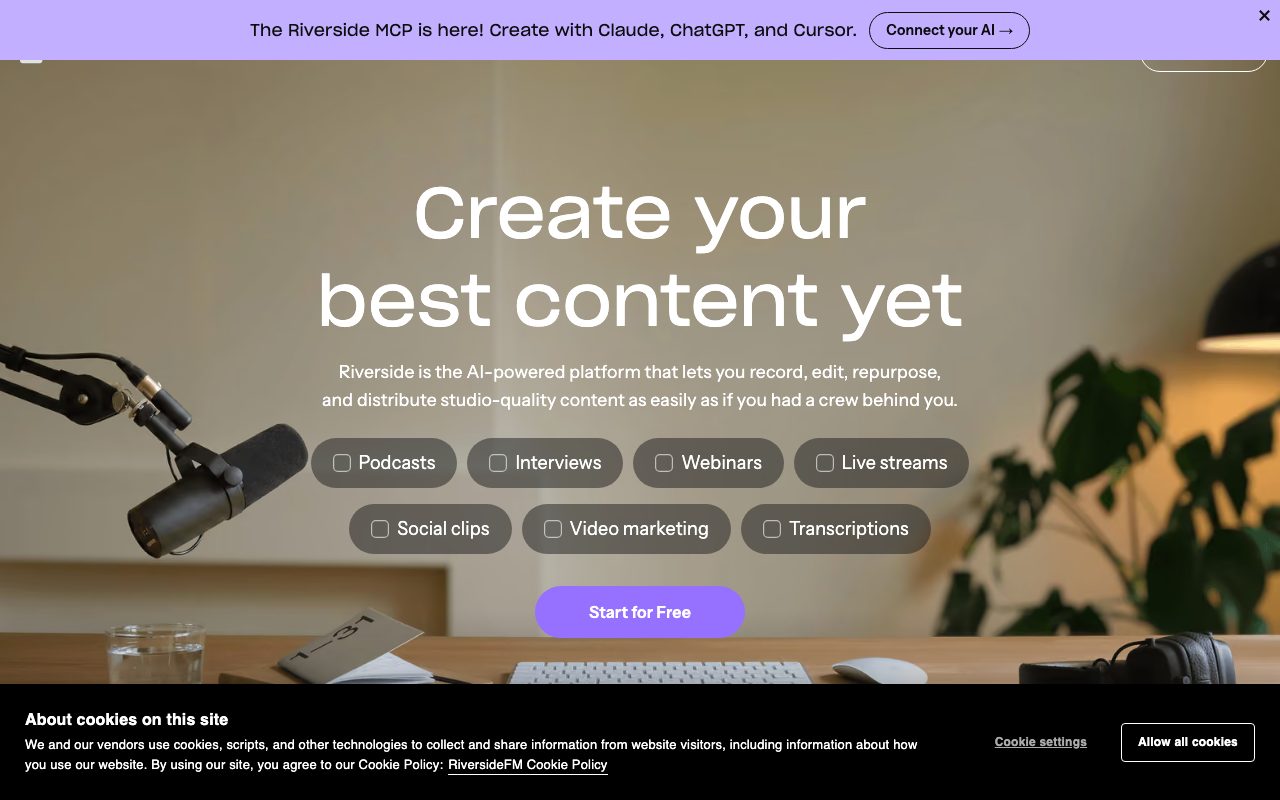
Riverside is a browser and desktop platform for recording uncompressed local 4K video and audio tracks, paired with AI-driven text-based editing, clip creation, and podcast hosting.
Riverside is an end-to-end studio recording and production platform engineered to eliminate quality drops caused by spotty internet connections. It captures separate, uncompressed audio and up to 4K video tracks directly on each participant's local device before uploading them to the cloud. Once recorded, creators can edit the conversation directly through a transcript using a text-based editor where cutting, deleting, or searching text trims the corresponding video and audio. Built-in AI tools automate post-production workflows: cleaning audio, cutting silences and filler words, adjusting eye contact, generating B-roll from text prompts, and producing promotional short clips via Magic Clips. Beyond recording and editing, the platform provides live streaming in 1080p, multistreaming to platforms like YouTube and LinkedIn, webinar hosting with lead capture, and integrated podcast distribution to Spotify, Apple Podcasts, and YouTube with built-in analytics.
Riverside records high-resolution tracks (up to 4K video and 48kHz audio) directly on each participant's local hardware rather than over the live web stream, pairing isolated multitrack downloads with text-based AI editing and native hosting.
Product capabilities
Key features
Local Separate Track Recording
Records uncompressed 48kHz audio and up to 4K video locally on each participant's machine to prevent internet glitches from degrading media quality.
Text-Based Video Editing
Allows creators to search, cut, copy, and trim media directly by editing the written transcript like a text document.
Magic Clips & AI Co-Creator
Automatically generates captioned short-form vertical videos, promotional social posts, headlines, and thumbnails from long recordings.
Automated Audio & Video Correction
Cleans background noise with Magic Audio, removes filler words and silences in one click, and synthesizes eye contact toward the camera.
Multistreaming & Webinar Hosting
Streams in full 1080p HD across destinations like YouTube, LinkedIn, and Twitch, complete with registration pages, Q&As, and HubSpot CRM syncing.
Integrated Hosting & Distribution
Distributes audio and video shows directly to Spotify, Apple Podcasts, and YouTube with episode analytics and automated show notes.
Riverside Model Context Protocol (MCP)
Connects Riverside to external AI assistants like Claude, ChatGPT, and Cursor to search transcripts, cut clips, and manage content programmatically.
Workflow
How Riverside works
- Set up a studio and invite remote guests or co-hosts via a browser link.
- Record the session while Riverside captures uncompressed audio and video locally on each participant's device.
- Edit the captured conversation using the text transcript, automated filler-word removal, and AI audio enhancements.
- Generate short promotional clips with Magic Clips and publish directly to podcast directories, YouTube, or social networks.
Practical fit
Who should use Riverside?
Remote Video Podcasting
Interview guests across the world while collecting individual, uncompressed 4K video and 48kHz WAV audio tracks for each speaker.
Marketing Webinars
Host interactive webinars with custom registration forms, automated reminders, and CRM lead capture, then repurpose the session into short clips.
Social Repurposing
Convert full-length video recordings into vertical social clips with animated dynamic captions, generated titles, and platform-specific copy.
Multilingual Video Dubbing
Translate and voice-dub spoken content into more than 30 languages to reach international audiences.
Editorial assessment
Pros and limitations
Where it is strong
- Local multitrack recording isolates audio and video per guest without network compression artifacts.
- Integrated text-based editing speeds up rough cuts and filler-word removal without opening external NLE software.
- Native podcast hosting, analytics, and distribution reduce reliance on separate RSS hosts.
Where to be careful
- Free plan caps separate track downloads to a one-off 2-hour allowance and applies a visible watermark.
- Select AI features like translation, AI B-roll, and animated clips require separate AI credits.
- Fixed monthly download caps on separate tracks apply to Pro, Grow, and Webinar plans unless upgraded.
Commercial context
Riverside pricing
Pricing snapshot at the review date (September 2026). Riverside offers a free plan with watermarks alongside tiered paid plans starting at $24/month billed annually for Pro ($29/month billed monthly). Certain AI features (like AI translation and AI B-roll) consume AI credits. Verify all current rates and plan limits on the official Riverside pricing page.
| Plan | Price | What it includes |
|---|---|---|
| Free | $0 / forever free tier, billed annually or monthly ($0/month) | |
| Pro | $24 / per month, billed annually at $288 ($29 billed monthly) | |
| Grow | $34 / per month, billed annually at $408 ($39 billed monthly) | |
| Webinar | $79 / per month, billed annually ($99 billed monthly) | |
| Business | Custom / contact sales |
Pricing, limits, taxes, model access, and regional availability can change. Verify the purchase-critical details on the official pricing page linked under Sources.
Transparent ranking
Why Riverside scores 76.8
Each factor is scored on a 100-point scale, then combined using the public ToolsRank weights. Engagement and momentum stay at a neutral baseline until measured signals exist, so no tool can gain or lose position from numbers nobody recorded.
Compatibility
Languages, platforms, and integrations
Languages
- English
- Deutsch
Platforms
- Web
- Mac App
- Mobile Apps
Integrations & surfaces
- YouTube
- Spotify
- Apple Podcasts
- HubSpot
- Salesforce
- Marketo
- Twitch
- X
Community
Reviews and questions
No approved member reviews yet. Editorial factors above are the only rating on this page.
Reviews and questions come from Google-signed members and are checked by an editor before they appear.
Frequently asked
Riverside FAQ
What is a studio in Riverside?+
A studio is a dedicated space for a show or project on Riverside. Each studio maintains its own recordings, podcast hosting, analytics, and creator website. Pro includes 1 studio, Grow includes 2, Webinar includes 3, and Business offers unlimited studios.
What happens when separate track download limits are reached?+
Recording on Riverside remains unlimited. However, separate track downloads are capped per billing cycle (e.g., 15 hours on Pro, 20 on Grow, and 25 on Webinar). If the cap is reached, users can still access content but cannot download additional isolated participant tracks until the next cycle or an account upgrade.
Which features consume Riverside AI credits?+
Select advanced generative capabilities such as AI Translation, AI B-Roll, and Animated Clips require AI credits. Core tools like Magic Audio, Magic Clips, and the AI Co-Creator are included without credit deductions.
What is the Riverside MCP?+
The Riverside MCP (Model Context Protocol) is an interface bridging Riverside with AI clients like Claude, ChatGPT, and Cursor. Once connected, an assistant can directly search transcripts, execute text cuts, generate clips, and coordinate social posting.