Direct answer
What is Skyvern?
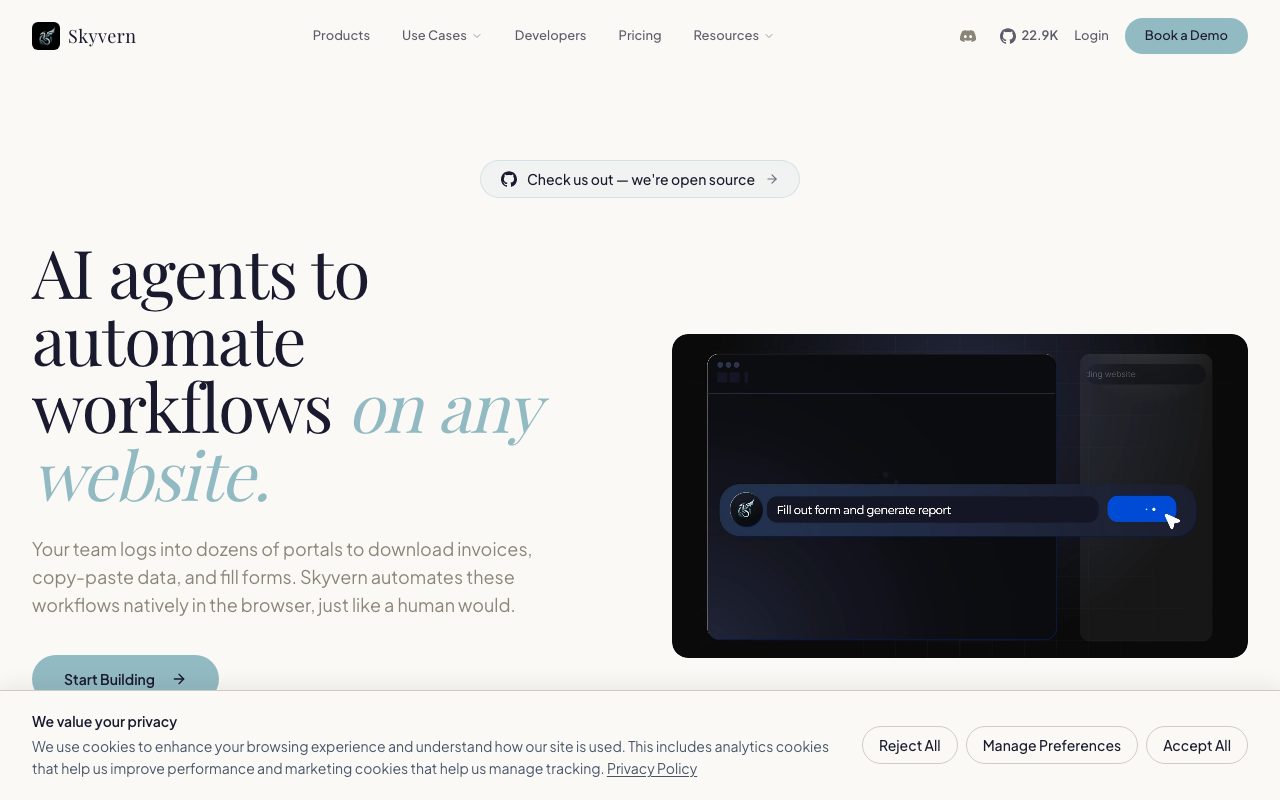
Skyvern is an AI-powered browser automation platform designed to navigate websites, bypass CAPTCHAs, handle multi-factor authentication, and extract structured data without brittle selector-based scripts.
Skyvern automates manual browser interactions by combining computer vision, large language model reasoning, and code execution. Instead of relying on traditional DOM selectors that break whenever a site updates its markup, Skyvern interacts with web pages visually, adapting automatically to layout revisions. The platform is capable of managing complex real-world workflows that require logging into accounts protected by two-factor authentication (2FA/TOTP), resolving CAPTCHAs natively without third-party services, and routing traffic through residential or datacenter proxy networks with granular geo-targeting. Teams can author automations through multiple paths: speaking to an AI copilot in natural language, uploading standard operating procedures (SOPs), recording browser sessions, assembling visual steps, or writing code using official Python and TypeScript SDKs. For technical environments, Skyvern supports self-hosting via Docker containers, Model Context Protocol (MCP) integrations, webhook event streaming, and credential vaults like 1Password, Bitwarden, and Azure Key Vault. It outputs extracted information in structured JSON or CSV formats, enabling backend pipelines to pull records, download invoices, fill forms, and run end-to-end regression tests on live portals.
Skyvern replaces brittle DOM selector scripts with vision-driven LLM reasoning and native handling of CAPTCHAs and 2FA, allowing browser workflows to continue operating through dynamic UI changes.
Product capabilities
Key features
Vision-Based Automation
Interacts with web interfaces using computer vision and AI reasoning instead of brittle DOM selectors, preventing broken scripts during UI updates.
Native CAPTCHA and 2FA Solving
Handles authentication flows autonomously, solving CAPTCHAs in-house and accepting 2FA and TOTP verification codes.
Structured Data Extraction
Scrapes and formats web data into structured JSON or CSV schemas without requiring pre-existing APIs.
Multiple Workflow Creation Modes
Supports automation authoring via plain English copilot chat, SOP document uploads, browser screen recording, visual builder, or native SDKs.
Targeted Proxy Networks
Offers residential and datacenter proxy routing with country, state, and city-level geo-targeting options.
Developer SDKs and Self-Hosting
Provides Python and TypeScript SDKs, webhooks, MCP support, and Docker containers for self-hosted deployments.
Practical fit
Who should use Skyvern?
Accounts Payable Automation
Logs into supplier portals behind logins, 2FA, and CAPTCHAs to automatically locate and download monthly invoices.
Structured Web Scraping
Extracts catalog details, dynamic pricing, and public records into clean JSON or CSV formats across varying site layouts.
Automated Form Submission
Fills compliance filings, directory registrations, and multi-step portal applications repeatedly at scale.
Resilient Browser QA Testing
Executes regression suites that do not fail when element selectors or front-end CSS classes change.
Editorial assessment
Pros and limitations
Where it is strong
- Eliminates selector-based script maintenance by using visual comprehension
- Solves CAPTCHAs natively without third-party solver dependencies
- Offers open-source self-hosting via Docker alongside cloud-managed options
- Provides versatile authoring via Copilot, visual tools, and Python/TypeScript SDKs
Where to be careful
- Enterprise compliance features like HIPAA and SOC-2 reports are gated to custom enterprise plans
- Free and lower-tier plans are limited to datacenter proxies and country-only geo-targeting
- Screenshots taken during runs are transmitted to third-party LLM providers
Commercial context
Skyvern pricing
Pricing verified on 2026-09-08. Skyvern provides a Free plan with 5,000 credits, a Hobby plan at $29/month (30,000 credits), a Pro plan at $149/month (150,000 credits), and tailored Enterprise options. Consult the official pricing page for current credit rates and terms.
| Plan | Price | What it includes |
|---|---|---|
| Free | $0 / month |
Pricing, limits, taxes, model access, and regional availability can change. Verify the purchase-critical details on the official pricing page linked under Sources.
Transparent ranking
Why Skyvern scores 76.4
Each factor is scored on a 100-point scale, then combined using the public ToolsRank weights. Engagement and momentum stay at a neutral baseline until measured signals exist, so no tool can gain or lose position from numbers nobody recorded.
Compatibility
Languages, platforms, and integrations
Languages
- English
Integrations & surfaces
- Zapier
- Make
- Clay
- n8n
- Workato
- 1Password
- Bitwarden
- Azure Key Vault
- Google Sheets
- Google Drive
- Gmail
Community
Reviews and questions
No approved member reviews yet. Editorial factors above are the only rating on this page.
Reviews and questions come from Google-signed members and are checked by an editor before they appear.
Frequently asked
Skyvern FAQ
How does Skyvern handle website UI updates compared to Selenium?+
Skyvern relies on computer vision and LLM reasoning rather than fixed DOM selectors or XPath queries. When a website layout shifts, Skyvern visually re-evaluates the page and identifies the correct elements to interact with automatically.
Does Skyvern require third-party services to solve CAPTCHAs?+
No. Skyvern handles CAPTCHAs natively within its platform, removing the requirement to configure external solving services.
Can Skyvern be self-hosted on private infrastructure?+
Yes. Skyvern provides Docker containers that allow developers to deploy and run the automation platform entirely on-premises.
How does Skyvern process sensitive data and screenshots?+
Screenshots captured during automation workflows are sent to LLM providers (such as OpenAI, Anthropic, Google Gemini, and AWS Bedrock) for visual parsing. Skyvern states in its privacy policy that user data is not sold or used to train third-party models.