Direct answer
What is Slack AI?
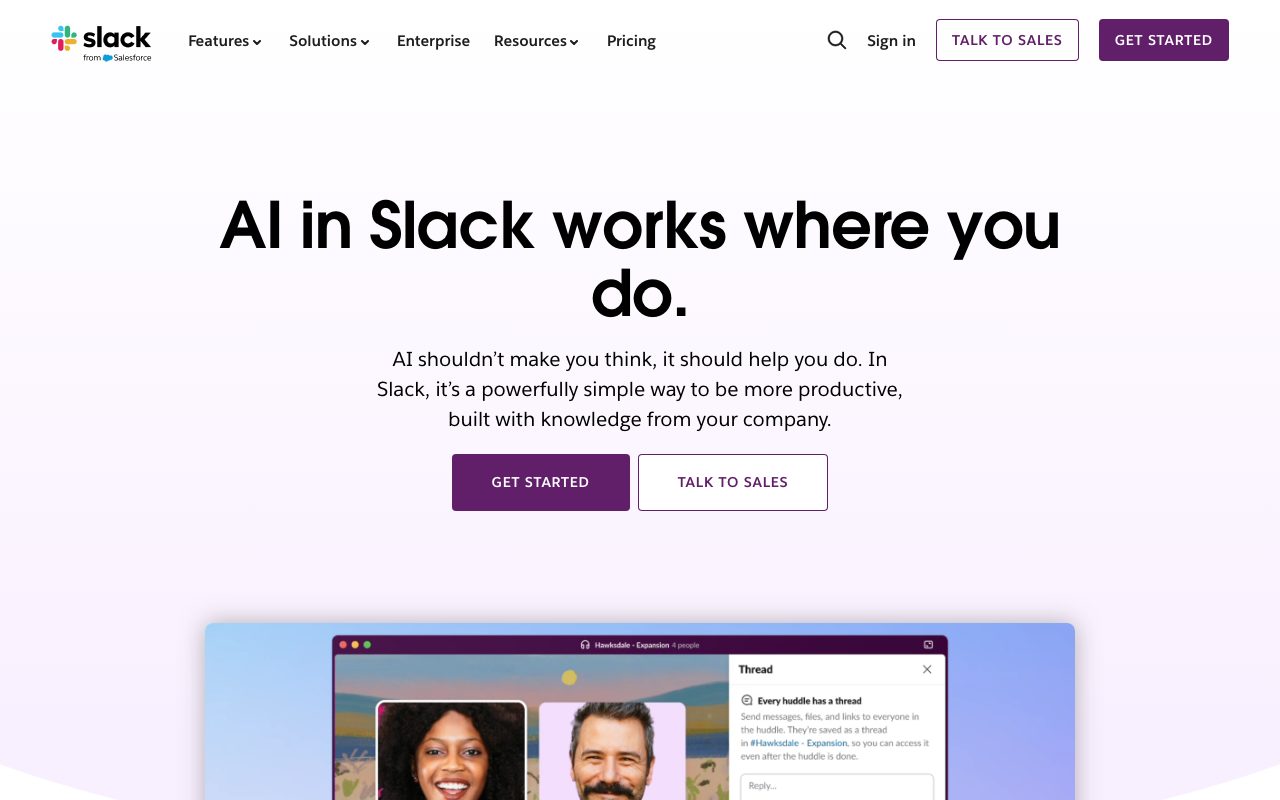
Slack AI brings native summarization, channel recaps, guided enterprise search, and conversational agent capabilities directly into Slack channels and threads without sending data outside its cloud boundary.
Slack AI provides generative intelligence embedded directly within the Slack messaging environment. Designed to eliminate context switching and minimize information overload, it synthesizes discussions across channels and long conversation threads, delivers automated daily recaps, and powers cross-workspace answers through enterprise search. Beyond basic chat summarization, the system incorporates 'Today', an early-access daily briefing that highlights critical action items, deal follow-ups, and customer meetings from unread messages. It also evolves Slackbot into an interactive assistant capable of analyzing reports, drafting briefs, and preparing users for meetings using personal workspace context. Slack AI functions as the conversational interface for Salesforce Agentforce and supports third-party agent applications including Asana, Box, and Workday. From a data governance perspective, Slack hosts large language models within its AWS virtual private cloud, ensuring customer data does not train third-party models and never leaves Slack's compliance boundary.
Slack AI operates natively within existing channels and threads using historical conversational data, integrated enterprise apps, and self-hosted models in an AWS VPC, preventing customer data from training foundation models.
Product capabilities
Key features
Channel Recaps and Thread Summaries
Summarizes lengthy conversation threads and provides structured channel recaps to catch up on project updates and decisions quickly.
Enterprise Search
Queries across Slack conversations, PDFs, shared images, Google Drive files, support tickets, and integrated Salesforce customer records.
Today Briefing (Early Access)
An intelligent briefing view that analyzes unread messages to prioritize critical discussions, meeting prep, and deal follow-ups.
AI Slackbot Teammate
A workspace assistant that understands tone, voice, and team context to help prepare for meetings, draft project briefs, and analyze reports.
Agentforce and Agent Integrations
Acts as the conversational UI for Salesforce Agentforce and marketplace agent apps such as Asana, Box, Workday, Cohere, and Writer.
Workflow Builder and Translation
Enables automated meeting notes, workflow triggers without prompts, and one-click in-line translation across multiple languages.
Practical fit
Who should use Slack AI?
Incident and Engineering Resolution
Engineers search historical post-mortems and technical discussions to identify prior fixes without leaving Slack.
Account Context for Sales
Account executives summarize customer-specific channels and notes in seconds to catch up on deal status.
Customer Service Handoffs
Support personnel generate meeting and ticket summaries to ensure cross-functional alignment while resolving customer issues.
Global Collaboration
Marketing and international teams translate messages in one click and produce multi-language campaign coordination.
Editorial assessment
Pros and limitations
Where it is strong
- Native integration into channels, threads, and DMs prevents tab switching
- Customer data is not used to train LLMs and does not leave Slack's AWS virtual private cloud
- Connects unstructured chat history with integrated records like Salesforce and Google Drive
- Automates channel catch-up with thread summaries and morning recaps
Where to be careful
- Unavailable to teams on the free tier of Slack
- Specific per-seat pricing and add-on structures require contacting sales or an account executive
Commercial context
Slack AI pricing
As of September 2026, the vendor states that Slack AI capabilities are available across all paid Slack plans, with specific onboarding and plan details handled via Slack account executives or sales inquiries. Exact incremental fees or plan-specific limits are not published on the reviewed feature page.
Pricing, limits, taxes, model access, and regional availability can change. Verify the purchase-critical details on the official pricing page linked under Sources.
Transparent ranking
Why Slack AI scores 75.3
Each factor is scored on a 100-point scale, then combined using the public ToolsRank weights. Engagement and momentum stay at a neutral baseline until measured signals exist, so no tool can gain or lose position from numbers nobody recorded.
Compatibility
Languages, platforms, and integrations
Languages
- English
- German
- Spanish
- French
- Italian
- Japanese
Integrations & surfaces
- Salesforce
- Google Drive
- Agentforce
- Asana
- Box
- Workday
- Cohere
- Writer
- Adobe Express
Community
Reviews and questions
No approved member reviews yet. Editorial factors above are the only rating on this page.
Reviews and questions come from Google-signed members and are checked by an editor before they appear.
Frequently asked
Slack AI FAQ
Does Slack AI use customer conversations to train foundational AI models?+
No. Slack explicitly states that customer data is never used to train large language models (LLMs), and external LLM providers do not have direct access to customer data. Models are hosted within Slack's AWS virtual private cloud.
Which Slack plans include access to Slack AI?+
According to official documentation, Slack AI features are available across all paid Slack plans. Customers must contact their Slack account executive or sales representative to enable it.
What content does Slack Enterprise Search index?+
Enterprise search indexes native conversations, PDFs, shared images, and connected files or records from third-party tools like Google Drive and Salesforce.
Can Slack AI translate conversations into other languages?+
Yes. Slack AI supports one-click in-line translation of messages and respects localized client language settings when delivering search answers and summaries.