
Direct answer
What is Slite?
Slite is an AI-assisted team knowledge base and company wiki. It combines a real-time collaborative doc editor with automated drift detection, doc verification workflows, and an MCP server that surfaces verified company context to external AI agents.
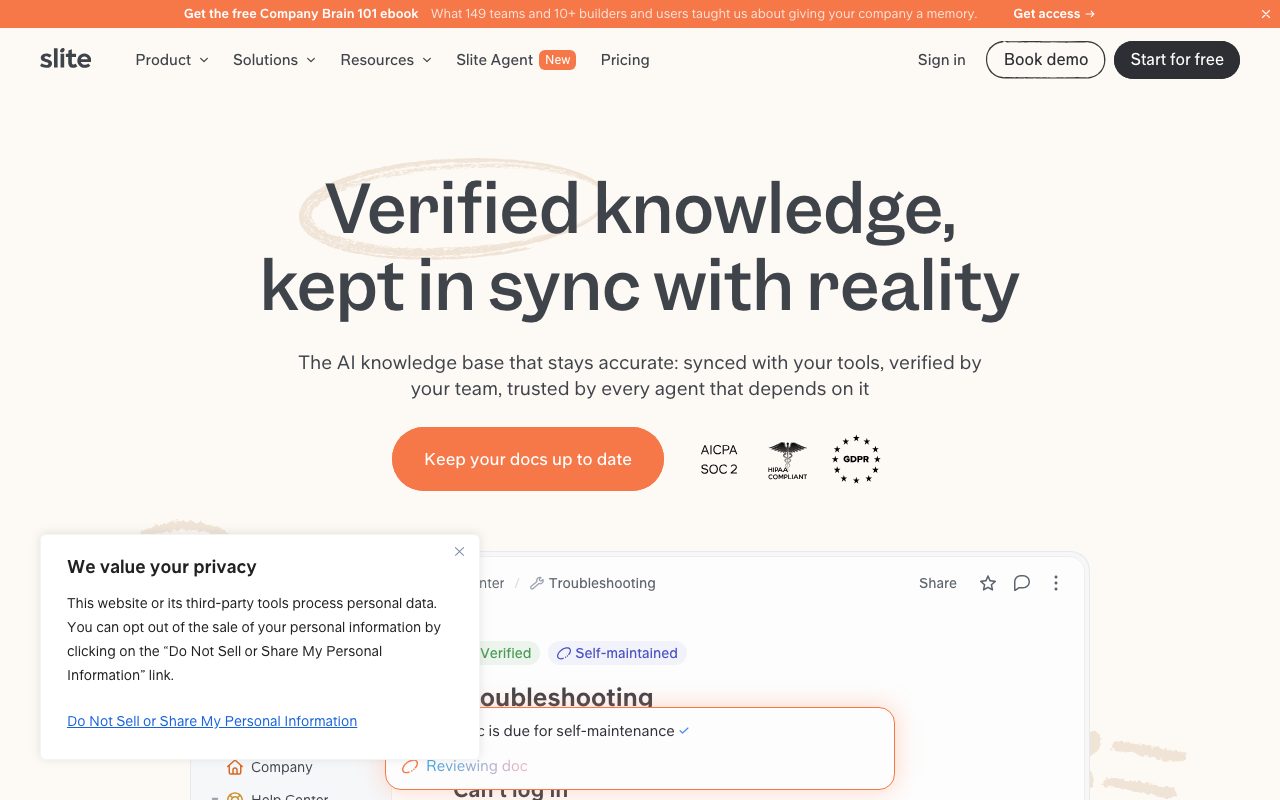
Slite is a modern internal documentation workspace engineered around knowledge freshness. Instead of letting documentation become stale, it incorporates continuous verification tools, scheduled checks, and an automated agent that tracks changes across integrated workplace systems like Slack, Linear, and GitHub. When code merges, roadmap milestones shift, or team discussions alter an operational reality, the platform flags discrepancies, drafts proposed adjustments, and notifies relevant owners for one-click review. Readers see explicit trust badges indicating whether a page has been verified or is overdue for review. Alongside doc drafting and organizational features like channels and templates, Slite provides conversational AI search ('Ask') that cites its sources and respects user permissions. Through Model Context Protocol (MCP) support, third-party agents such as Claude and ChatGPT can interact with and query workspace docs as a real-time retrieval layer. Hosted in the EU on Google Cloud Platform, the architecture is certified under SOC 2 Type II and HIPAA requirements for enterprise environments.
Unlike static document repositories, Slite actively identifies documentation drift by monitoring external tool activity and enforces human-in-the-loop verification statuses that external AI agents can query over MCP.
Product capabilities
Key features
Slite Agent & Drift Detection
Monitors connected systems like GitHub, Linear, and Slack to detect when operational realities have changed, automatically drafting doc updates for human review.
Doc Verification Workflows
Enables designated document owners to mark pages as verified, showing explicit verification badges and signaling content freshness to team members and AI queries.
Model Context Protocol (MCP) Integration
Exposes workspace documents and search as an MCP server, allowing tools like Claude, ChatGPT, and Cursor to read, update, and search verified team knowledge.
Ask AI Search
Natural-language query interface that returns summarized, permission-aware answers directly citing specific workspace sources and prioritizing verified documentation.
Knowledge Management Panel
Provides administrators and leads with a centralized dashboard to track doc staleness, review statuses, and execute bulk actions across workspace content.
Collaborative Editor & Channels
Rich-text documentation workspace supporting real-time collaborative editing, nested document hierarchies, templates, comments, and public sharing.
Practical fit
Who should use Slite?
Internal Company Wikis
Establishing an organized knowledge base with clear channel hierarchies and ownership rules so employees can quickly locate vetted operational guidelines.
Automated Technical Doc Maintenance
Flagging architectural runbooks and deployment guides whenever relevant PRs merge or infrastructure tools change.
AI Assistant Grounding Layer
Serving as an MCP retrieval context provider so external coding or productivity agents reference valid company procedures instead of hallucinating.
Support and Onboarding Enablement
Answering repetitive workflow questions across Slack and internal searches with cited references to approved team guides.
Editorial assessment
Pros and limitations
Where it is strong
- Native verification features and drift-detection agents actively mitigate stale documentation
- MCP support turns team docs into an accessible context layer for developer assistants like Claude and Cursor
- EU-hosted infrastructure with annual SOC 2 Type II audits and HIPAA compliance availability
Where to be careful
- No free ongoing tier; users must purchase a paid plan after the 14-day trial
- Basic tier enforces limits on AI questions per seat and excludes cross-tool agent workflows
Commercial context
Slite pricing
At the review date (September 2026), paid subscriptions start at $10/user/month billed annually ($20/user/month for Pro) following a 14-day free trial; always verify current rates on the official pricing page.
Pricing, limits, taxes, model access, and regional availability can change. Verify the purchase-critical details on the official pricing page linked under Sources.
Transparent ranking
Why Slite scores 72.8
Each factor is scored on a 100-point scale, then combined using the public ToolsRank weights. Engagement and momentum stay at a neutral baseline until measured signals exist, so no tool can gain or lose position from numbers nobody recorded.
Compatibility
Languages, platforms, and integrations
Languages
- English
- French
- Spanish
- German
- Dutch
- Japanese
Integrations & surfaces
- Slack
- GitHub
- Linear
- Google Drive
- Claude
- ChatGPT
- Cursor
- Okta
- Azure AD
- OneLogin
- Auth0
Community
Reviews and questions
No approved member reviews yet. Editorial factors above are the only rating on this page.
Reviews and questions come from Google-signed members and are checked by an editor before they appear.
Frequently asked
Slite FAQ
Is there a free plan for Slite?+
Slite does not offer a permanent free plan. A 14-day free trial is available without a credit card, after which continuing use requires subscribing to the Basic, Pro, or Enterprise tier.
Where is customer data stored and hosted?+
All production data is hosted in the European Union (St. Ghislain, Belgium) on Google Cloud Platform infrastructure. Customer data is encrypted in transit via TLS and at rest using GCP encryption mechanisms.
Are customer documents used to train AI models?+
No. The vendor states that customer data processed for AI-powered features is handled securely within their infrastructure and is never used to train external artificial intelligence models.
What is the Slite MCP integration?+
Slite exposes a Model Context Protocol (MCP) server that enables external AI clients such as Claude, Cursor, and ChatGPT to search, read, append, update, and verify workspace documents directly using assigned permissions.