
Direct answer
What is Sonix?
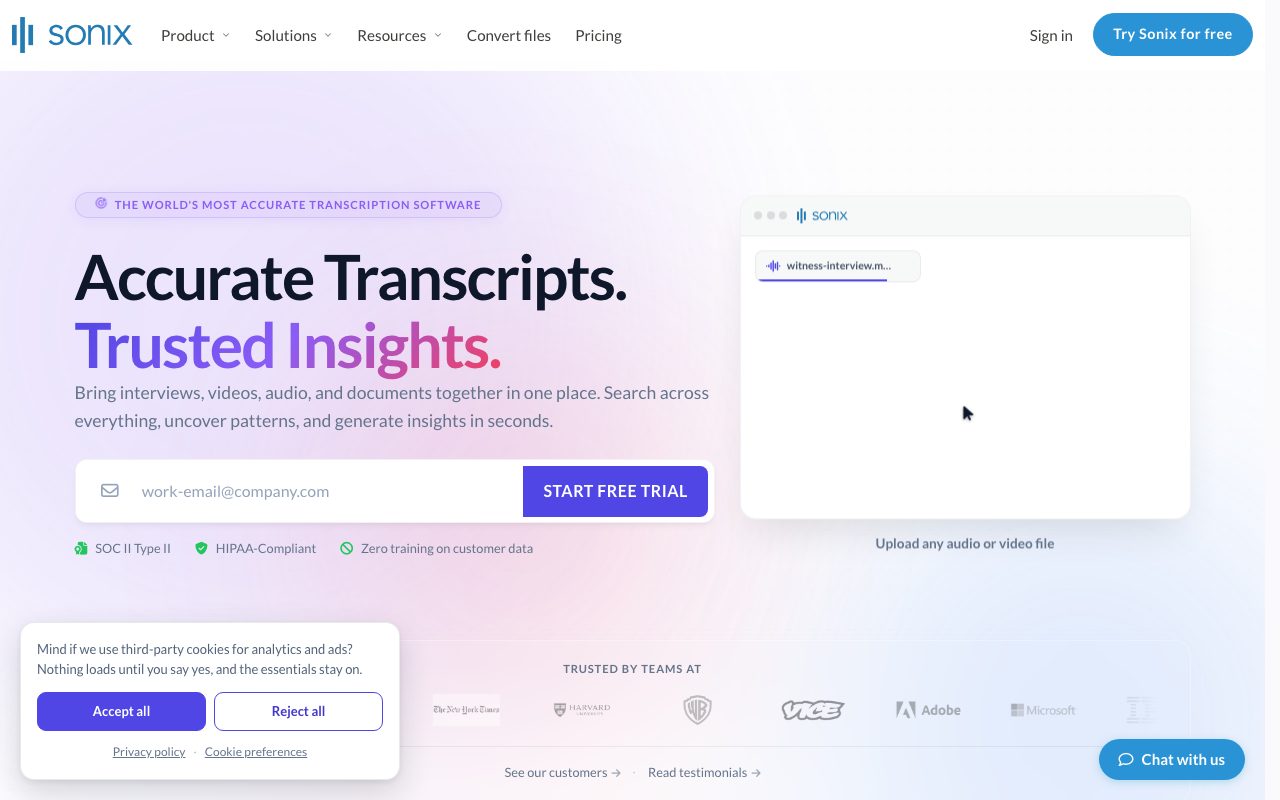
Sonix converts audio and video recordings into timestamped text with speaker labels in over 54 languages. Featuring a browser-based audio-synchronized editor, automated translation, and SOC 2 Type 2 and HIPAA compliance, it streamlines transcription, subtitling, and multi-file analysis for media, legal, and enterprise teams.
Sonix is an automated transcription and audio intelligence platform designed for media production, legal, healthcare, and enterprise teams. Established in 2017, the platform processes speech-to-text across 54+ languages, outputting synchronized text with millisecond-level timestamps and automated speaker diarization. A central component of the service is the in-browser text editor. Because text remains tied to the underlying audio waveforms, clicking any transcribed word immediately plays back that point in the recording. Users can correct terms, reorganize speaker designations, attach comments, and automatically realign timestamps across the entire file when edits occur. Custom terminology can be uploaded across multiple custom dictionaries so specialized industry vocabulary and proper nouns are prioritized by the speech recognition engine. Beyond basic transcription, the platform includes neural machine translation into 55+ languages. The translation workflow maintains original timestamps and speaker tags, allowing users to compare original and translated transcripts side-by-side while hearing the source audio. Video creators can export time-aligned subtitles (SRT, VTT) or burned-in subtitles directly from the platform. For enterprise environments, Sonix provides security controls including SOC 2 Type 2 certification, HIPAA compliance with protected health information (PHI) detection, AES-256 encryption, SSO/SCIM, audit logging, and a zero-training policy regarding customer data. Users can also conduct multi-transcript analysis to query across collections of audio and documents for summaries, contradictions, and sentiment patterns.
Unlike generic transcription tools that provide static text dumps, Sonix links every word to the underlying recording in a synchronized browser editor, allowing rapid review, side-by-side translation that preserves speaker timestamps, and cross-file search across audio, video, and documents under SOC 2 and HIPAA security guarantees.
Product capabilities
Key features
Speech-to-Text Transcription
Converts recorded speech into text in over 54 languages with automated speaker identification and millisecond-level word timestamps.
In-Browser Synchronized Editor
Enables text editing where clicking any word immediately plays back the corresponding audio section, with single-click timestamp realignment.
Automated Diarization
Identifies speaker changes automatically and separates dialogue into distinct paragraphs, allowing quick name assignments via dropdown menus.
Custom Dictionaries
Permits uploading client-specific terminology, technical jargon, and brand names to improve speech recognition accuracy across projects.
Neural Machine Translation
Translates transcripts into 55+ languages side-by-side with the original transcript while preserving speaker assignments and timing.
Subtitle & Caption Generator
Generates frame-timed SRT and VTT files or burned-in subtitles, with adjustable timing and formatting controls.
Cross-File AI Intelligence
Synthesizes multi-transcript summaries, action items, sentiment analysis, and comparative answers across uploaded documents and recordings.
Enterprise Security Controls
Includes SOC 2 Type 2 certification, HIPAA compliance with automated PHI detection, AES-256 encryption, SSO/SCIM, and a zero-training data policy.
Practical fit
Who should use Sonix?
Media Production & Subtitling
Video editors generate time-coded scripts and frame-accurate SRT/VTT caption files in multiple languages for video distribution.
Legal Depositions & Investigations
Attorneys and court reporters transcribe witness interviews, depositions, and 911 audio while maintaining strict audit trails and speaker labels.
Qualitative Research Analysis
Researchers annotate interview transcripts, track thematic patterns, and query across multiple transcripts simultaneously.
Clinical Healthcare Dictation
Medical providers transcribe clinical notes and consultations securely using HIPAA-compliant storage with automatic PHI detection.
Editorial assessment
Pros and limitations
Where it is strong
- Word-level audio synchronization allows immediate verification of any phrase in the recording.
- Native enterprise compliance standards including SOC 2 Type 2, HIPAA, and explicit zero-training commitments.
- Fast processing speed, taking approximately 5 minutes per audio hour.
- Integrated side-by-side translation across 55+ languages without losing speaker labels or timestamps.
- Flexible export formats including DOCX, PDF, TXT, SRT, and VTT.
Where to be careful
- Maximum direct upload size is capped at 4GB per file (larger files require URL or cloud drive connections).
- Detailed self-serve plan structures and per-minute overage costs are not fully disclosed on the core pages.
- Automated transcription accuracy varies depending on background noise and audio quality, requiring manual review for verbatim legal precision.
Commercial context
Sonix pricing
At the review date (2026-09-08), Sonix provides 30 free minutes of transcription upon signup without requiring a credit card. A comparison table references $5 per audio hour for automated processing, with bundled translation on enterprise plans; specific self-serve tier pricing is not published on the provided pages and should be verified on the official pricing page.
Pricing, limits, taxes, model access, and regional availability can change. Verify the purchase-critical details on the official pricing page linked under Sources.
Transparent ranking
Why Sonix scores 78.9
Each factor is scored on a 100-point scale, then combined using the public ToolsRank weights. Engagement and momentum stay at a neutral baseline until measured signals exist, so no tool can gain or lose position from numbers nobody recorded.
Compatibility
Languages, platforms, and integrations
Languages
- English
- Spanish
- French
- German
- Japanese
- Chinese
Integrations & surfaces
- Zoom
- Microsoft Teams
- Google Meet
- Webex
- Adobe Premiere
- Zapier
- Dropbox
- Google Drive
- OneDrive
Community
Reviews and questions
No approved member reviews yet. Editorial factors above are the only rating on this page.
Reviews and questions come from Google-signed members and are checked by an editor before they appear.
Frequently asked
Sonix FAQ
How fast does Sonix transcribe audio and video files?+
Sonix processes audio approximately 12 times faster than real time, delivering a complete transcript for a one-hour recording in roughly 4 to 5 minutes.
Does Sonix use customer recordings to train AI models?+
No. According to the vendor's security terms, Sonix maintains a strict zero-training policy, ensuring your uploaded media files and transcripts are never used to train speech or language models.
What audio and video file formats are supported?+
Sonix accepts major media file types including MP3, WAV, M4A, FLAC, OGG, MP4, MOV, AVI, WMV, WebM, and MKV up to 4GB via direct upload, as well as cloud connections through Google Drive, Dropbox, or OneDrive.
Can I bring my own existing transcripts to sync with recordings?+
Yes. Sonix allows users to upload an existing transcript alongside an audio or video file. The system automatically synchronizes the text to the media, adding word-level timestamps.
Is Sonix HIPAA compliant for medical transcription?+
Yes. Sonix is HIPAA compliant and includes automated Protected Health Information (PHI) detection to assist healthcare organizations handling clinical dictation, patient notes, and medical research.