
Direct answer
What is Submagic?
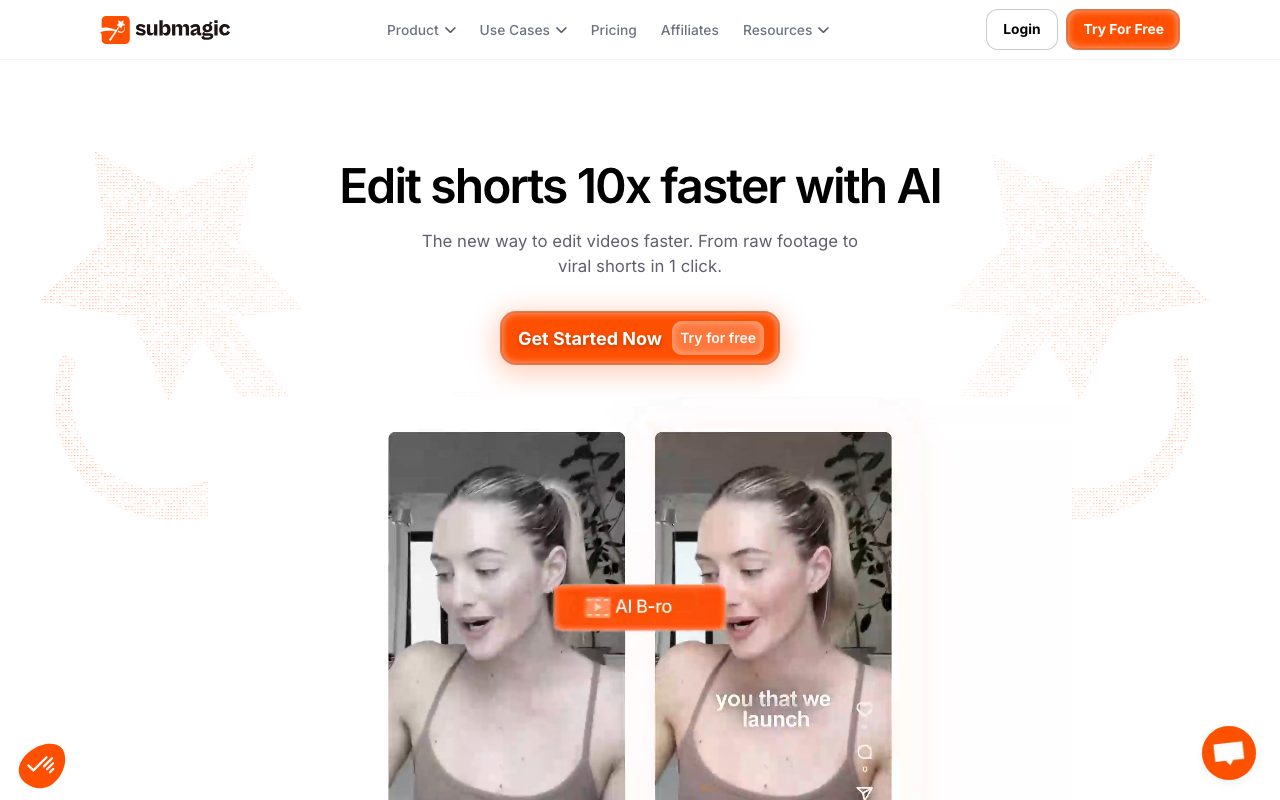
Submagic is an AI-powered video editing and repurposing platform designed to turn raw recordings and long-form video into captioned vertical shorts for TikTok, Reels, and YouTube Shorts.
Submagic streamlines the production of short-form social videos by automating repetitive editing workflows. Users can upload raw video footage or paste YouTube links for videos up to two hours in length. The platform transcribes spoken audio across 123 languages, automatically styling captions with dynamic highlights, animations, and emojis. Beyond subtitle generation, the editor provides automated pacing and visual enhancements. The Magic Clips engine extracts engaging moments from webinars or podcast episodes to generate batches of standalone shorts. Smart Trim tools identify and cut dead silences, awkward pauses, and filler words using transcript-based editing or timeline controls. To maintain viewer retention, Submagic can automatically insert contextual B-roll clips from built-in libraries or user uploads, add automated zoom transitions, trigger sound effects, apply background music, and adjust eye contact for scripted delivery. Export workflows support resolutions ranging from 720p up to 4K at 60fps across standard aspect ratios like 9:16, 4:5, 1:1, and 16:9, alongside direct scheduling to social channels, Brand Kits for agency client management, and API access for automated pipelines.
Submagic combines automated speech transcription in 123 languages with automated B-roll insertion, eye-contact correction, and text-based trimming, enabling creators to batch-produce styled social clips without manual timeline scrubbing.
Product capabilities
Key features
AI Captions & Subtitles
Generates animated captions in 123 languages with customizable typography, colors, and auto-highlighted keywords.
Magic Clips Repurposing
Extracts key moments from long-form YouTube links or uploaded footage to produce multiple short clips automatically.
Smart Trim & Silence Cut
Scans audio to delete filler words, awkward pauses, and silence via Natural, Fast, or Extra Fast modes, or through direct text-based transcript editing.
Contextual AI B-Roll
Analyzes the spoken transcript to automatically insert stock footage, GIFs, or user-uploaded media with configurable frequency.
Dynamic Zoom & Transitions
Applies automated camera zooms (smooth, crash, expo, linear) and scene transitions based on spoken cues to maintain retention.
Audio Cleanup & Eye Contact
Removes background noise and corrects gaze orientation with one click so presenters appear to look directly into the camera.
Multi-Format 4K Exports
Exports completed videos up to 4K resolution at 60fps across 9:16, 16:9, 1:1, 4:5, or original aspect ratios, with optional SRT file downloads.
Social Scheduling & Brand Kits
Enables users to schedule posts directly to platforms and save custom fonts, colors, and templates for consistent client output.
Practical fit
Who should use Submagic?
Repurposing Long-Form Podcasts
Upload a full podcast or interview link to extract more than 20 captioned shorts with silences removed and B-roll added.
Daily Social Short Creation
Convert smartphone talking-head footage into polished TikTok, Instagram Reel, or YouTube Shorts videos with animated subtitles.
Agency Client Management
Save client-specific Brand Kits to apply uniform typography, colors, and caption templates across batch video campaigns.
Educational & Course Micro-Content
Turn recorded webinars and tutorials into bite-sized, captioned learning snippets with clear visual emphasis.
Editorial assessment
Pros and limitations
Where it is strong
- Transcribes speech and generates styled captions in 123 languages
- Text-based transcript editing lets users delete words to cut video footage directly
- Includes automated B-roll insertion, eye contact correction, and zoom effects
- Supports exports up to 4K at 60fps and downloadable SRT subtitle files
- Integrates royalty-free media libraries from Pexels and Giphy
Where to be careful
- Specific paid tier pricing and quota details are not listed on primary product feature pages
- Source videos are capped at a maximum length of 2 hours
- Lacks traditional multi-track non-linear editing tools for complex creative post-production
Commercial context
Submagic pricing
At the review date, the vendor offers a free trial with limited exports and no credit card required. Detailed tier breakdowns and monthly subscription rates are not specified on the reviewed pages and must be confirmed on the official pricing page.
Pricing, limits, taxes, model access, and regional availability can change. Verify the purchase-critical details on the official pricing page linked under Sources.
Transparent ranking
Why Submagic scores 74.5
Each factor is scored on a 100-point scale, then combined using the public ToolsRank weights. Engagement and momentum stay at a neutral baseline until measured signals exist, so no tool can gain or lose position from numbers nobody recorded.
Compatibility
Languages, platforms, and integrations
Languages
- English
- Spanish
- French
- German
- Portuguese
- Japanese
Integrations & surfaces
- YouTube
- TikTok
- Pexels
- Giphy
Community
Reviews and questions
No approved member reviews yet. Editorial factors above are the only rating on this page.
Reviews and questions come from Google-signed members and are checked by an editor before they appear.
Frequently asked
Submagic FAQ
How accurate are the captions generated by Submagic?+
Submagic states a caption accuracy rate of 98% to 99% across 123 supported languages. Users can review the transcript and manually adjust any word inline before exporting.
What video lengths and formats does Submagic support?+
Submagic accepts all standard video file formats and YouTube links for videos up to two hours long. Videos can be exported in resolutions ranging from 720p up to 4K at 60fps across 9:16, 4:5, 1:1, 16:9, or original dimensions.
Can I edit video by modifying the text transcript?+
Yes. Submagic provides text-based trimming that allows creators to delete words and sentences directly from the generated transcript to cut corresponding footage and remove filler words without timeline scrubbing.
Can I use my own B-roll or does Submagic provide stock clips?+
Users can supply their own media or use the integrated royalty-free stock media libraries from Pexels and Giphy. An intensity slider lets users specify how frequently B-roll appears.
Can I export just the subtitle file instead of a rendered video?+
Yes. Submagic allows you to download your subtitles as an SRT file, or export videos with subtitles keyed against green or blue backgrounds.