
Direct answer
What is Trint?
Trint is an AI transcription and audio-video editing platform that turns speech into time-aligned, searchable text for editorial workflows, translations, and rough cut assembly.
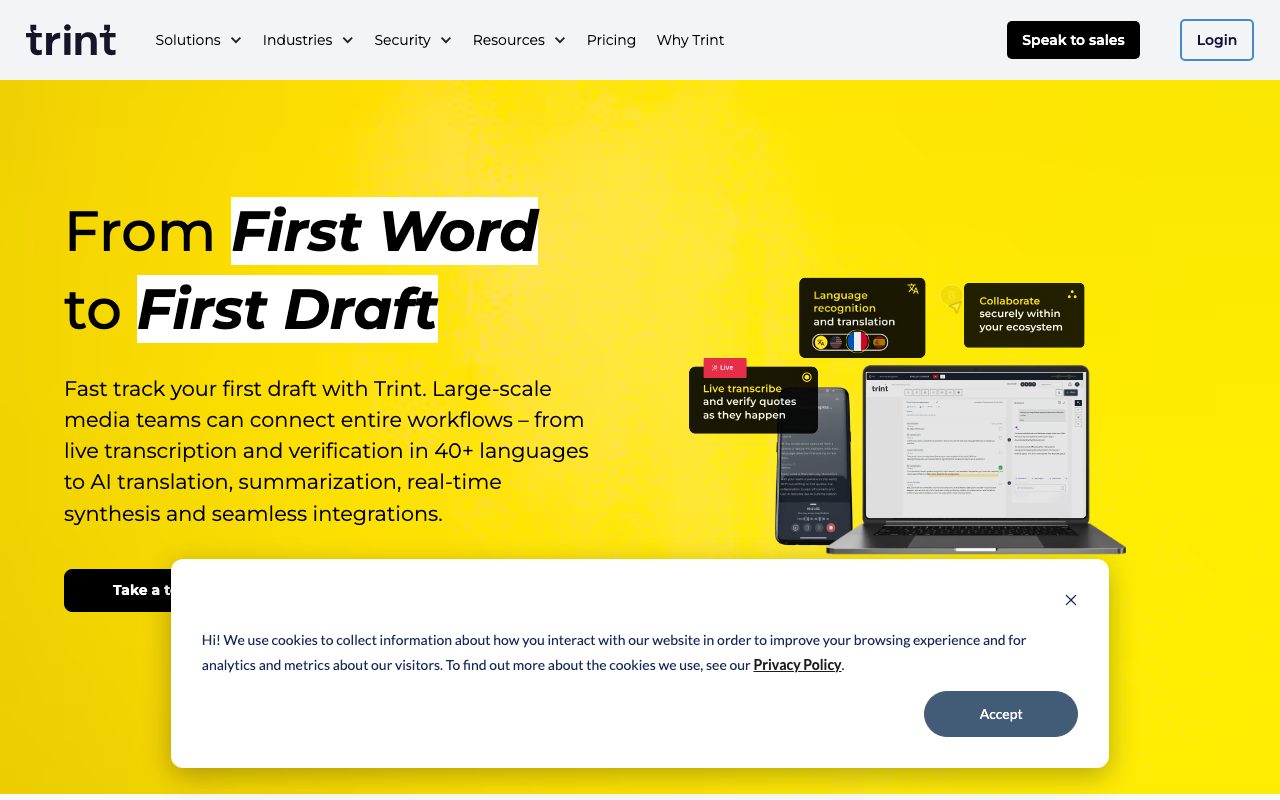
Trint provides automated speech-to-text transcription paired with a collaborative text editor that synchronizes words directly with original audio and video playback. Built primarily for fast-paced editorial and media production environments, the platform allows teams to transcribe live audio feeds, uploaded recorded files, and archived assets in more than 40 languages. Beyond basic speech-to-text conversion, Trint functions as a workspace for turning raw recordings into publishable stories. Users can search transcripts, highlight quotes, generate rough cuts, produce timed captions, and translate text into more than 70 languages. An embedded AI Assistant lets users ask questions against long transcripts to extract summaries, key moments, and soundbites. Trint emphasizes data privacy for sensitive reporting and enterprise workflows. The platform operates under ISO 27001 and Cyber Essentials certifications, enforces TLS 1.2 in transit and AES-256 encryption at rest, and provides options for data residency in either the United States or the European Union. Trint also commits to not using customer transcripts to train its speech or language models.
Trint integrates live capture, synchronized playback verification, rough-cut video assembly, and multilingual translation in an ISO 27001-certified environment that does not train AI models on customer recordings.
Product capabilities
Key features
Synchronized Trint Editor
Aligns transcribed text directly to the source media file, allowing users to verify, edit, and search audio and video alongside the text.
Live Transcription and Collaboration
Captures and transcribes live spoken audio, speeches, or calls in real time while multiple team members highlight, comment, and edit.
Multilingual Recognition and Translation
Automatically recognizes and transcribes speech in more than 40 languages, with capabilities to translate transcripts into over 70 languages.
Rough Cuts and Captions
Allows video and audio editors to assemble selections into rough cuts and export timed caption files directly from verified transcripts.
AI Assistant Insights
Queries long transcripts to generate summaries, identify key soundbites, and pull thematic quotes without manual sifting.
Speaker Detection and Voiceprints
Employs speaker identification technology using voiceprint processing to differentiate and label distinct participants across recordings.
Workflow
How Trint works
- Upload audio or video files or connect a live microphone, meeting, or broadcast stream.
- Trint's AI automatically generates a time-coded transcript in any of over 40 supported languages.
- Use the interactive editor to listen to the synchronized media, correct errors, and assign speaker voiceprints.
- Search key moments or use the AI Assistant to pull summaries and quotes across long transcripts.
- Assemble rough cuts, generate translated captions in 70+ languages, and export to production suites or media asset managers.
Practical fit
Who should use Trint?
Newsroom Breaking Coverage
Journalists transcribe live interviews or press conferences in real time to locate quotes quickly and publish reporting ahead of deadlines.
Video Post-Production
Production teams log hours of raw footage, generate synchronized rough cuts from the transcript, and export timecoded captions.
Podcast Editing Workflows
Audio producers upload raw interviews to pinpoint key narrative moments, pull episode notes, and streamline final editing.
Legal and Advisory Depositions
Law firms securely transcribe sensitive witness statements, client consultations, and strategy calls under strict data controls.
Editorial assessment
Pros and limitations
Where it is strong
- Customer data is never used to train the vendor's machine learning algorithms
- ISO 27001 and Cyber Essentials certified with EU or US data storage options
- Supports live audio stream capture and real-time team verification
- Native rough cut creation and captioning tools tailored for media workflows
Where to be careful
- Does not include an ongoing permanent free tier after the 7-day trial ends
- High-volume transcript processing beyond discretionary fair-use limits requires paid add-ons
Commercial context
Trint pricing
At the review date in September 2026, Trint offers a 7-day free trial covering up to three audio or video files. Continued access requires a monthly or annual paid subscription across tiers such as Starter, Advanced, Pro, and Pro Teams, with optional add-ons for high-volume and archive use or custom enterprise agreements. Specific recurring fee amounts are not detailed on the reviewed platform pages; verify current rates on the official pricing page.
Pricing, limits, taxes, model access, and regional availability can change. Verify the purchase-critical details on the official pricing page linked under Sources.
Transparent ranking
Why Trint scores 77.9
Each factor is scored on a 100-point scale, then combined using the public ToolsRank weights. Engagement and momentum stay at a neutral baseline until measured signals exist, so no tool can gain or lose position from numbers nobody recorded.
Compatibility
Languages, platforms, and integrations
Languages
- English
- Multilingual (40+ transcription languages, 70+ translation languages)
Platforms
- Web
- Desktop
- iOS
- Android
Integrations & surfaces
- Zapier
- Zoom
Community
Reviews and questions
No approved member reviews yet. Editorial factors above are the only rating on this page.
Reviews and questions come from Google-signed members and are checked by an editor before they appear.
Frequently asked
Trint FAQ
Does Trint use customer transcripts to train its AI models?+
No. According to Trint's security and privacy documentation, the company never listens to recordings or uses uploaded files or transcripts to train its AI algorithms.
Where does Trint store user data?+
Trint utilizes Amazon Web Services (AWS) data centers and allows customers to choose data residency located either in the European Union or the United States.
What happens when the 7-day free trial ends?+
The free trial permits transcription of up to three files during a 7-day period. Once the trial concludes, users must enter payment details to subscribe to a self-serve Monthly or Annual plan to continue using the platform.
Can multiple users collaborate on the same transcript simultaneously?+
Yes. Trint supports live multi-user collaboration, allowing team members to playback, highlight, search, and edit transcripts together as they happen from any supported device.