Direct answer
What is Bluedot?
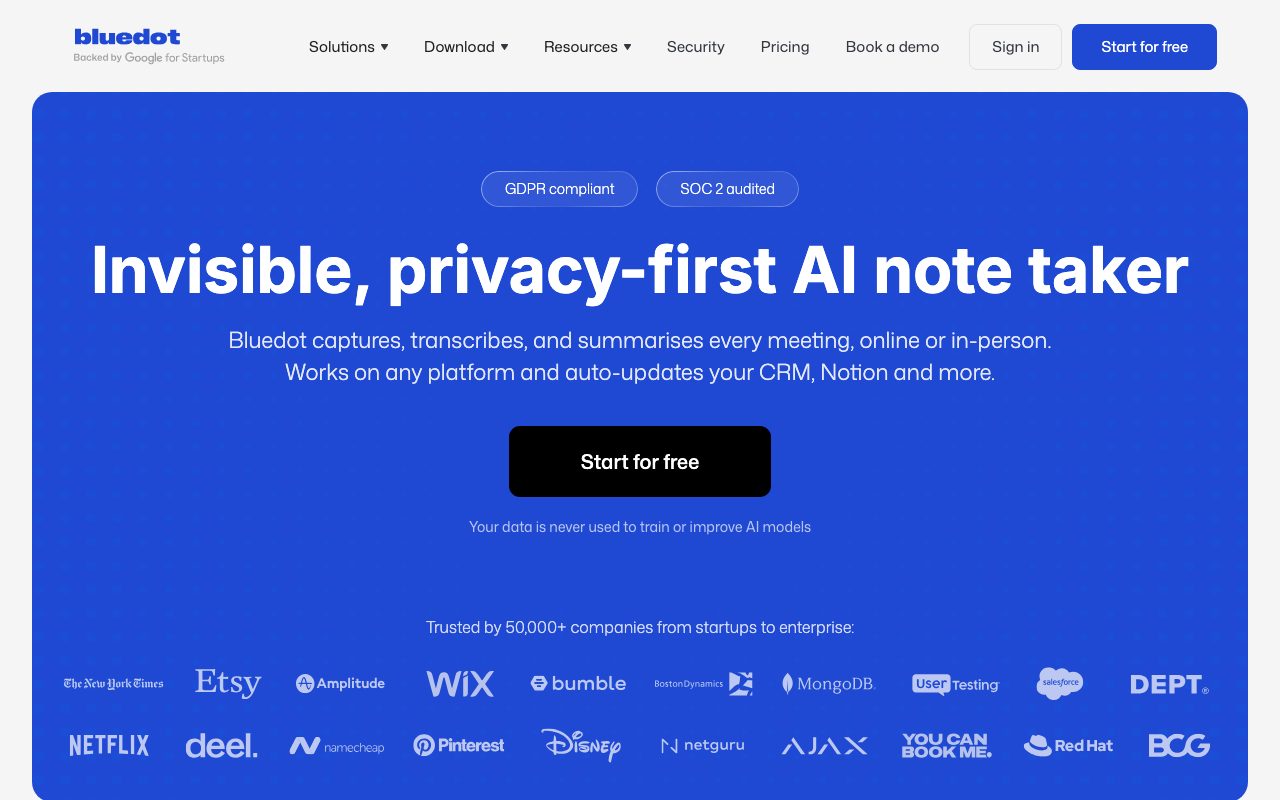
Bluedot is an AI meeting assistant that records, transcribes, and summarises calls without sending a visible bot into the meeting room or requiring calendar access.
Bluedot captures, transcribes, and summarises meetings across web conferencing tools and in-person discussions without sending an automated participant bot into the call. Using a Chrome extension, dedicated desktop applications for macOS and Windows, or mobile and Apple Watch apps, it records conversations directly from the user's browser or operating system. Because it does not join as an external bot, participants do not need host recording permissions or calendar integrations to generate meeting transcripts. The platform supports transcription and structured summaries in over 100 languages, distinguishing speakers and noting technical terms, action items, and key decisions. Through its cross-meeting AI chat interface, users can query previous transcripts to locate details discussed across multiple calls. Bluedot connects to downstream tools—including Notion, Slack, CRMs, and ATS platforms—via native integrations, webhooks, and Model Context Protocol (MCP) support. From a security and compliance perspective, Bluedot is SOC 2 Type II audited and aligned with GDPR guidelines. Customer meeting data is encrypted in transit using TLS and at rest using AES-256. The vendor explicitly states that customer data is never used to train or improve AI models and that AI model providers do not retain customer data after generating meeting outputs.
Unlike conventional AI notetakers that dispatch visible recording bots via calendar invites, Bluedot captures meetings locally through browser extensions and desktop apps, operating without calendar access or host permissions.
Product capabilities
Key features
Bot-Free Capture
Records audio and video locally through a Chrome extension or desktop app without sending an external bot into the conference.
Cross-Platform Flexibility
Works across Zoom, Google Meet, Microsoft Teams, Slack huddles, phone calls, and in-person meetings via mobile and Apple Watch apps.
Multilingual Transcription
Generates transcripts, speaker identification, and structured notes in over 100 languages, handling technical vocabulary and action items.
Cross-Meeting AI Search
Includes a built-in AI chat that allows users to ask questions, compare discussions, and retrieve facts across multiple past meetings.
Workflow Sync and MCP
Pushes action items, transcripts, and notes to CRMs, ATS platforms, Notion, and Slack using webhooks, APIs, and Model Context Protocol (MCP).
Enterprise Privacy and Governance
Features SOC 2 Type II compliance, encryption in transit and at rest, configurable data retention policies, and zero AI model training on customer data.
Workflow
How Bluedot works
- Install the Bluedot Chrome extension, desktop app (Mac/Windows), or mobile app (iOS/Android/Apple Watch).
- Join any meeting on Zoom, Google Meet, Microsoft Teams, Slack huddles, or record in person without inviting a bot.
- Bluedot transcribes the audio, detects speakers, and generates structured notes with summaries and action items.
- Review notes or ask questions across past calls using the built-in AI cross-meeting chat.
- Automatically route notes, transcripts, and tasks into your CRM, ATS, Notion, or other tools via webhooks or MCP.
Practical fit
Who should use Bluedot?
Sales Call Documentation
Capture prospect conversations and automatically sync structured deal notes, pain points, and action items directly to the CRM.
Candidate Interviews
Enable recruiters to focus on candidate engagement while Bluedot transcribes the conversation and updates connected ATS records.
In-Person Client Meetings
Record and transcribe face-to-face consultations, interviews, or team huddles using mobile devices or an Apple Watch.
Engineering and Product Huddles
Document technical architectural decisions and task assignments from Slack huddles or video calls into searchable Notion databases.
Editorial assessment
Pros and limitations
Where it is strong
- Operates without sending an external bot into meetings or requiring host permissions.
- Only charges for workspace members who actively record meetings, keeping viewer seats free.
- Captures both virtual conferencing calls and face-to-face meetings via mobile apps.
- Guarantees that customer data is never used to train or improve AI models.
- Offers Model Context Protocol (MCP) and webhook integrations for custom automations.
Where to be careful
- The Free tier is limited to a 5-meeting lifetime trial rather than a recurring monthly allowance.
- The Basic plan is restricted to audio-only recordings with a 1-hour cap per meeting.
- CRM and ATS integrations are restricted to the higher-cost Business tier.
Commercial context
Bluedot pricing
At the review date (September 2026), Bluedot offers a free lifetime trial of 5 meetings. Paid plans start at $14 per recording user per month billed annually ($18 billed monthly) for audio only, $20 per month billed annually ($25 monthly) for video and unlimited duration, and $32 per month billed annually ($39 monthly) for CRM and ATS integrations. Bluedot charges only for users who record meetings. Please verify current rates on the official pricing page.
| Plan | Price | What it includes |
|---|---|---|
| Free | $0 / lifetime trial (5 meetings total) | |
| Basic | $14 / per user / month (annual billing, or $18 monthly) | |
| Pro | $20 / per user / month (annual billing, or $25 monthly) | |
| Business | $32 / per user / month (annual billing, or $39 monthly) |
Pricing, limits, taxes, model access, and regional availability can change. Verify the purchase-critical details on the official pricing page linked under Sources.
Transparent ranking
Why Bluedot scores 73.4
Each factor is scored on a 100-point scale, then combined using the public ToolsRank weights. Engagement and momentum stay at a neutral baseline until measured signals exist, so no tool can gain or lose position from numbers nobody recorded.
Compatibility
Languages, platforms, and integrations
Languages
- English
- Spanish
- German
- Italian
- Portuguese
- French
Platforms
- Web
- Mac
- Windows
- iOS
- Android
- Chrome
Integrations & surfaces
- Google Meet
- Zoom
- Microsoft Teams
- Slack
- Notion
- Zapier
- Make
- Google Drive
Community
Reviews and questions
No approved member reviews yet. Editorial factors above are the only rating on this page.
Reviews and questions come from Google-signed members and are checked by an editor before they appear.
Frequently asked
Bluedot FAQ
How does Bluedot record meetings without a bot?+
Bluedot uses a dedicated Chrome extension or desktop application to record audio and video directly from your browser or operating system, eliminating the need to invite a third-party bot or provide calendar access.
Do I need to be the meeting host to record?+
No. As long as you are a participant in the meeting, you can capture notes and highlights using the Bluedot extension or app without needing host permissions or platform-level recording rights.
Is my meeting data used to train AI models?+
No. Bluedot's stated security and privacy policies affirm that customer data is never used to train or improve AI models, and upstream AI providers do not retain or log customer data after generation.
What are the limitations of the free plan?+
Bluedot's Free plan provides full access to core features for up to 5 meetings as a lifetime trial. After 5 meetings, users must upgrade to a paid tier to continue recording and transcribing new sessions.
Does Bluedot support in-person meeting recording?+
Yes. Users can record and transcribe in-person discussions, face-to-face interviews, and team huddles using the Bluedot mobile apps for iOS and Android or the Apple Watch app.
How does pricing work for teams?+
Bluedot only charges for users who record meetings. Team members who only view, search, or share recordings within the workspace do not require paid recording seats.