
Direct answer
What is Castmagic?
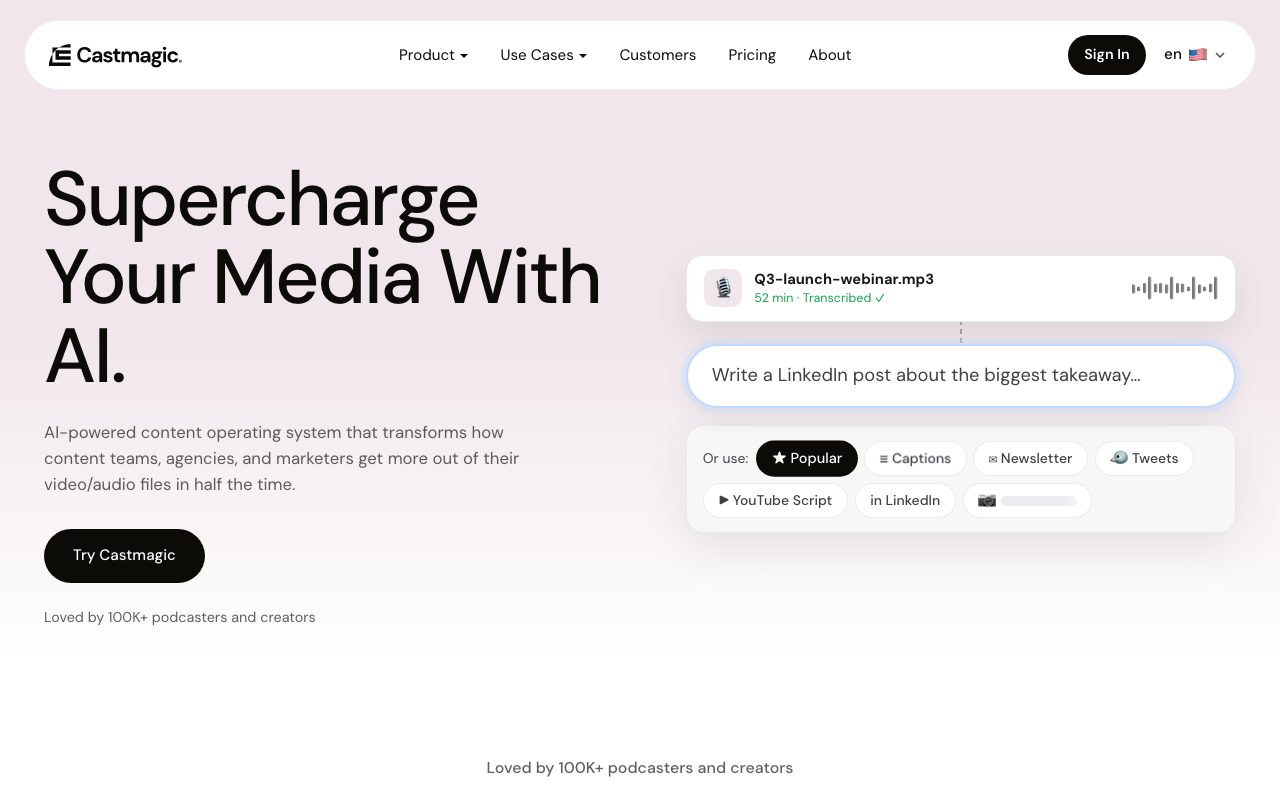
Castmagic transforms long-form audio and video recordings into over 100 derivative assets, including show notes, newsletters, social carousels, vertical video clips, and searchable library chatbots.
Castmagic is a media repurposing platform built for podcasters, media teams, and agencies looking to extract multi-channel content from spoken recordings. The platform imports audio and video from over 1,800 sources, direct file uploads up to 10GB, RSS feeds, YouTube, Google Drive, Zoom, and Loom, automatically transcribing conversations in over 60 languages with word-level timestamps and speaker diarization. Once transcribed, users can leverage automated prompt pipelines to draft episode show notes, long-form articles, newsletters, LinkedIn updates, and social scripts without manual prompting. Its built-in Studio editor cuts vertical video clips with dynamic karaoke subtitles in 9:16, 1:1, and 16:9 aspect ratios, alongside swipeable image carousels and audiograms. Teams can collaborate across isolated multi-brand client workspaces with custom brand voice settings and approval stages. In addition to single-episode outputs, the platform provides semantic search across entire recording catalogs, an asynchronous interview tool called Asks, on-site lead-capturing audience chatbots, and a Model Context Protocol (MCP) connector to integrate transcript libraries directly with Claude.
Unlike standard transcription tools or basic text wrappers, Castmagic combines automatic multi-format content generation with full-catalog semantic search, an embeddable lead-capturing episode chatbot, and native Claude Model Context Protocol (MCP) connectivity.
Product capabilities
Key features
Multi-Source Media Ingestion
Ingests files up to 10GB or links from RSS feeds, YouTube, Spotify, Apple Podcasts, Zoom, Loom, and Google Drive, with an automated Autopilot mode for newly published episodes.
Speaker-Labelled Transcription
Generates word-level timestamped transcripts in 60+ languages with speaker identification, filler word removal, and exports in TXT, SRT, VTT, PDF, DOCX, and CSV.
Automated Content Pipeline
Applies recurring prompts and custom brand voice profiles to automatically generate show notes, articles, newsletters, and social media posts upon media upload.
Studio Clips & Carousels
Cuts vertical short-form video clips with animated captions in 9:16, 1:1, and 16:9 layouts, and designs numbered multi-slide social carousels and audiograms.
Library-Wide Semantic Search
Indexes entire media catalogs to search by meaning rather than exact keywords, locating relevant stories, themes, and exact timestamped quotes.
Audience Chatbot & Claude MCP
Offers an embeddable website widget that answers visitor queries with cited episode timestamps while capturing leads, plus an MCP connector and REST API for Claude.
Asks Asynchronous Interviews
Allows hosts to distribute a single link for guests or community members to record spoken or typed responses that automatically transcribe directly into the workspace.
Workflow
How Castmagic works
- Import audio or video files directly, paste URLs from supported platforms, or connect an RSS feed.
- Castmagic transcribes the recording with speaker labels, word-level timestamps, and multi-language support.
- The content pipeline executes recurring prompts to generate show notes, articles, and social posts.
- Studio cuts captioned vertical video clips, social carousels, or waveform audiograms.
- Deploy audience chatbots or connect Claude via MCP to search and cite your entire transcript library.
Practical fit
Who should use Castmagic?
Podcast Episode Repurposing
Automatically ingest new episodes from RSS feeds to produce timestamped show notes, newsletter editions, LinkedIn posts, and captioned vertical video clips.
Webinar and Event Marketing
Convert recorded Zoom webinars and event panels into structured recap articles, quote graphics, and email nurture sequences.
Agency Multi-Brand Management
Manage disparate client libraries in dedicated workspaces with custom voice tones, shared drafts, and client approval workflows.
Interactive Episode Knowledge Base
Deploy an on-site chat interface that lets website visitors ask questions and receive answers cited from your podcast archive with exact timestamp links.
Editorial assessment
Pros and limitations
Where it is strong
- Converts single recordings into over 100 derivatives spanning text, carousels, and vertical clips
- Autopilot feature automatically processes new podcast episodes directly from RSS feeds
- Model Context Protocol (MCP) and REST API allow LLMs like Claude to query past transcripts
- Semantic search finds relevant themes and quotes across an entire multi-year library
- Multi-brand workspace architecture supports distinct clients and team permissions
Where to be careful
- Lacks multitrack audio mixing or non-linear timeline video editing tools
- Base plans enforce cumulative library transcription hour limits that require add-on purchases when full
- No permanent free tier is provided
Commercial context
Castmagic pricing
At the September 2026 review date, Castmagic offers three self-serve plans billed annually: Hobby at $19/month ($239/year for 30 library hours), Starter at $48/month ($579/year for 100 library hours), and Team at $139/month ($1,669/year for 400 library hours and 5 seats). Monthly billing is available at a 30% premium, and Business/Scale plans start from $699/month. Hours count toward your cumulative library. Verify current rates on the official pricing page.
| Plan | Price | What it includes |
|---|---|---|
| Hobby | $19 / month (billed annually at $239/yr) | |
| Starter | $48 / month (billed annually at $579/yr) | |
| Team | $139 / month (billed annually at $1,669/yr) | |
| Business & Scale | From $699 / month |
Pricing, limits, taxes, model access, and regional availability can change. Verify the purchase-critical details on the official pricing page linked under Sources.
Transparent ranking
Why Castmagic scores 79
Each factor is scored on a 100-point scale, then combined using the public ToolsRank weights. Engagement and momentum stay at a neutral baseline until measured signals exist, so no tool can gain or lose position from numbers nobody recorded.
Compatibility
Languages, platforms, and integrations
Languages
- English
- Spanish
- French
- German
- Japanese
- Portuguese
Platforms
- Web
- iOS
Integrations & surfaces
- Zoom
- Google Drive
- Zapier
- YouTube
- Loom
- Apple Podcasts
- TikTok
- Vimeo
- Twitch
- Wistia
- Claude
Community
Reviews and questions
No approved member reviews yet. Editorial factors above are the only rating on this page.
Reviews and questions come from Google-signed members and are checked by an editor before they appear.
Frequently asked
Castmagic FAQ
How do library transcription hours work in Castmagic?+
Each plan tier includes a pool of transcribed hours stored in your media library: 30 hours on Hobby, 100 on Starter, and 400 on Team. These hours represent your cumulative library total, and users can purchase additional hours as their library expands.
Can Castmagic cut video clips with subtitles?+
Yes. The Studio tool allows users to select moments from transcripts and render vertical video clips with dynamic karaoke-style subtitles in 9:16, 1:1, or 16:9 formats, as well as audiogram waveforms.
What is the Castmagic Claude MCP integration?+
Castmagic provides a Model Context Protocol (MCP) connector and REST API that links an external Claude AI instance to your complete transcript library, enabling it to research across your back catalog and draft longer assets like courses or books.
Which export formats are available for transcripts?+
Transcripts can be directly edited inside the platform and exported as TXT, SRT, VTT, PDF, DOCX, and CSV files with timestamps and speaker attributions intact.
What is Podcast Autopilot?+
Podcast Autopilot connects to your podcast RSS feed to automatically detect and import newly published episodes, immediately executing your preset prompt pipeline to draft content assets.