
Direct answer
What is Dubverse?
Dubverse is a web-based generative audio and video localization platform offering AI dubbing, text-to-speech, voice cloning, and auto-subtitling across multiple languages.
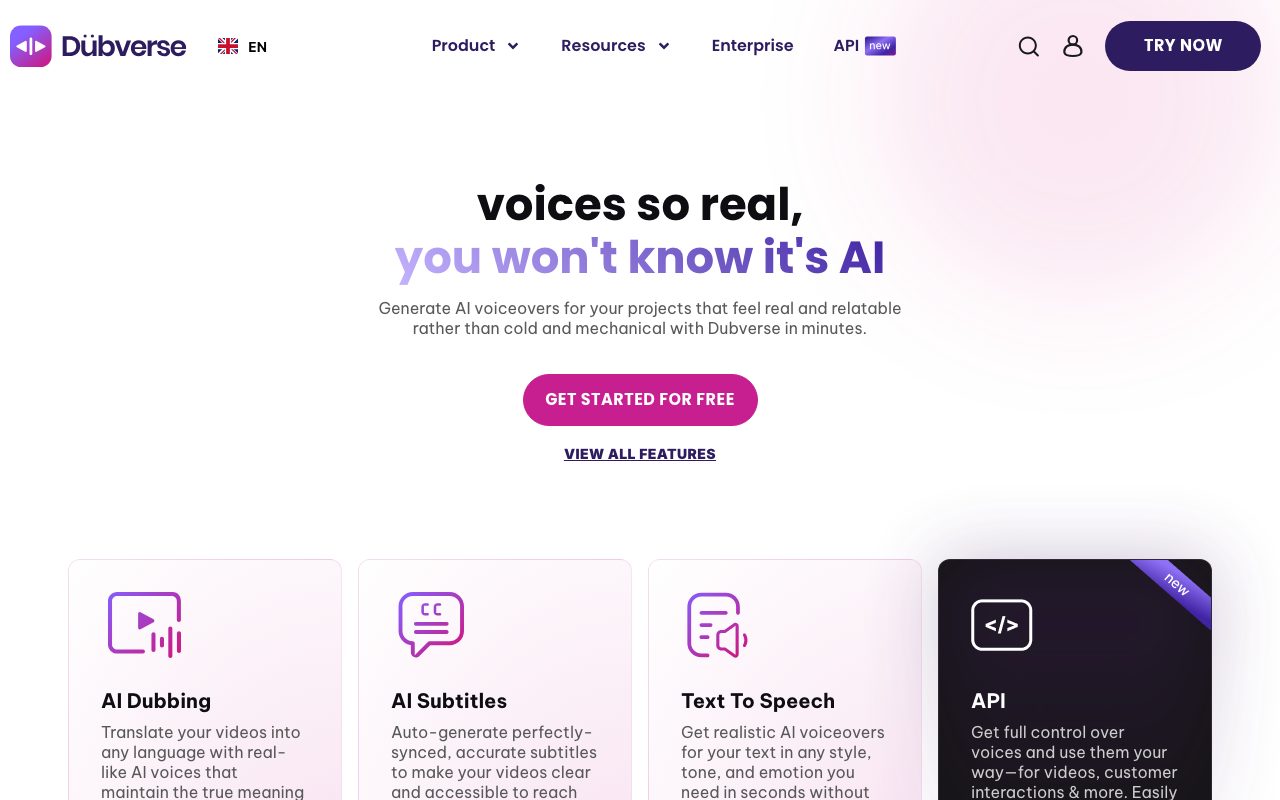
Dubverse is an AI localization studio designed to translate, voice, and subtitle video content. Developed by Lensmatic Solutions, the platform addresses multilingual production workflows by translating source speech and generating synthetic voiceovers across over 200 AI voices, with specialized support for global languages as well as Indian languages and dialect blends like Hinglish. At the core of the platform is an Advanced Studio editing environment where users can examine translated transcripts, video playback, and generated audio side by side. Rather than relying entirely on automated output, editors can fine-tune results using find-and-replace, pronunciation selection, and script transliteration (allowing English keyboard input for native scripts). The platform supports project review links for team collaboration, multi-speaker voice casting in a single video, background music addition from an integrated library, and lip synchronization. Dubverse uses a credit-based consumption model across its three primary operations: dubbing (DUB), subtitling (SUB), and text-to-speech generation (SAY). In addition to its web studio, Dubverse provides a developer API for programmatic generation with low-latency models.
Strong focus on Indian languages and mixed-language comprehension (such as Hinglish) alongside standard global languages, combined with a dedicated editing studio featuring script transliteration and segment-level re-dubbing.
Product capabilities
Key features
AI Video Dubbing
Translates video speech into alternative languages using synthetic voices that preserve tone, meaning, and contextual cadence.
AI Subtitles
Automatically generates synchronized, animated subtitles with export options like VTT and XML to make videos accessible across platforms.
Text to Speech (SAY)
Produces realistic speech from text prompts across 200+ customizable voices varying by gender, age, tone, and dialect.
Advanced Studio Editor
Side-by-side editing interface featuring segment-aware video skipping, redo-by-range, find-and-replace, and pronunciation selection.
Transliteration Keyboard Tool
Enables editors using standard English keyboards to type phonetically and produce accurate native-script text.
Voice Cloning
Generates a synthetic voice replica that adapts across supported languages while maintaining consistent vocal identity.
Multi-Speaker and Lip Sync
Supports assigning distinct AI speakers within a single video file alongside lip synchronization adjustments.
Developer API
Programmatic access to low-latency AI speech models (with response times as low as 500 ms) for external platforms and apps.
Workflow
How Dubverse works
- Upload a video file or paste a link from supported channels like YouTube.
- Select target languages, choose from over 200 AI voices, or apply a custom voice clone.
- Review and refine the transcription, translations, and pronunciations in the Advanced Studio.
- Export the dubbed video, generated audio, or subtitle files (such as VTT or XML).
Practical fit
Who should use Dubverse?
Multilingual Video Advertising
Localizing commercial video spots and narrative social ads across regional Indian dialects and international markets.
Educational and Tutorial Dubbing
Translating online courses, product walkthroughs, and technical explainers into multiple languages with synced subtitles.
Automated Subtitle Creation
Extracting transcripts and generating styled, animated captions for social platforms without third-party caption tools.
Synthetic Brand Voiceover
Generating voice tracks from written scripts using custom voice clones or prebuilt voice models without booking voice actors.
Editorial assessment
Pros and limitations
Where it is strong
- Native support for Indian regional languages and mixed scripts like Hinglish
- In-studio transliteration and multi-option pronunciation editing
- 2-day free trial available without entering credit card details
- Developer API available for automated, low-latency audio generation
Where to be careful
- Strict credit-based consumption where dubbing, subtitling, and voicing consume credits at different rates
- Voice cloning, lip sync, and GPT-4 translations are restricted to higher-tier Supreme or Enterprise plans
- Video length capped at 60 minutes on Pro and 150 minutes on Supreme tiers
Commercial context
Dubverse pricing
At the review date, pricing operates on credit tiers. International USD plans start at $9 per month billed annually ($18 billed monthly) for 50 credits. India-specific INR pricing is also available, alongside a 2-day free trial with no credit card required. Verify latest credit rates and tiers on the official pricing page.
| Plan | Price | What it includes |
|---|---|---|
| Pro | $18 / month billed monthly ($9/mo billed annually, or ₹800/mo in India; 50 credits/mo included, additional credits available) | |
| Supreme | $30 / month billed monthly ($15/mo billed annually, or ₹1100/mo in India; 50 credits/mo included, additional credits available) | |
| Enterprise | Custom / custom billing |
Pricing, limits, taxes, model access, and regional availability can change. Verify the purchase-critical details on the official pricing page linked under Sources.
Transparent ranking
Why Dubverse scores 72.2
Each factor is scored on a 100-point scale, then combined using the public ToolsRank weights. Engagement and momentum stay at a neutral baseline until measured signals exist, so no tool can gain or lose position from numbers nobody recorded.
Compatibility
Languages, platforms, and integrations
Languages
- English
- Spanish
- Japanese
- German
- Portuguese
- Hindi
Platforms
- Web
- API
Integrations & surfaces
- YouTube
- Google Sheets
Community
Reviews and questions
No approved member reviews yet. Editorial factors above are the only rating on this page.
Reviews and questions come from Google-signed members and are checked by an editor before they appear.
Frequently asked
Dubverse FAQ
How are credits consumed across different Dubverse tools?+
According to the official pricing page, credits are consumed based on duration and tool type: 1 minute of video dubbing (DUB) consumes 4 credits, 1 minute of AI voice generation (SAY) consumes 2 credits, and 1 minute of subtitling (SUB) consumes 1 credit.
Can I edit the generated translations and pronunciations?+
Yes. Dubverse provides an Advanced Studio editor equipped with find-and-replace, transliteration for typing native scripts using English keyboards, multi-pronunciation toggles, and range-based re-rendering.
Does Dubverse offer a free trial?+
Yes, Dubverse offers a 2-day free trial on its self-serve plans that does not require entering a credit card.
What is the difference between Hawk and Eagle translations?+
On Dubverse plans, Hawk translations utilize GPT-3.5 (included on the Pro tier), while Eagle translations utilize GPT-4 (available on Supreme and Enterprise tiers) for higher translation contextual accuracy.


