
Direct answer
What is Fliki?
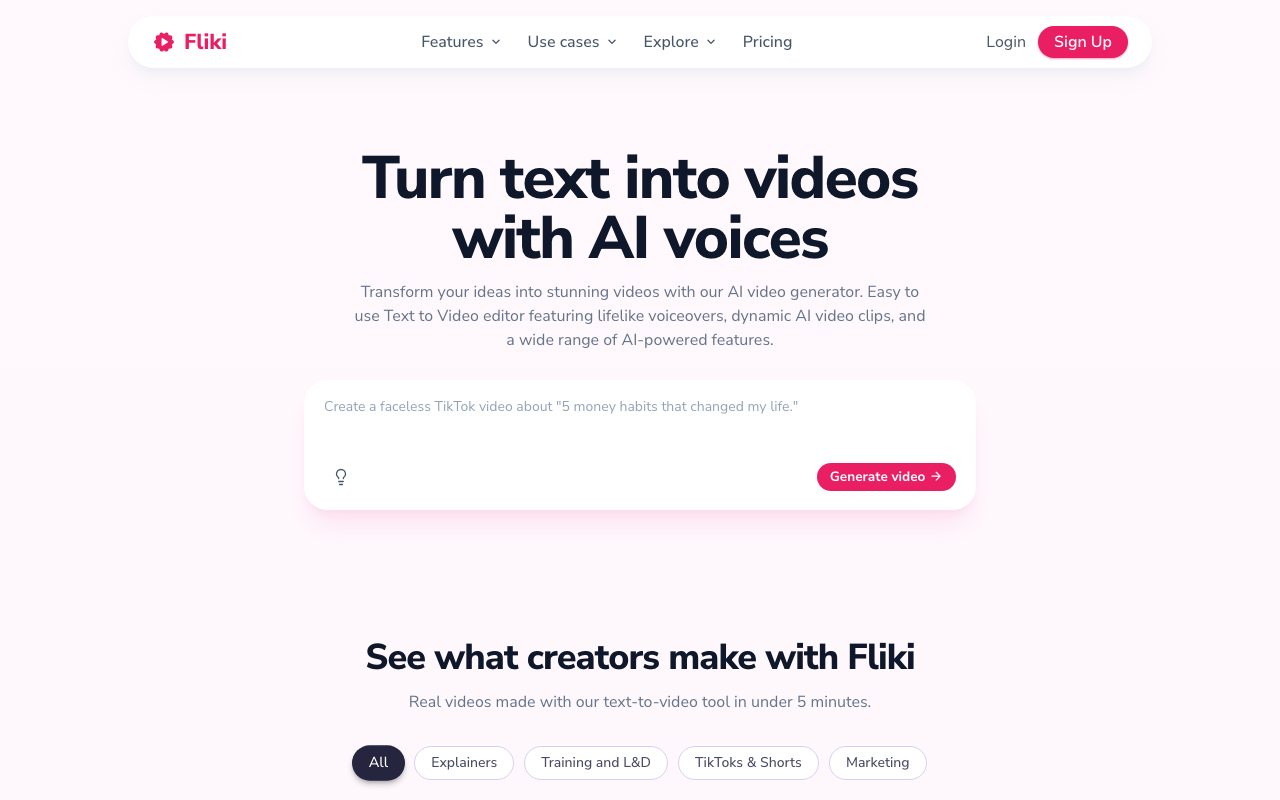
Fliki is a browser-based AI video and voice platform that transforms written scripts, articles, presentations, and prompts into narrated videos with automated b-roll, captions, and synthetic speech.
Fliki is an online video generation and text-to-speech platform designed to streamline video production without traditional cameras, microphones, or timeline editing software. Users can initiate projects from raw text scripts, blog URLs, PowerPoint or PDF presentations, or brief prompts. The platform segments the text into distinct scenes, generates synthetic narration, pairs scenes with stock assets or generative AI clips, and automatically applies synchronized captions and background audio. The system incorporates an extensive audio library featuring more than 2,000 synthetic voices across over 80 languages and dialects, as well as rapid voice cloning from short voice samples. For visual production, Fliki integrates third-party generative models—such as Veo 3.1, Kling, and Seedance—alongside standard stock assets, digital twins, and talking avatars. Finished videos can be reformatted across standard aspect ratios (16:9, 9:16, 1:1) for publishing across platforms such as YouTube, TikTok, Instagram, and LinkedIn.
Fliki distinguishes itself by combining an extensive speech library of over 2,000 neural voices in 80+ languages with multi-model video generation, slide-to-video conversion, and automated captioning in a single web workspace.
Product capabilities
Key features
Text and Idea to Video
Converts plain text, blog URLs, prompts, or scripts into structured video scenes with narration, visuals, and captions.
Extensive Voice Engine & Voice Cloning
Provides access to over 2,000 synthetic voices across 80+ languages and dialects, with support for sample-based voice cloning.
PPT and Slide Conversion
Transforms PowerPoint and PDF presentations into narrated video modules with auto-scripting, slide visuals, and transitions.
AI Avatars and Digital Twins
Generates talking-head presentation segments using stock avatars or personalized digital twins synced to the script.
Automated Subtitles and Captions
Generates burned-in subtitles with customizable typography, colors, animations, and auto-ducked background music.
Integrated AI Model Gallery
Integrates external video and image generation models such as Veo 3.1, Kling, and Seedance to generate custom scene visuals.
Workflow
How Fliki works
- Paste a script, blog URL, prompt, or upload a presentation deck into the editor.
- Fliki splits content into individual scenes and generates matching voiceover using selected neural voices.
- The editor auto-pairs scenes with stock b-roll, generated AI media, or avatars, alongside auto-ducked music and subtitles.
- Review, adjust scene text or media, and export in 16:9, 9:16, or 1:1 video formats.
Practical fit
Who should use Fliki?
Faceless Social Shorts
Generates 9:16 vertical videos for TikTok, Reels, and Shorts from concise topic prompts or scripts within minutes.
Slide-to-Video Training and L&D
Converts corporate presentations and SOP documents into narrated training modules without manual voiceover recording.
Blog Repurposing
Extracts summaries from published blog post URLs and converts them into narrated summary videos with matched visuals.
Multilingual Video Localization
Translates and dubs scripts and subtitles across 80+ languages with synchronized speech synthesis.
Editorial assessment
Pros and limitations
Where it is strong
- Broad voice selection with 2,000+ voices across 80+ languages and 100+ dialects
- Streamlined conversion workflows for existing blog posts and presentation slides
- All-in-one browser interface combining script writing, voiceover, stock media, and subtitles
- Quick aspect ratio switching between 16:9, 9:16, and 1:1 formats
Where to be careful
- Free plan exports carry a watermark and are restricted to 720p and 1-minute durations
- Credit consumption is tied to script regenerations and duration, which can deplete allowances quickly during revisions
- Less fine-grained manual video editing and composite timeline controls compared to dedicated non-linear editors
Commercial context
Fliki pricing
At the review date (September 2026), Fliki provides a free plan with monthly credits (yielding up to 720p watermarked video), and paid tiers (Standard, Premium, Enterprise) that scale credits, export length up to 40 minutes, voice options, and AI video models. Specific monthly dollar rates were not specified in the scraped table and should be checked on the vendor's pricing page.
Pricing, limits, taxes, model access, and regional availability can change. Verify the purchase-critical details on the official pricing page linked under Sources.
Transparent ranking
Why Fliki scores 74.4
Each factor is scored on a 100-point scale, then combined using the public ToolsRank weights. Engagement and momentum stay at a neutral baseline until measured signals exist, so no tool can gain or lose position from numbers nobody recorded.
Compatibility
Languages, platforms, and integrations
Languages
- English
- Spanish
- Portuguese
- French
- German
- Mandarin
Platforms
- Web
Integrations & surfaces
- YouTube
- TikTok
- Zapier
- Make
Community
Reviews and questions
No approved member reviews yet. Editorial factors above are the only rating on this page.
Reviews and questions come from Google-signed members and are checked by an editor before they appear.
Frequently asked
Fliki FAQ
Can I use Fliki for free?+
Yes, Fliki offers a free tier that grants monthly credits for testing. Free tier exports are limited to 720p resolution, up to 1-minute video lengths, and include a Fliki watermark.
How are credits calculated on Fliki?+
Credits are deducted based on the duration of audio generated and video rendered. If a script, voice setting, or pause is modified and regenerated, Fliki re-processes the audio and deducts additional credits.
Can Fliki videos be used commercially?+
Paid subscriptions include commercial usage rights and access to royalty-free media and licensed audio tracks suitable for commercial platforms and monetized YouTube channels.
What formats can I upload to generate videos?+
Users can start from short text prompts, pasted full scripts, live blog URLs, or uploaded PPT and PDF presentation files.
Does Fliki require downloading desktop software?+
No, Fliki is fully browser-based and operates without local software installations or dedicated GPU hardware.


