
Direct answer
What is Lindy?
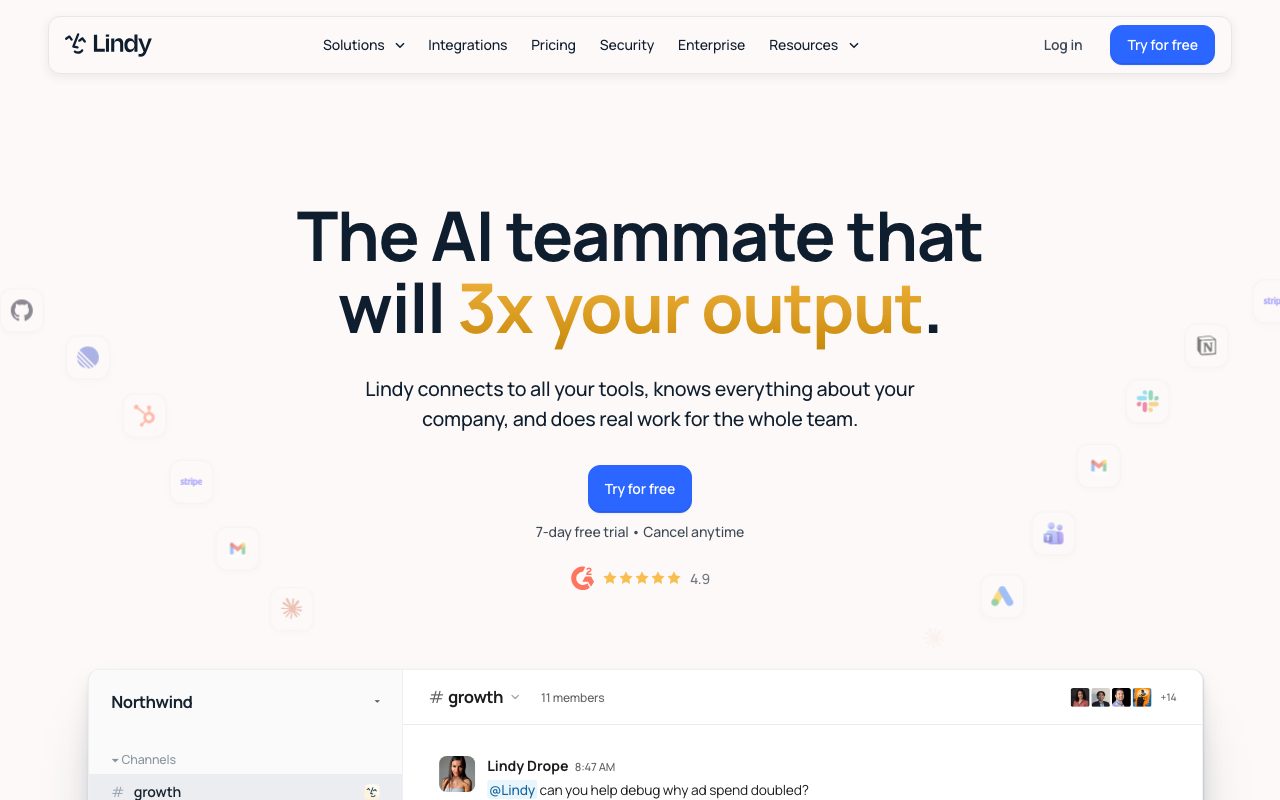
Lindy is an AI teammate built to handle administrative work, meeting capture, routine reporting, and multi-step tasks across company apps directly from Slack, email, or browser interfaces.
Lindy acts as an embedded AI coworker designed to handle multi-application workflows. Operating natively inside workspace channels such as Slack, direct messages, and email, it coordinates tasks across business platforms like HubSpot, Notion, Google Drive, and custom systems. Unlike standard conversational bots that only draft text, Lindy completes actions across tools, including drafting documents, synchronizing records, and filing issue tickets. To manage corporate knowledge, Lindy automatically records and transcribes calls across Google Meet, Zoom, and Microsoft Teams, assembling a shared, queryable meeting repository. Workspace routines can be configured to execute on schedules, such as delivering morning briefs, tracking ad spend, or running end-of-week reporting. Its memory layer stores organization context in editable Markdown files, allowing administrators to audit and adjust stored facts directly. Safety controls are built directly into task execution: while read-only lookups run autonomously, actions with external side effects (like sending emails or updating records) pause for user approval. Integration capabilities extend across standard software integrations as well as the open Model Context Protocol (MCP) standard, enabling technical teams to connect local tools and internal servers.
Lindy pairs deep ecosystem connectivity (including Model Context Protocol support) with strict approval guardrails: read lookups happen automatically, but destructive or external actions require human sign-off. Its long-term memory is accessible and editable directly as plain Markdown files.
Product capabilities
Key features
Slack and Multi-Channel Presence
Engages in public or private Slack channels and direct messages, as well as via Gmail and iMessage, answering queries with source citations.
Action Approvals and Safety Guardrails
Executes read-only research automatically while requiring explicit user confirmation before sending emails, updating CRM records, or creating tickets.
Automated Meeting Library
Joins Zoom, Google Meet, and Microsoft Teams to record, transcribe, and index conversations into searchable team folders.
Editable Markdown Memory
Stores user and workspace knowledge in plain Markdown files that team members can open, inspect, and update directly.
Scheduled Routines and Skills
Runs recurring automated workflows like daily morning briefs, Friday summaries, and data analysis using over 40 built-in or custom skills.
Broad Integrations and MCP Support
Connects to over 1,000 SaaS tools and supports Model Context Protocol (MCP) servers, alongside computer-use capabilities.
Practical fit
Who should use Lindy?
Automated Meeting Follow-Up
Captures client or team calls, extracts next steps, and drafts follow-up emails and Notion documentation for review.
Cross-Platform Handoffs
Updates CRM records in HubSpot, writes internal summaries in Notion, and notifies specific Slack channels upon deal milestones.
Scheduled Operational Reporting
Pulls analytics and financial figures on a fixed cadence to compile and share progress updates in dedicated channels.
Inbox Triage and Drafting
Monitors connected inboxes, surfaces prioritized correspondence, and prepares suggested replies matching the user's voice.
Editorial assessment
Pros and limitations
Where it is strong
- Requires human sign-off for actions that modify external systems or send communications
- Transparent, editable memory architecture stored in plain Markdown files
- Model-agnostic backend with support for Model Context Protocol (MCP) servers
- Centralized credit pool shared across all workspace members
Where to be careful
- No permanent free tier; access requires a paid seat after the 7-day Slack trial
- Unused plan credits expire at the end of each billing cycle without rollover
- Heavy builds and complex tasks consume significantly larger amounts of pooled credits
Commercial context
Lindy pricing
As of September 2026, Lindy operates on a paid monthly subscription starting at $29.99 per user with pooled workspace credits. Slack additions include a 7-day free trial. Pricing and credit usage limits should be verified on the official website.
Pricing, limits, taxes, model access, and regional availability can change. Verify the purchase-critical details on the official pricing page linked under Sources.
Transparent ranking
Why Lindy scores 75.7
Each factor is scored on a 100-point scale, then combined using the public ToolsRank weights. Engagement and momentum stay at a neutral baseline until measured signals exist, so no tool can gain or lose position from numbers nobody recorded.
Compatibility
Languages, platforms, and integrations
Languages
- English
Integrations & surfaces
- Slack
- Gmail
- Google Calendar
- Google Drive
- Google Meet
- Zoom
- Microsoft Teams
- HubSpot
- Notion
Community
Reviews and questions
No approved member reviews yet. Editorial factors above are the only rating on this page.
Reviews and questions come from Google-signed members and are checked by an editor before they appear.
Frequently asked
Lindy FAQ
How does Lindy prevent unauthorized actions in connected apps?+
Lindy uses built-in approvals for actions with external or operational consequences. Read-only searches proceed automatically, but actions like sending emails, publishing documents, or updating tickets wait for a designated approver.
How are credits consumed across a team?+
Every paid seat contributes a set number of credits into a shared workspace pool. Everyday queries consume between 2 and 250 credits, deep research tasks use between 250 and 1,000 credits, and complex builds or heavy scheduled workflows take between 1,000 and 2,500 credits.
What happens when a workspace runs out of credits?+
When the credit pool is exhausted, Lindy pauses credit-consuming tasks and notifies the workspace. Admins can upgrade plans or add credits to resume operations without receiving unannounced overage charges.
Is organizational data used to train AI models?+
No. Lindy does not sell customer data or use it to train its models or third-party AI models. The platform maintains SOC 2 Type II, GDPR, and PIPEDA compliance, offering HIPAA compliance with signed BAAs on Enterprise plans.