
Direct answer
What is Obsidian?
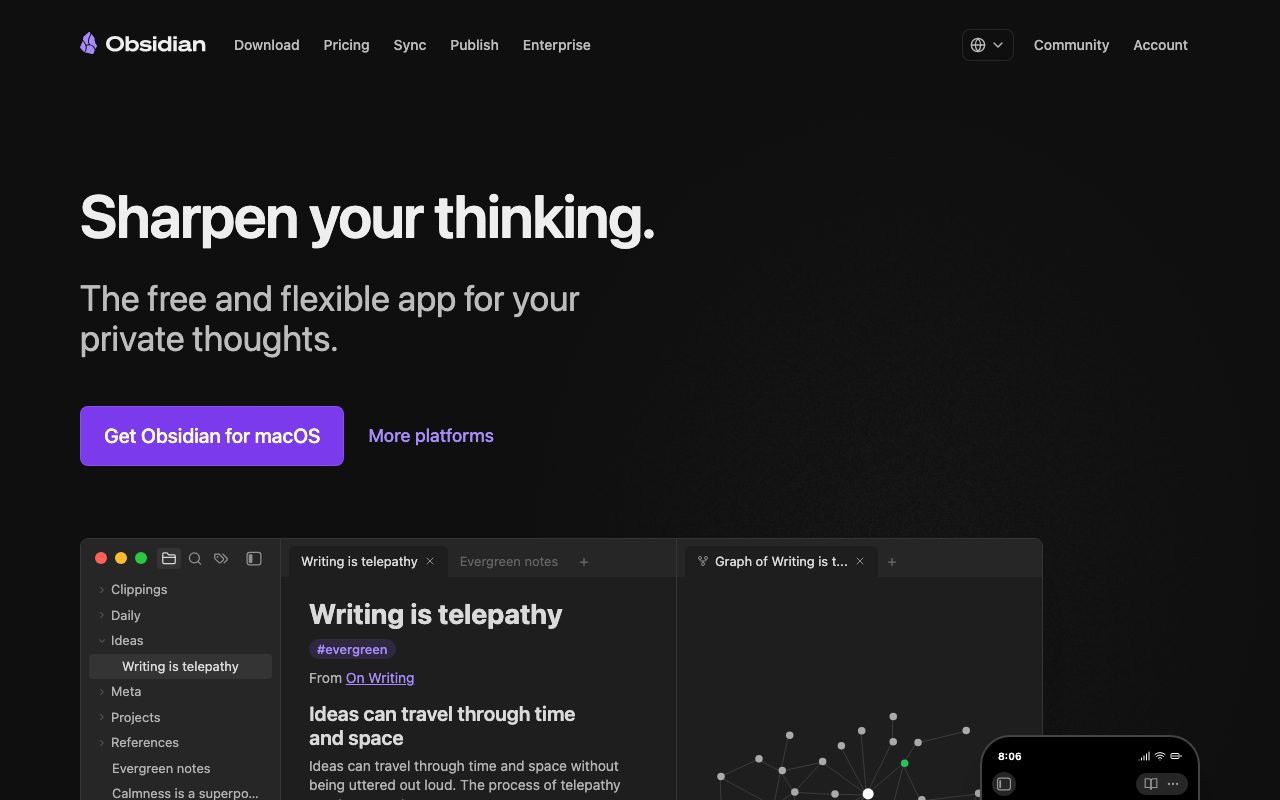
Obsidian is a private, local-first note-taking and knowledge management app that stores notes in plain text Markdown files with bidirectional linking, interactive graphs, and an infinite canvas.
Obsidian is a knowledge base and thinking tool designed to work on local plain text files. Developed by Dynalist Inc., the application operates without requiring user accounts, cloud connections, or proprietary database locks. All personal notes, outlines, and diagrams remain stored on the user's physical machine or mobile device as standard Markdown files. The application organizes information through bidirectional internal links, allowing users to build a networked personal wiki. Key core views include interactive graph visualizations to discover relationships across topics, and Canvas, an infinite spatial workspace for arranging notes, cards, media, and diagrams. Users can extend the workspace with community-built plugins, themes, and open APIs that support kanban boards, database-style queries, and custom automations. While the base application functions entirely offline, optional paid companion services are available. Obsidian Sync provides end-to-end encrypted device synchronization with up to one year of version history. Obsidian Publish allows individuals and teams to selectively publish notes to the web as SEO-optimized digital gardens or public documentation sites.
Obsidian stores notes as open Markdown text files directly on your local device rather than inside a proprietary cloud database, pairing local privacy and zero telemetry with an extensive open plugin ecosystem.
Product capabilities
Key features
Local plain text storage
Notes are stored as standard Markdown files directly on the user's local disk, ensuring offline accessibility and preventing vendor lock-in.
Bidirectional linking
Connect concepts across notes using internal wiki links and backlinks to create a interconnected personal knowledge network.
Graph visualization
Explore an interactive visual graph representation of note connections to uncover patterns and relationships across the entire vault.
Infinite Canvas
Arrange notes, web clippings, media, and diagrams across an unconstrained visual canvas for brainstorming and spatial planning.
Open plugin architecture
Tailor workspaces using thousands of community plugins, custom themes, and an open API for kanban boards, advanced queries, and task tracking.
Encrypted Sync add-on
Optional cloud synchronization using AES-256 end-to-end encryption, one-year version histories, and selective folder syncing across devices.
Instant web publishing
Turn selected notes into mobile-ready, SEO-optimized public documentation, digital gardens, or wikis using Obsidian Publish.
Workflow
How Obsidian works
- Download the application on desktop or mobile without registering an account.
- Choose or create a local directory folder (vault) where all notes will be saved as standard plain text Markdown files.
- Write notes and link concepts using internal bracketed links or embed media and visual cards on an infinite Canvas.
- Visualize note connections through the interactive Graph view and search across the entire vault locally.
- Optionally configure community plugins or subscribe to Obsidian Sync for encrypted multi-device backup and Obsidian Publish for web hosting.
Practical fit
Who should use Obsidian?
Building a second brain
Store daily reflections, reading notes, and research topics with cross-links that allow ideas to surface organically through graph analysis.
Research and academic synthesis
Synthesize papers, book excerpts, and lecture outlines into evergreen notes linked by common themes and cited sources.
Project and task planning
Combine plain Markdown documentation with community plugins like Dataview, Kanban, and Tasks to track complex workflows.
Public documentation and digital gardens
Maintain public knowledge bases, user guides, or personal wikis using Obsidian Publish with custom domains and password protection.
Editorial assessment
Pros and limitations
Where it is strong
- Core application is fully functional, free, and does not require an account or internet connection
- Stores files in standard plain text Markdown with zero vendor lock-in
- No telemetry data collected by the core desktop and mobile applications
- Sync service protects files using AES-256 end-to-end encryption with independent third-party audits
- Active ecosystem featuring thousands of community plugins and custom themes
Where to be careful
- Device syncing and web publishing require paid monthly subscriptions or self-managed third-party tools
- No native real-time concurrent multi-user collaborative editing like Google Docs or Notion
- Steeper learning curve for users unfamiliar with Markdown syntax or plugin management
Commercial context
Obsidian pricing
At the review date in September 2026, the core Obsidian desktop and mobile application is completely free for personal and commercial use without requiring an account. Optional hosted add-ons include Obsidian Sync (from $4 per user/month billed annually) and Obsidian Publish (from $8 per site/month billed annually). Voluntary supporter tiers include Catalyst ($25 one-time) and Commercial ($50 per user/year). Please verify current rates on the official pricing page.
| Plan | Price | What it includes |
|---|---|---|
| Free | $0 / forever commercial and personal use allowed without account creation or telemetry tracking. | |
| Sync | $4 / per user, per month billed annually ($5 billed monthly) for end-to-end encrypted syncing across devices with 1-year version history. | |
| Publish | $8 / per site, per month billed annually ($10 billed monthly) to publish Markdown vaults directly to the web with custom themes. | |
| Catalyst | $25 / one-time payment to support development and receive early access to beta software versions. | |
| Commercial | $50 / per user, per year to support independent development when used inside commercial organizations. |
Pricing, limits, taxes, model access, and regional availability can change. Verify the purchase-critical details on the official pricing page linked under Sources.
Transparent ranking
Why Obsidian scores 78.1
Each factor is scored on a 100-point scale, then combined using the public ToolsRank weights. Engagement and momentum stay at a neutral baseline until measured signals exist, so no tool can gain or lose position from numbers nobody recorded.
Compatibility
Languages, platforms, and integrations
Languages
- English
- Español
- Français
- Deutsch
- 日本語
- 简体中文
Platforms
- Windows
- macOS
- Linux
- iOS
- Android
Integrations & surfaces
- Web Clipper
- Dataview
- Kanban
- Calendar
- Discord
- Stripe
- PayPal
Community
Reviews and questions
No approved member reviews yet. Editorial factors above are the only rating on this page.
Reviews and questions come from Google-signed members and are checked by an editor before they appear.
Frequently asked
Obsidian FAQ
Is Obsidian free for commercial use?+
Yes. The official pages state that users are not required to pay for a commercial license even when using Obsidian for work in an organization. However, an optional Commercial license ($50 per user per year) is offered to support independent development.
Where does Obsidian store my notes?+
Obsidian stores notes directly on your local device as standard plain text Markdown files. The vendor does not store, access, or receive your personal local content, and core desktop and mobile apps collect no telemetry data.
How does Obsidian Sync protect user data?+
Obsidian Sync encrypts files using AES-256 end-to-end encryption before transmission. The vendor cannot read synced files or file names. The cryptographic implementation and servers undergo independent external security audits, including audits by Cure53 and Trail of Bits.
Are there discounts available for educational or non-profit users?+
Yes. Students, faculty members, and non-profit employees are eligible for a 40% discount on Obsidian Sync and Obsidian Publish subscriptions. No other promotions or discounts are offered.
What is the refund policy for Obsidian services?+
Obsidian offers a full refund within 7 days of purchase with no questions asked for Obsidian Sync and Publish subscriptions. Catalyst licenses, Commercial licenses, and Obsidian Credit are strictly non-refundable.