Direct answer
What is Vizard?
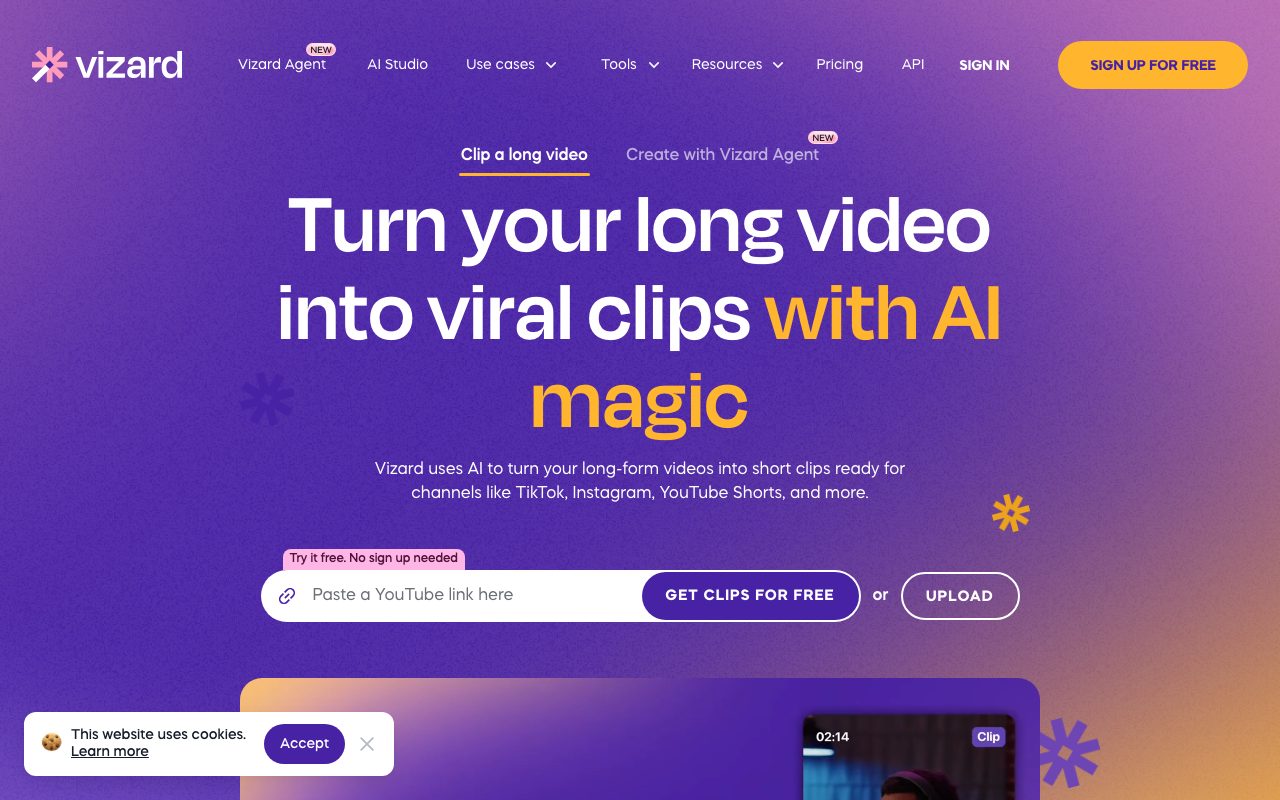
Vizard automates repurposing long videos, podcasts, and webinars into short vertical clips for TikTok, YouTube Shorts, and Instagram Reels, complete with text-based editing and caption translation.
Vizard is a cloud-based AI video editing and clipping application created to turn long recordings—such as podcasts, conference talks, client calls, and webinars—into bite-sized clips formatted for social media. When raw footage is uploaded or linked, the platform transcribes the dialogue, cuts out speakers, identifies high-engagement moments, and reframes horizontal footage to vertical aspect ratios while keeping the main speaker centered. In addition to automatic clipping, Vizard provides a dual-layer video editor. Users can trim footage directly by editing the transcribed text—deleting words to cut out unwanted sections—or switch to a timeline editor for second-level precision. The editing interface supports automated subtitling, caption translation into over 100 languages, custom brand templates, AI emojis, keyword highlighting, and B-roll inserts. For distribution and team workflows, Vizard includes direct publishing and post-scheduling to connected social media accounts, link-based review sharing, Google Drive exports, and team workspaces with project sharing and custom brand assets on higher tiers.
Vizard merges algorithmic moment detection and dynamic auto-reframing with an integrated text-based document editor, allowing creators to edit spoken video simply by modifying the transcript.
Product capabilities
Key features
Automated AI Clipping
Detects high-engagement segments in long-form videos and cuts them into short clips ready for TikTok, Instagram Reels, and YouTube Shorts.
Auto Reframing
Automatically centers key subjects and active speakers in vertical aspect ratios without requiring manual video repositioning.
Edit by Text
Allows users to cut and trim video sections by deleting corresponding sentences and words directly from the generated text transcript.
Timeline Editing
Complements text editing with an intuitive timeline interface for fine-tuning cut points down to the second.
Caption Translation
Generates subtitles automatically and supports translating video captions into more than 100 languages.
Direct Publishing and Scheduling
Connects with social media accounts to schedule and publish finished clips directly from the application workspace.
Team Collaboration Workspaces
Centralizes project management with shared workspaces, member invitations, brand kits, and link-based video previews.
Practical fit
Who should use Vizard?
Podcast and Interview Repurposing
Convert multi-hour audio and video podcast recordings into short vertical teasers with dynamic subtitles.
Webinar Social Distribution
Extract bite-sized educational snippets and customer testimonials from recorded webinars for social campaigns.
Agency Video Production
Streamline clip creation workflows for multiple clients using brand templates, project sharing, and team workspaces.
Editorial assessment
Pros and limitations
Where it is strong
- Combined AI auto-clipping with both text-based and second-level timeline editing
- Automated speaker reframing for vertical social formats like TikTok and Shorts
- Generates subtitles with translation support across 100+ languages
- Direct social media scheduling and export options including Google Drive
Where to be careful
- Free plan exports are capped at 720p resolution and include watermarks
- Video storage on the Free plan expires after 3 days
- Minute-based credit consumption (1 credit per minute of video uploaded) requires careful usage tracking
Commercial context
Vizard pricing
At the review date, Vizard offers a Free tier with 60 credits per month (1 credit per minute of video uploaded). Paid Creator and Business plans scale monthly video credits from 600 minutes upward and offer tiered features like 4K exports and social scheduling; exact dollar amounts dynamically loaded on their pricing table should be verified on the official website.
Pricing, limits, taxes, model access, and regional availability can change. Verify the purchase-critical details on the official pricing page linked under Sources.
Transparent ranking
Why Vizard scores 69.6
Each factor is scored on a 100-point scale, then combined using the public ToolsRank weights. Engagement and momentum stay at a neutral baseline until measured signals exist, so no tool can gain or lose position from numbers nobody recorded.
Compatibility
Languages, platforms, and integrations
Languages
- English
Integrations & surfaces
- YouTube
- TikTok
- Google Drive
- Stripe
Community
Reviews and questions
No approved member reviews yet. Editorial factors above are the only rating on this page.
Reviews and questions come from Google-signed members and are checked by an editor before they appear.
Frequently asked
Vizard FAQ
How does Vizard calculate credit usage?+
Vizard operates on a 1 credit = 1 minute of video basis. Every minute of long-form video you upload into the system consumes one credit from your monthly or annual allocation.
What are the export limitations on the Free plan?+
The Free plan provides 60 monthly credits, limits video uploads to 60 minutes and 1GB per file, restricts export quality to 720p with watermarks, limits export length to 10 minutes, and keeps video storage for only 3 days.
Can I edit video clips manually after the AI extracts them?+
Yes. Vizard includes both an edit-by-text document interface where removing words trims the video, and an intuitive timeline editor for second-level manual adjustments.
Does Vizard support team collaboration and brand consistency?+
Yes. The Business plan provides a shared workspace, team member seat invitations, brand templates, custom fonts, and brand kits, alongside project sharing and link-based review tools.