
Direct answer
What is Wispr Flow?
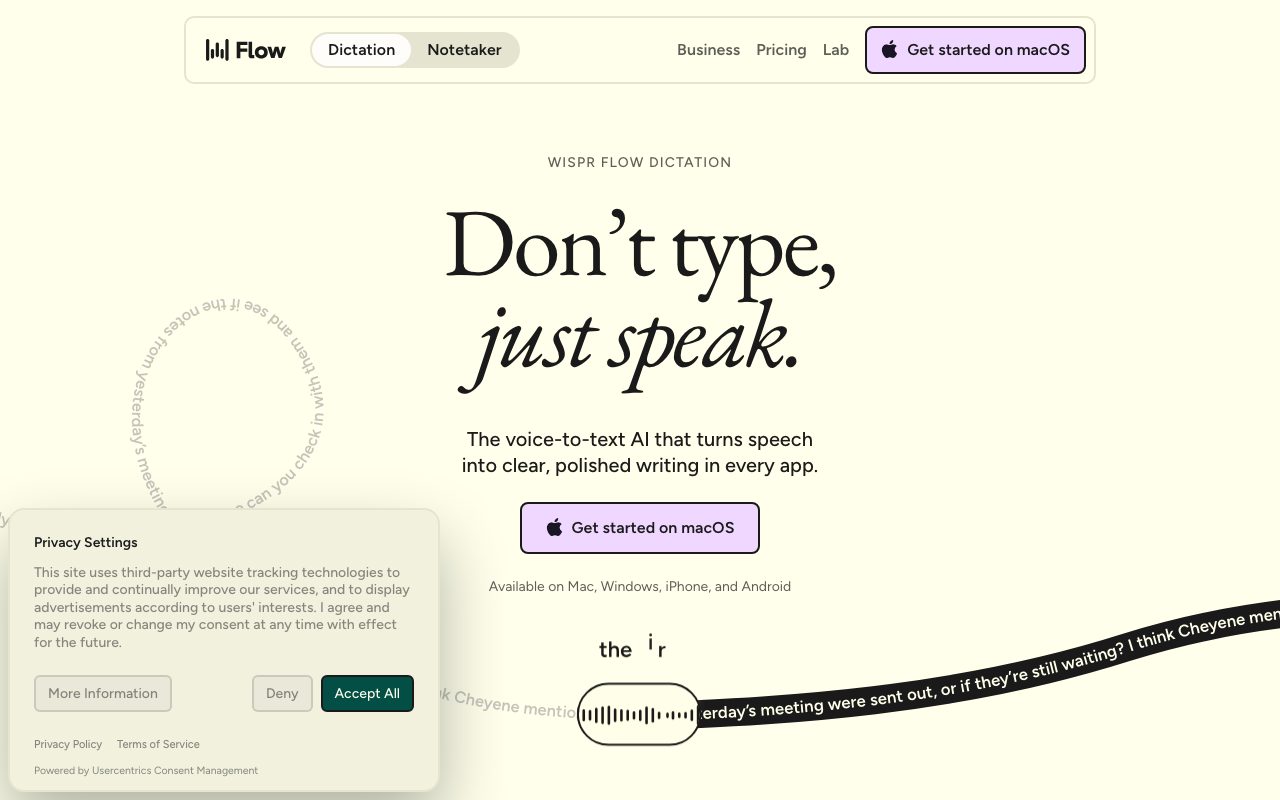
Wispr Flow is an AI-powered voice-to-text dictation and meeting transcription tool that writes directly wherever your cursor sits, cleaning up filler words, mid-sentence corrections, and formatting on the fly.
Wispr Flow acts as a universal speech-to-text interface across Mac, Windows, iPhone, and Android. Rather than transcribing audio word for word like traditional operating system speech tools, Flow interprets conversational speech, strips out hesitations, removes filler words, and automatically applies punctuation, capitalization, and formatting. Because Flow inserts text directly at the cursor location, it requires no browser extensions or application-specific plugins. Users can speak directly into message apps like Slack and iMessage, email clients like Gmail, document software like Notion, code editors like Cursor, or command-line terminals. The system automatically adapts formatting style to fit the active application, spanning casual chat to formal email composition. Beyond general dictation, Wispr Flow includes a native Notetaker tool (currently on Mac) for recording and transcribing meetings and voice memos without injecting an external meeting bot. The Notetaker identifies speakers, enables cross-meeting Q&A, and exposes notes to external AI workflows via Model Context Protocol (MCP). Built-in controls allow users to opt out of AI model training, accept a Business Associate Agreement for HIPAA readiness, and manage cloud transcription storage.
Unlike standard OS dictation that produces raw verbatim transcripts, Wispr Flow dynamically cleans up filler speech, applies mid-sentence corrections, handles customized vocabulary, and writes directly into any application window without a meeting bot.
Product capabilities
Key features
Universal Cursor Dictation
Inputs polished text directly into any field where a cursor is active, including code editors, terminals, messaging clients, and web browsers, without requiring third-party integrations.
Conversational Cleanup & Formatting
Removes filler sounds, resolves mid-sentence corrections, and automatically formats output into paragraphs, numbered lists, or bullet points based on spoken intent.
Context and Style Adaptation
Detects application context and user preferences to adjust the tone of generated text, offering formal, casual, or custom writing styles.
Custom Vocabulary & Text Snippets
Learns jargon, technical terms, and personal names automatically or via manual dictionary entries, alongside spoken shortcuts that expand into pre-saved text snippets.
100+ Language Support
Recognizes and transcribes over 100 languages, with quick language switching directly from the desktop menu bar to maximize accuracy.
Bot-Free Meeting Notetaker
Captures local and virtual meeting audio on Mac without deploying virtual bots, producing speaker-labeled summaries with MCP connectivity for LLMs like Claude and ChatGPT.
Workflow
How Wispr Flow works
- Install the Wispr Flow application on Mac, Windows, iOS, or Android.
- Place your cursor into any text area, document, code editor, or message field.
- Speak naturally at normal or whispered volume while Wispr Flow captures audio.
- Wispr Flow streams audio to secure cloud models that strip filler words, apply punctuation, and match tone.
- Formatted text appears directly at your cursor location in real time.
Practical fit
Who should use Wispr Flow?
Drafting Messages and Emails
Dictating long emails or quick chat messages hands-free while the system formats paragraphs and strips conversational hesitation.
Vibe Coding and Terminal Prompts
Speaking complex coding instructions, prompts, and comments directly into IDEs like Cursor or terminal windows.
Meeting Capture and Memory
Recording meetings on macOS to extract actionable tasks, search previous discussions, and reference notes inside external AI chat interfaces.
Editorial assessment
Pros and limitations
Where it is strong
- Works universally across all desktop and mobile apps wherever the cursor is placed.
- Intelligently removes filler words and accommodates spoken corrections without manual editing.
- Zero-bot meeting recording on Mac avoids awkward bot joins in client calls.
- SOC 2 Type II, ISO 27001, and HIPAA compliance options with explicit model-training opt-outs.
Where to be careful
- Meeting Notetaker functionality is currently limited to macOS.
- All voice transcription occurs via cloud infrastructure, requiring an active internet connection.
- The vendor explicitly recommends avoiding AirPods and Bluetooth earbuds due to audio compression issues.
Commercial context
Wispr Flow pricing
At the review date in September 2026, Wispr Flow offers a free tier with weekly word limits, Pro at $15/user/month (or $12/user/month billed annually), and Growth/Enterprise starting at $18 to $23/user/month. Verify latest terms on the official pricing page.
| Plan | Price | What it includes |
|---|---|---|
| Free | $0 / per month |
No credit card required. |
| Pro | $12 / per user/month |
$12 per user/month billed annually, or $15 billed monthly. |
| Growth / Enterprise | $18 / per user/month |
From $18 per user/month billed annually, or $23 billed monthly. |
Pricing, limits, taxes, model access, and regional availability can change. Verify the purchase-critical details on the official pricing page linked under Sources.
Transparent ranking
Why Wispr Flow scores 73.7
Each factor is scored on a 100-point scale, then combined using the public ToolsRank weights. Engagement and momentum stay at a neutral baseline until measured signals exist, so no tool can gain or lose position from numbers nobody recorded.
Compatibility
Languages, platforms, and integrations
Languages
- English
- Multilingual (100+ languages supported)
Platforms
- macOS
- Windows
- iOS
- Android
Integrations & surfaces
- Slack
- Gmail
- Notion
- Cursor
- Claude
- ChatGPT
- Google Calendar
Community
Reviews and questions
No approved member reviews yet. Editorial factors above are the only rating on this page.
Reviews and questions come from Google-signed members and are checked by an editor before they appear.
Frequently asked
Wispr Flow FAQ
How does Wispr Flow handle mid-sentence corrections?+
Wispr Flow uses language models to identify false starts, hesitations, and corrections. If you say a phrase like 'let's meet at 5... actually 6pm', Flow automatically omits the initial statement and types 'Let's meet at 6pm'.
Does Wispr Flow require a bot to record meetings?+
No. The Notetaker runs locally on your Mac to capture meeting audio directly from the system and microphone. No virtual bot attendee joins the call, making it suitable for both virtual meeting software and in-person discussions.
Can I prevent my voice recordings from being used for AI training?+
Yes. Users can manage their preferences in Settings under Data and Privacy to disable the 'Improve the model for everyone' feature, preventing audio, transcripts, and edits from being used to train Wispr's models.
What microphone hardware is recommended?+
Wispr Flow works with built-in device microphones or close-proximity wired/USB mics. However, the vendor advises against using AirPods or other Bluetooth earbuds, as Bluetooth audio compression can clip initial syllables and degrade accuracy.

